Team Specific Space on Intranet Template in Confluence
Give every team a beautifully structured, branded intranet space—built in Confluence and powered by Refined.site—with automatic access based on team membership.
The Team Specific Space Template for Confluence provides a structured, ready-to-use intranet area for every department or team. It centralizes communication, documentation, goals, meetings, and news in one consistent space—helping teams work transparently, stay connected, and collaborate effectively in remote or hybrid environments.
Why you need a Team Specific Space Template in Confluence + Refined.site App
Central Hub for Team Collaboration
Documents, news, files, tasks, meeting notes, and resources that are team specific are all organized in one space
Automatically Managed Access Control
When an employee joins a team group in Confluence, the correct access permissions are assigned automatically—no manual setup required.
Branded, Professional Layout with Refined.site
Each team space is styled consistently with your corporate identity, with custom navigation, colours, and layout.
Supports Remote & Hybrid Collaboration
Distributed teams stay connected with a shared, easily accessible work hub.
Clear Team Presentation for the Entire Company
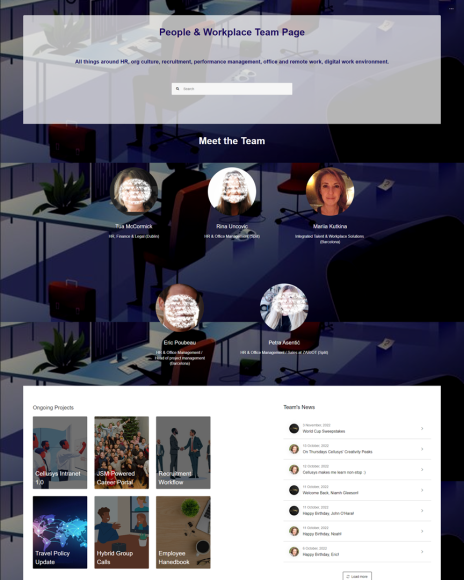
Each team has a dedicated page that introduces its members, roles, contact details, responsibilities, and key achievements.
Built-In Team Blog for Team News
Confluence Blogs allow teams to share project updates, celebrations, wins, new joiners, and announcements.
Who will use a Team Specific Space Template
- Team Members – Access documents, collaborate, share updates, and stay aligned.
- Team Leads & Managers – Communicate goals, track progress, and post team announcements.
- Internal Communications – Ensure that entire team will read updates related to them
- Executives & Leadership – View progress towards Objectives and reports on KPI %.
- New Hires – Get instant access to the team space and onboard with clarity.
- Cross-Functional Teams – Access relevant shared documents with defined permission groups.
People and Workplace Team Page on Confluence + Refined Site based Intranet
Video Demo of Team Page
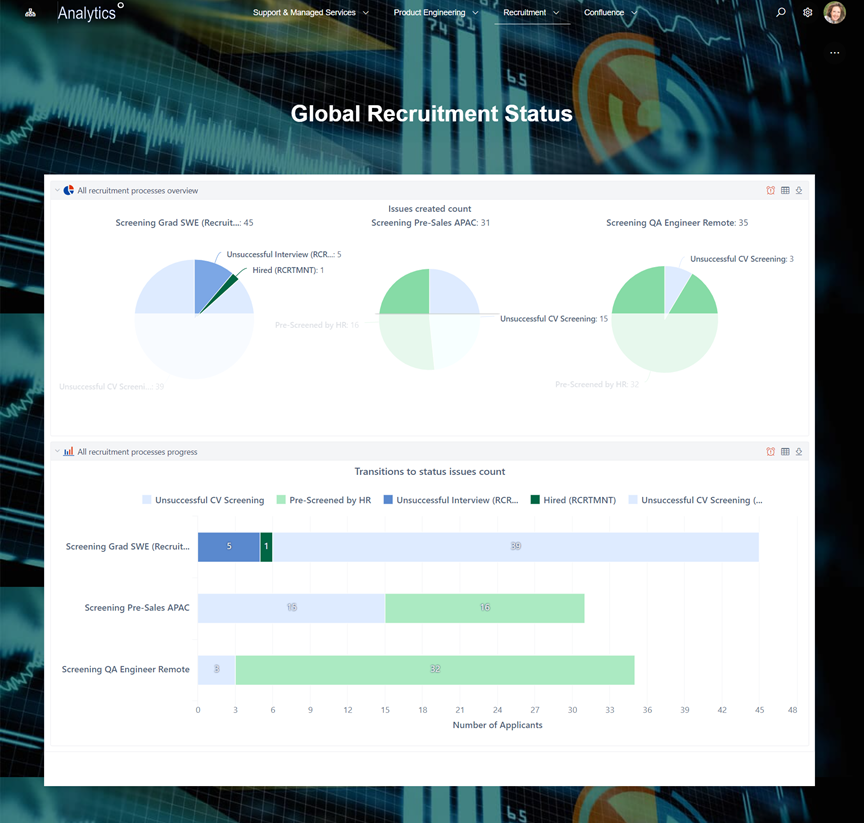
Example of a Team Specific Dashboard within Team Space
What is included in the Team Specific Space Template
- Team Homepage – A branded landing page with mission, key links, and quick access to important resources.
- Team Blog / News Feed – Celebrate wins, share updates, welcome new hires, and post team news.
- Document Library – Policies, workflows, templates, and working documents organised by topic.
- Team Goals & KPIs Page – Track objectives, initiatives, and performance indicators.
- Roles & Responsibilities Page – Clear ownership, team structure, and accountability paths.
- Team Onboarding Page – A structured guide for new members joining the team.
- Pre-Built Page Templates – For news posts, updates, meeting notes, docs, and team communications.
- Automatic Permission Setup – Access granted when users join the team group in Confluence or Identity Provider.
This Template is an Integrated Part of Solution:
Corporate Intranet Confluence with Jira Service Management (JSM)
Atlassian Solution Corporate Intranet Confluence with Jira Service Management (JSM)...
Read MoreTemplates that Integrate with Team Specific Space Template
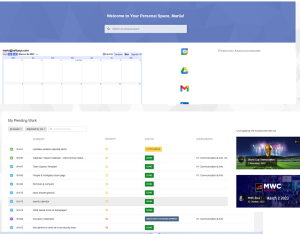
Learning and Development Template in Atlassian Ecosystem
Template Learning and Development Template Manage employee learning, skills development,...
Read MoreShared Kanban Boards Template with Atlassian Jira
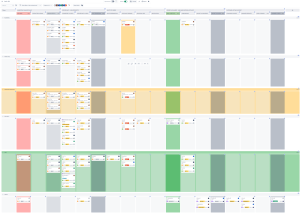
Template Shared Kanban Boards Template with Atlassian Jira Standardize how...
Read MorePersonal Workspace
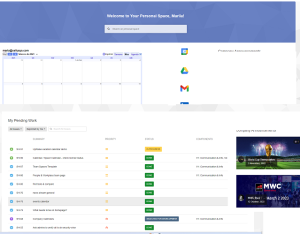
Template Personal Workspace Template for Confluence Give every employee a...
Read MoreFacilities Management Template
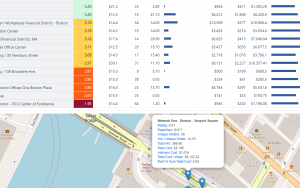
Template Facilities Management with Atlassian Jira Streamline facility operations, improve...
Read MoreObjective and Key Results (OKR) Template
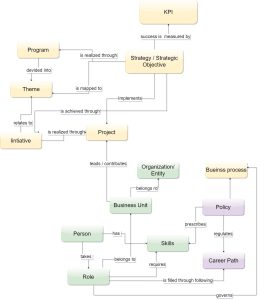
Template Objectives and Key Results (OKR) Set ambitious goals, align...
Read MoreNews and Social Feed Template
Template News and Social Feed Template for Confluence Enable employees...
Read MorePeople Directory Template
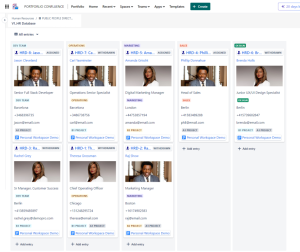
Template People Directory Template with Atlassian Build a secure, fully...
Read MoreKnowledge Hub Template with Confluence, Jira and Jira Service Management
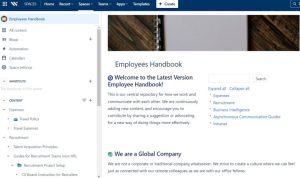
Centralize documentation and expertise with the Knowledge Hub Template using...
Read MoreEmployee Service Desk Template with Jira Service Management and Confluence
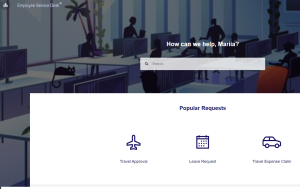
Template Employee Service Desk Template with Jira Service Management and...
Read More360 Employee Assessment Template with Atlassian Jira
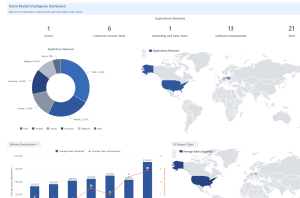
Run structured 360° employee assessments with Jira using automated workflows,...
Read MoreEmployee Offboarding Template with Jira and Confluence
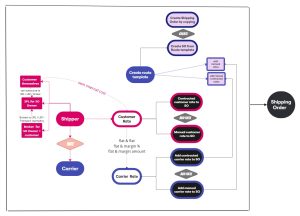
Streamline offboarding with Jira and Confluence using automated workflows, task...
Read MoreNew Hire Onboarding Template with Jira and Confluence
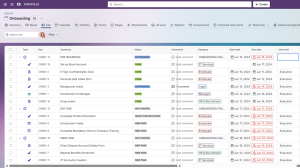
Streamline new hire onboarding with Jira and Confluence using automated...
Read MoreRecruitment Process Template with Jira and Confluence
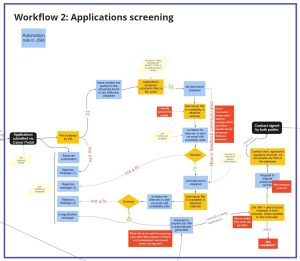
Optimize hiring with the Recruitment Process Template using Jira workflows...
Read MoreConsulting Services Related to Team Specific Space Template
Standard Operating Procedure (SOP) Development Services
Consulting Services SOP Development Services Standard Operating Procedures integrated into...
Read MoreProcess Modelling and Diagramming
Atlassian Solution Enterprise Architecture & CMDB with Jira Service Management...
Read MoreFAQ about the Team Specific Space Template in Confluence

Yes. Each team receives a structured Confluence space with its own homepage, news feed, and documentation repository.
Yes. When a user is added to a team group, permissions are automatically applied—no manual configuration needed.
Yes, if desired. Teams working in Jira can display Kanban boards, backlogs, timeline or calendar view with filters applied directly in their Confluence space.
Yes. You can restrict or open specific pages or sections inside the team space using Confluence’s flexible page-level permissions.
Yes. You can embed JSM queues or filtered issue lists directly into the team space, allowing team members to see their active tickets in real time and distribute work among team members.
Built-in rules and complete records ensure corporate policy and SOP enforcement and audit readiness.
Yes. EazyBI dashboards can be placed directly inside the team space, and they update automatically according to your EazyBI refresh schedule.