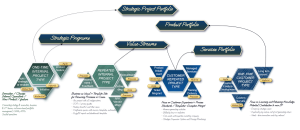
Resource and Capacity Management Template
Plan, forecast, and track team capacity across projects using Jira, Advanced Roadmaps, and automated cost and utilization reporting.
The Resource and Capacity Management Template provides a unified framework for managing demand, availability, competences and skills, project budgeting, and workload distribution inside the Atlassian ecosystem. Capacity, workload, and cost data flow automatically from Jira issues, timesheets, competences, and vacation balances—allowing organizations to predict staffing needs, estimate project budgets, and maintain healthy utilization rates.
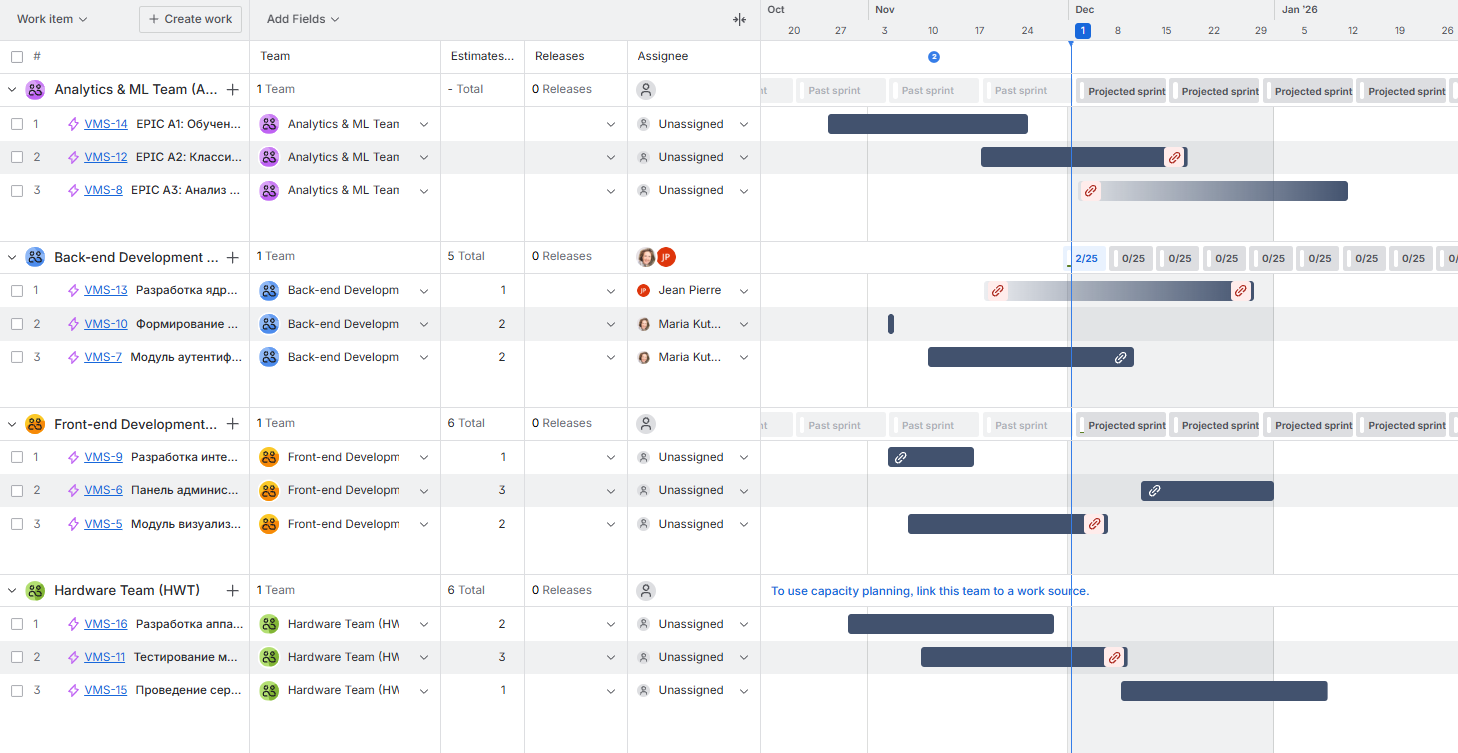
The template supports hour-based and story-point-based planning for SCRUM development projects and uses Advanced Roadmaps (Plans) for premium-grade scenario planning, forecasting, and multi-team visibility.
Why you need a Resource and Capacity Management Template
Unified Capacity Data Model in Jira
All capacity, availability, timesheets, and workload data are stored in Jira, enabling a single source of truth for planning and forecasting.
Predictive Staffing & Workforce Planning
Capacity gaps automatically notify HR and recruiters so talent searches can begin in advance based on real, upcoming needs.
Hybrid Capacity Planning Options
Capacity can be planned using hours, story points, or a mix—supporting both Agile and traditional approaches.
Accurate Project Budget Estimation
Hourly cost rates assigned to employees enable automated project budget predictions based on assigned workload.
Balanced Utilization Across Teams
Utilization rate metrics help ensure workload distribution is realistic and sustainable across all teams.
Continuous Insight Into Real Progress
Actual time tracked through timesheets updates cost burn, velocity, and burndown, helping teams detect margin risks early.
Consulting Service that Supports KPI development and Implementation:
Who will use a Resource and Capacity Management Template
- Project Managers – Estimate budgets, assign resources, and track planned vs. actual workload.
- Team Leads – Manage team capacity, skill distribution, and utilization rates.
- HR & Recruiters – Receive early visibility into talent needs and required competencies.
- Finance Teams – Monitor labor costs, burn rate, and project profitability.
- Executives & PMO – Review staffing alignment, project feasibility, and portfolio load.
- Agile Teams – Use velocity, burndown, and capacity charts to optimize planning and execution.
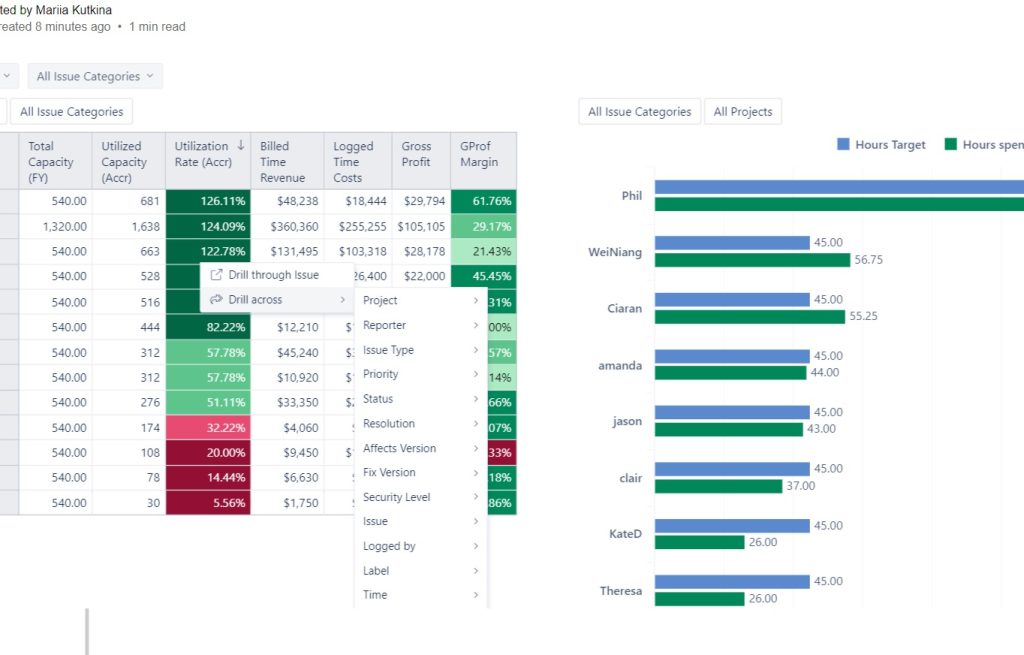
Resource management and capacity planning dashboard built with EazyBI
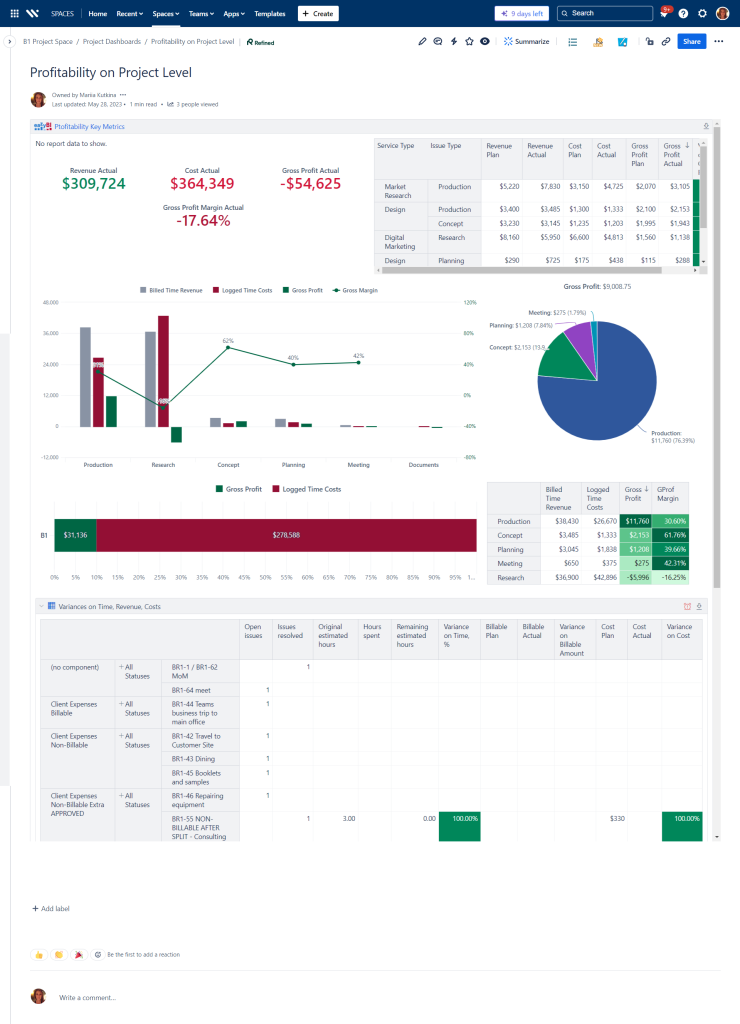
Profitability Tracking Dashboard to Inform Capacity Estimates
What is included in the Resource and Capacity Management Template
- Advanced Roadmaps (Plans) – Multi-team and multi-project capacity visualisation, scenario planning, and long-term forecasting.
- Competence-Based Resource Search – Filter and assign resources based on skills, certifications, or competency levels.
- Hourly Rate Cost Modeling – Automated project budget estimation using employee cost rates and planned work.
- Placeholder Roles for Planning – Plan work ahead of hiring by using placeholder positions linked to HR and recruiting workflows.
- Automatic HR & Recruiting Notifications – Capacity gaps and forecasted shortages are routed to HR and recruiters early.
- Vacation & Absence Integration – Capacity calculations adjust based on data from the vacation balance tracking template.
- Utilization Dashboards – View individual and team utilization, availability, load, and forecasted workload.
- Hybrid Planning Units – Capacity tracked in story points or hours depending on team methodology.
- Velocity & Burndown Reports – Team performance trends and forecasting based on historical delivery.
- Cost and Time Variance Tracking – Planned vs. actual hours, cost variance, and margin protection throughout the project lifecycle.
- Timesheet Data Integration – Actual logged time flows directly into cost, burn, and variance dashboards.
- EazyBI Reports – Advanced dashboards for availability, overbooking risks, cost burn, margin stability, and cross-team capacity.
- Database & Assets Support – Optional modeling of roles, competencies, job families, and cost centers for richer planning.
This Template is an Integrated Part of Solution:
Enterprise Portfolio Management in Jira
Implement Enterprise Portfolio Management in Jira with Advanced Roadmaps (Plans)....
Read MoreTemplates that Integrate with Resource and Capacity Management Template
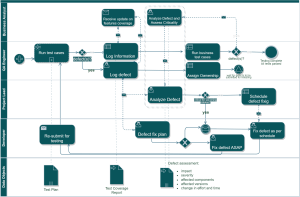
Technical Debt Management Template
Template Technical Debt Management with Atlassian Jira Identify, track, prioritize,...
Read MoreVacation Balance Tracking
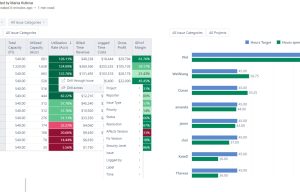
Template Vacation Balance Tracking Template Track vacation balances, approvals, and...
Read MoreTimesheet Template with Atlassian Jira
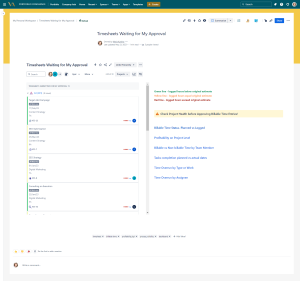
Track work hours, approvals, and project time allocation with the...
Read MoreShared Kanban Boards Template with Atlassian Jira
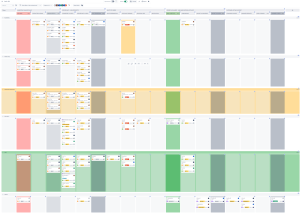
Template Shared Kanban Boards Template with Atlassian Jira Standardize how...
Read MoreExpenses Submission and Approval Process Template
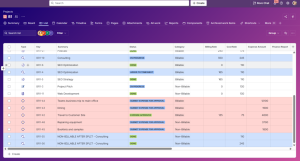
Template Expenses Submission and Approval Process Streamline expense management with...
Read MoreAgile Accounting and Dev Time Capitalization Template
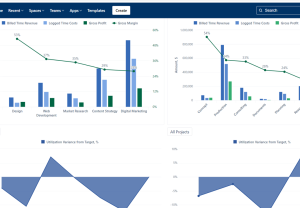
Template Agile Accounting and Dev Time Capitalization Template Track development...
Read MorePortfolio Performance Report Template
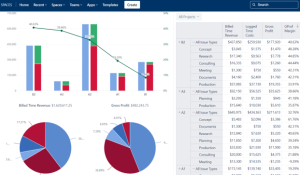
Template Portfolio Performance Report Template for Atlassian Track portfolio health,...
Read MoreDemand Management Template
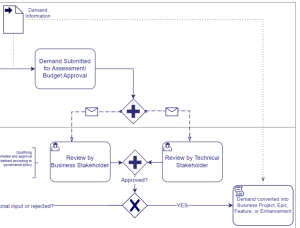
Template Demand Management Template Capture, evaluate, prioritize, and approve business...
Read MoreSoftware Project Template with Jira and Confluence
Template Software Project Template with Jira and Confluence Plan, execute,...
Read MoreSales and Marketing Report Template for Atlassian Jira and Confluence
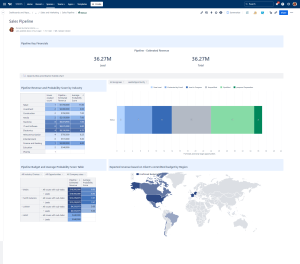
Track campaigns, leads, opportunities, and performance with the Sales and...
Read MoreJira Project Status Report Template
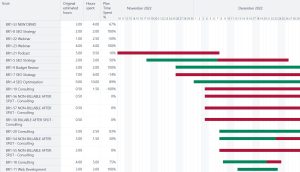
Create automated, real-time project status reports with the Jira and...
Read MoreFinancial Report Template
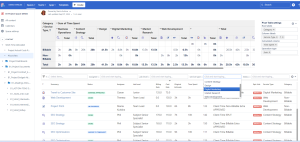
Monitor cost, margins, utilization, and profitability with Financial Report Template...
Read MoreHuman Capital Report Template with Jira and EazyBI
Track skills, performance, utilization, learning, and workforce health with the...
Read MoreFAQ about the Resource and Capacity Management Template

Yes. Resource search by competence, role, or certification helps teams quickly find the right people.
Yes. Capacity planning can be scoped to specific teams, departments, or portfolios, allowing each group to manage its own view without affecting others.
Yes. Alternative scenarios—such as “best case,” “delayed start,” or “reduced staffing”—can be created to compare impacts before committing to a plan.
Unplanned absences or urgent work items can be added instantly, and the capacity model updates automatically so managers see the impact immediately.
Yes. Contractors, part-timers, and temporary staff can be included with custom availability, cost rates, and contract durations.
Yes. You can allocate a percentage of team capacity for internal innovative initiatives, as well as training, technical debt, or R&D—separate from project work.
Yes. Cost fields, utilization data, and financial views can be restricted so only managers or finance teams can access them.
Yes. Dashboards and Roadmaps can display alerts for overloaded resources, over-allocated skills, or timelines that exceed available capacity.