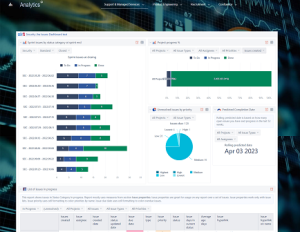
Jira Project Status Report Template with EazyBI
Create clear, consistent, and automated project status reports directly from Jira—no spreadsheets, no manual updates, and real-time accuracy.
The Jira Project Status Report Template with EazyBI transforms raw Jira data into structured, executive-friendly project reports embeddable into Confluence. All key indicators—scope, timeline, risks, budget, progress, and team health—update automatically based on Jira issues, sprints, and release plans. This removes manual reporting work, improves alignment across teams, and ensures leadership always sees the current project reality.
Why you need Jira Project Status Report Template with EazyBI
Real-Time Project Visibility
Status reports update automatically as Jira issues move, ensuring decisions are based on the latest information.
Standardized Reporting Across Projects
All teams follow the same structure for status, risks, progress, and metrics, making portfolio-wide reporting consistent.
Clear Link to Actual Delivery Work
Every metric is sourced directly from issues, sprints, releases, epics, and story points—no duplication or manual copy-pasting.
Early Identification of Risks & Delays
Automated dashboards highlight deviations in scope, velocity, effort, or timeline before they escalate.
Executive-Ready Summaries
High-level views for stakeholders while still providing drill-down capability into Jira for deeper analysis.
Eliminates Manual Reporting Effort
Once built, status pages generate themselves—no more chasing updates or maintaining slide decks.
Consulting Service that Supports Developing Jira Project Status Report Templates with EazyBI
Who will use Jira Project Status Report Template with EazyBI
- Project Managers – Produce up-to-date reports with zero manual maintenance.
- Scrum Masters & Agile Coaches – Track sprint delivery, impediments, and team performance.
- Product Owners – Monitor progress toward product goals and roadmap commitments.
- Development Teams – Get visibility into broader project health and cross-team dependencies.
- Executives & Stakeholders – View high-level progress, risks, and forecasts.
- PMO & Portfolio Teams – Compare multiple projects using the same reporting structure.
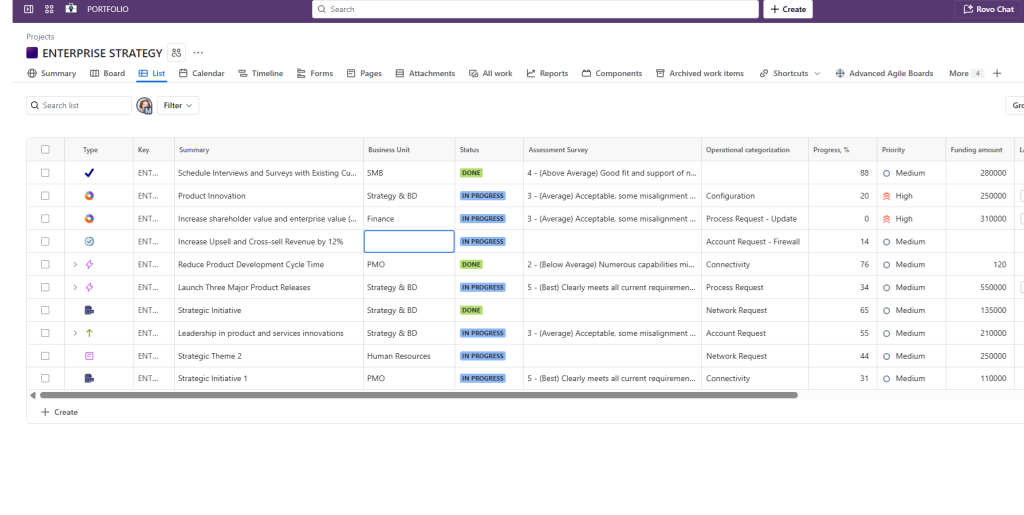
Jira project template that has KPI tracking function built in
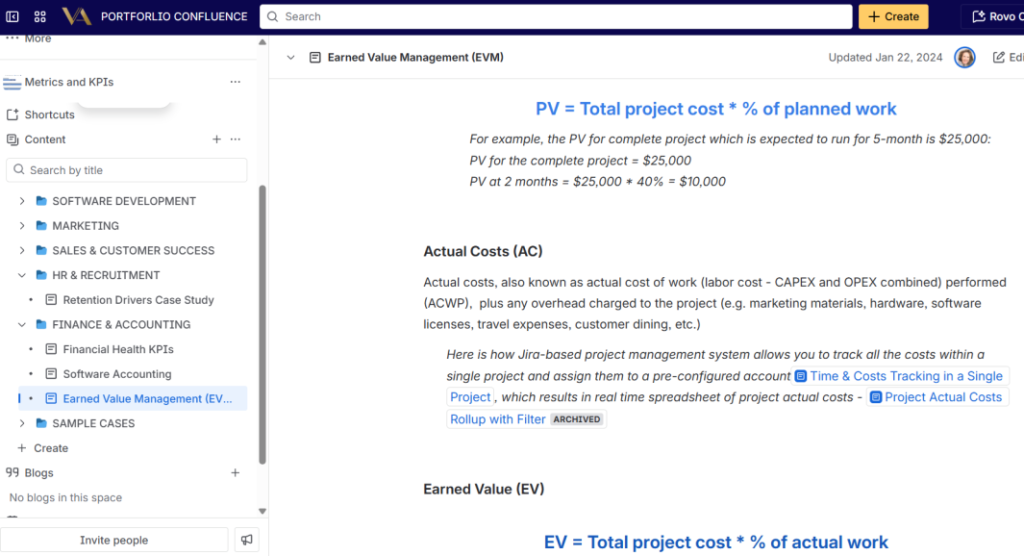
KPI Repository and SOP in Confluence
What is included in Jira Project Status Report Template with EazyBI
- Project Overview Section – High-level goals, scope statement, milestones, and key contacts.
- Automated Status Indicators – Overall status, schedule health, scope health, quality status, and budget condition.
- Sprint & Release Progress – Burnup, burndown, velocity trends, and forecasted completion based on Jira data.
- Key Deliverables Table – Epic-level view with % complete, blockers, and risks.
- Risks & Issues Register – Standardized risk fields (probability, impact, mitigation, owner).
- Scope Change Log – Automatically highlights new epics, removed items, or changed estimates.
- Capacity & Team Health Metrics – Utilization, availability, churn, and vacation impacts (via linked templates).
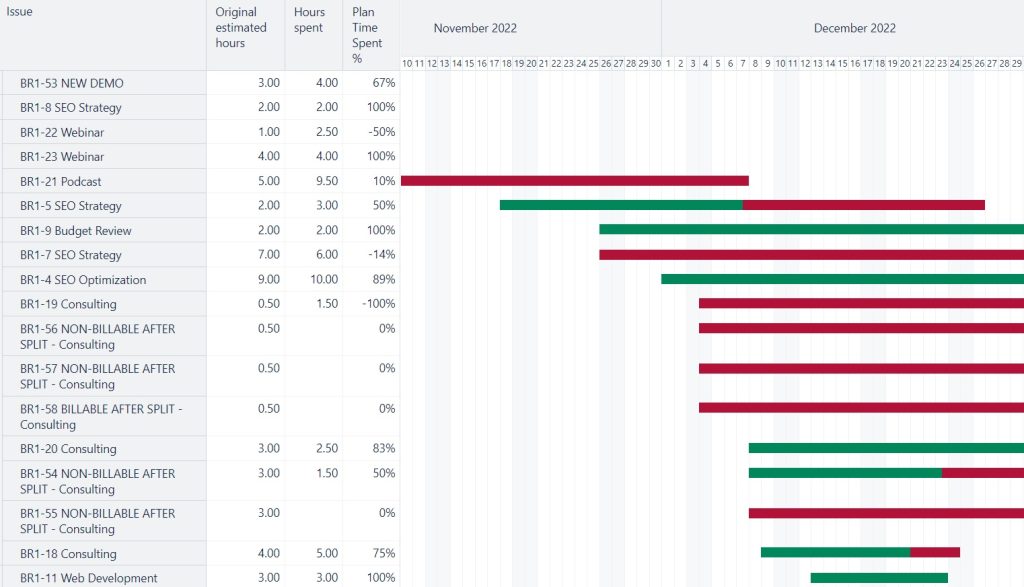
- Financial Tracking (Optional) – Planned vs. actual effort, cost burn, and budget variance based on timesheets and rates.
- Dependency Map – Links to other Jira projects or team boards representing cross-team dependencies.
- EazyBI Reporting Panels – Visual reports for progress, forecast, throughput, cycle time, and risk hotspots.
- Confluence Report Page Template – A structured page with macros pulling live Jira data—no manual editing required.
- Automated Weekly/Monthly Rollups – Optional scheduled pages for recurring reports.
This Template is an Integrated Part of Solution:
Data Analytics eazyBI (Advanced Reporting for Atlassian Jira)
Data analytics eazyBI solution for Jira and Confluence: custom reports,...
Read MoreTemplates that Integrate with Jira Project Status Report Template with EazyBI
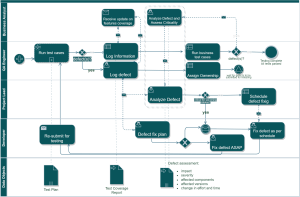
Technical Debt Management Template
Template Technical Debt Management with Atlassian Jira Identify, track, prioritize,...
Read MoreTimesheet Template with Atlassian Jira
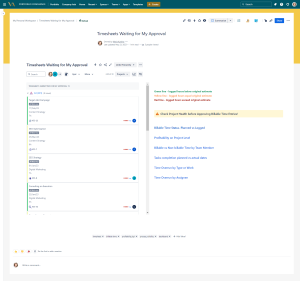
Track work hours, approvals, and project time allocation with the...
Read MoreResource and Capacity Management Template
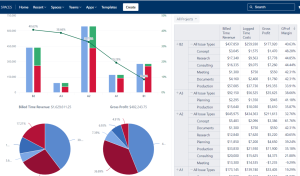
Template Resource and Capacity Management Template Plan, forecast, and track...
Read MoreShared Kanban Boards Template with Atlassian Jira
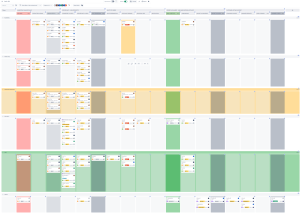
Template Shared Kanban Boards Template with Atlassian Jira Standardize how...
Read MoreExpenses Submission and Approval Process Template
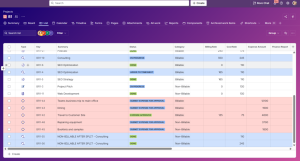
Template Expenses Submission and Approval Process Streamline expense management with...
Read MoreAgile Accounting and Dev Time Capitalization Template
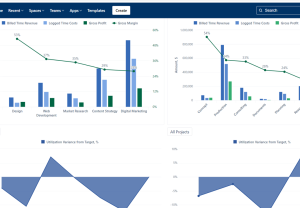
Template Agile Accounting and Dev Time Capitalization Template Track development...
Read MoreKey Performance Indications (KPI) Template
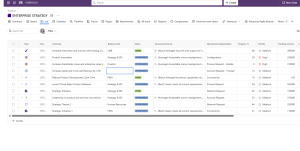
Template Key Performance Indicators (KPI) Template Define, measure, and track...
Read MoreObjective and Key Results (OKR) Template
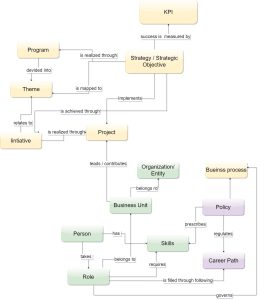
Template Objectives and Key Results (OKR) Set ambitious goals, align...
Read MorePortfolio Performance Report Template
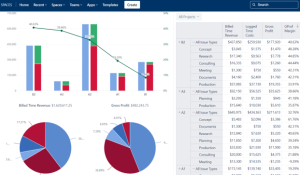
Template Portfolio Performance Report Template for Atlassian Track portfolio health,...
Read MoreDemand Management Template
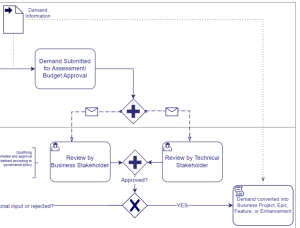
Template Demand Management Template Capture, evaluate, prioritize, and approve business...
Read MoreDeveloper Metrics and Report Template
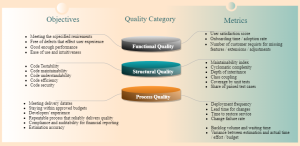
Template Developer Metrics and Report Template for Atlassian Track engineering...
Read MoreSoftware Project Template with Jira and Confluence
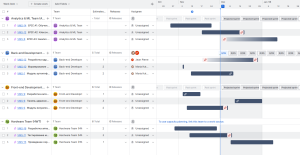
Template Software Project Template with Jira and Confluence Plan, execute,...
Read MoreEmployee Offboarding Template with Jira and Confluence
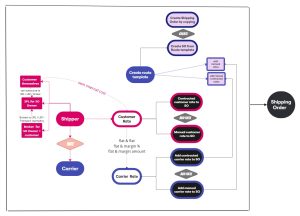
Streamline offboarding with Jira and Confluence using automated workflows, task...
Read MoreFAQ about Jira Project Status Report Template with EazyBI

Yes. High-level summaries or dashboards can be shown on top, with drill-downs available for detailed views.
Yes. KPIs, charts, and fields can be added, removed, or restructured to match your organization’s reporting standards.
Yes. Data from multiple boards, teams, or Jira projects can roll up into the same report.
Yes. Report is embedded into Confluence Team page or Personal page, which provides a clean, user-friendly view accessible without needing to navigate Jira or EazyBI directly.
Yes. Estimates, logged time, story points, and velocity trends can be compared automatically.