New Hire Onboarding Template with Jira and Confluence
Create a structured, engaging, and repeatable onboarding experience using Jira to automate tasks and workflows, while Confluence delivers documentation, training materials, and company knowledge.
The New Hire Onboarding Template streamlines the onboarding journey for HR, IT, managers, and new employees. Jira automates provisioning tasks, equipment setup, system access, and department-specific checklists. Confluence provides a centralized hub for onboarding guides, company policies, training content, and team introductions.
This template ensures new employees feel supported, productive, and aligned from day one—while reducing administrative overhead for internal teams.
Why you need a New Hire Onboarding Template with Jira and Confluence
Standardized Onboarding Across the Company
Every new hire follows the same proven onboarding process, ensuring fairness and clarity.
Faster Time-to-Productivity
New employees get the right equipment, access, and information on time, preventing delays and confusion.
Automated Provisioning & Task Management
Jira workflows distribute onboarding tasks across HR, IT, managers, and facilities automatically.
Centralized Learning & Documentation
Confluence gives new hires a single, user-friendly place for policies, role guides, and training materials.
Improved Employee Experience
Clear timelines, structured guidance, and consistent communication support a confident and smooth start.
Compliance & Accuracy
Automated workflows reduce errors, missed steps, and onboarding gaps.
Consulting Service that Supports New Hire Onboarding Template with Jira and Confluence
Human Resources Strategy Services
Unlock workforce insights with Human Capital Analytics services. Optimize talent...
Read MoreWho will use the New Hire Onboarding Template with Jira and Confluence
- HR Teams – Initiate onboarding, share policies, and manage required documentation.
- IT Administrators – Prepare equipment, set up accounts, and manage system access.
- People Managers – Assign role-specific tasks, define expectations, and welcome new hires.
- Facilities / Operations – Coordinate workspace setup and logistical needs.
- New Employees – Follow a clear onboarding path with documentation and training in one place.
- Training & L&D Teams – Deliver early learning programs and track completion.
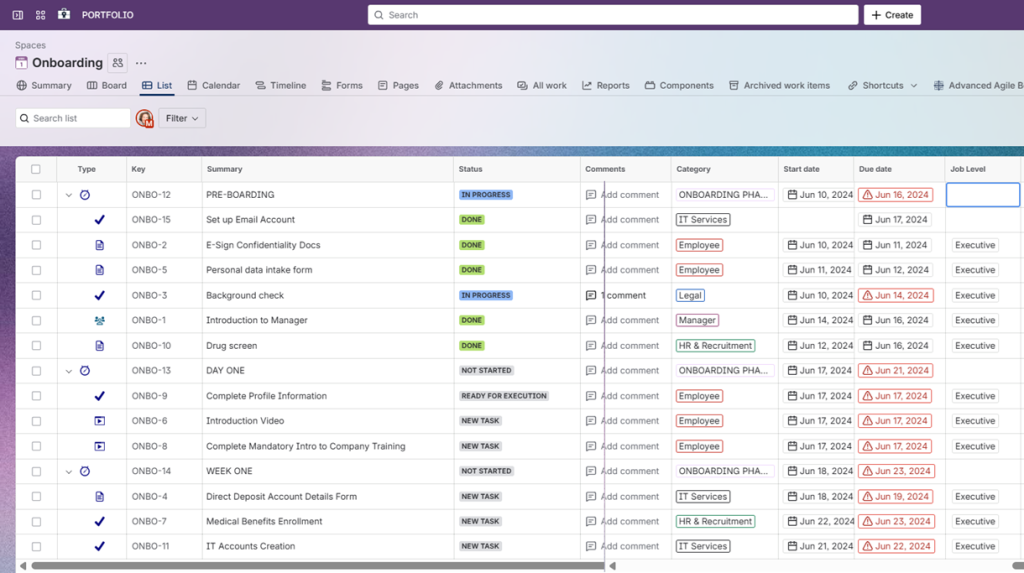
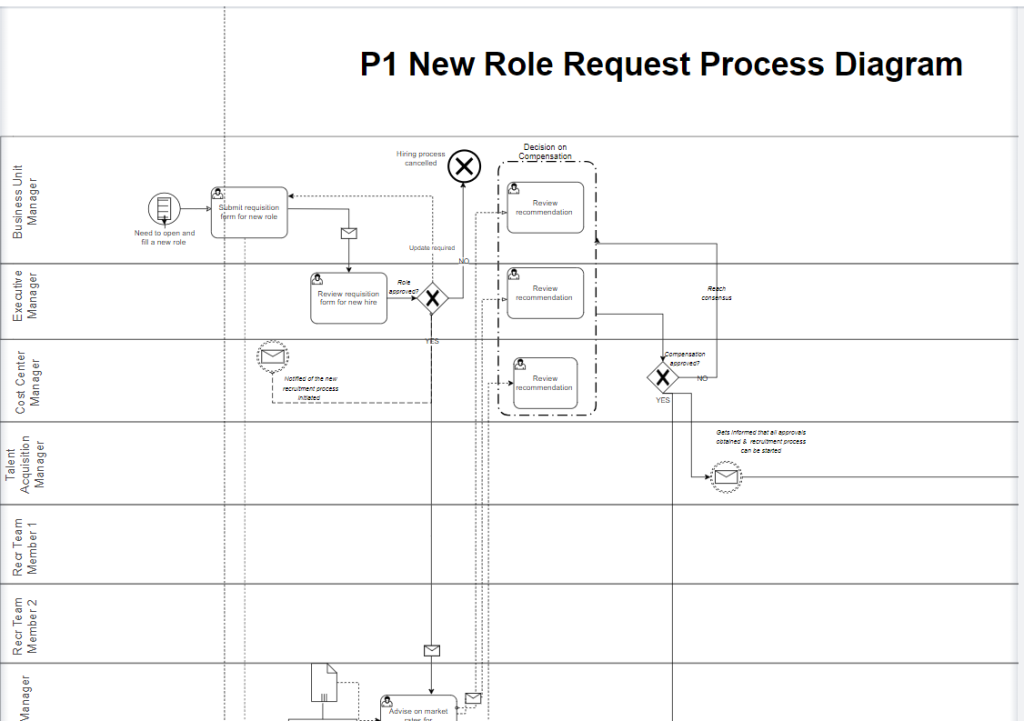
New role initiation process template for Jira and Confluence
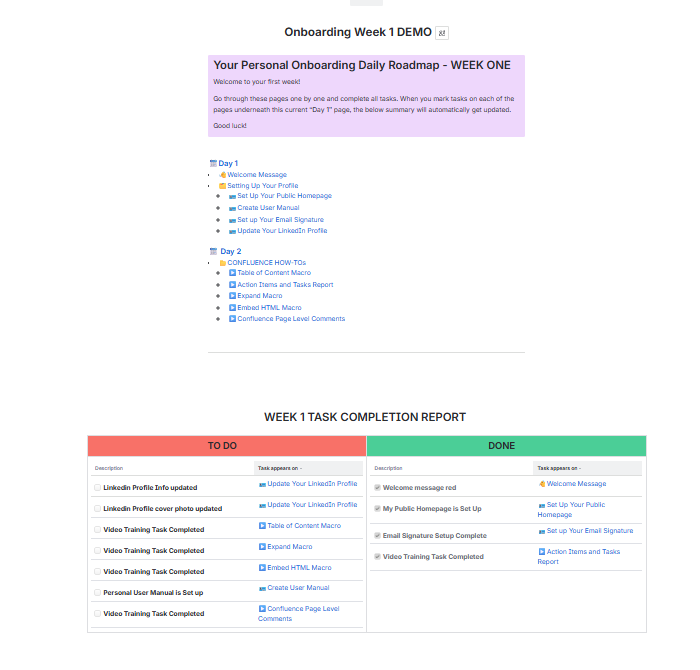
Onboarding Confluence Space Example
What is included in the New Hire Onboarding Template with Jira and Confluence
- Jira Onboarding Workflow – Structured workflow routing tasks to HR, IT, managers, and facilities with clear deadlines and approvals.
- Role-Based Onboarding Task Lists – Automatically generated sets of tasks based on job role, team, or seniority.
- Access Provisioning Automation – Rules triggering account creation, license assignments, and access approvals.
- Confluence Onboarding Space – Centralized documentation including policies, training guides, FAQs, and first-week checklists.
- Manager Welcome & Expectations Templates – Templates for managers to outline goals, team info, and 30/60/90-day plans.
- Equipment Request & Tracking – Jira fields and subtasks for ordering, shipping, and tracking laptops, peripherals, and credentials.
- HR & Compliance Documentation Templates – Standardized pages for contracts, certifications, payroll setup, and required forms.
- New Hire Learning Path Structure – Organized Confluence pages linking to training modules, video onboarding, and internal tools.
- Automated Reminders & Notifications – Deadline reminders for provisioning, training completion, and review meetings.
- Onboarding Reporting Dashboard (EazyBI Optional) – Tracks onboarding progress, delays, readiness metrics, and departmental workload.
This Template is an Integrated Part of Solution:
Human Resources Management Jira (HR Workflows on Atlassian)
Human resources management Jira solution for onboarding, offboarding, HR requests,...
Read MoreTemplates that Integrate with New Hire Onboarding Template with Jira and Confluence
Vacation Balance Tracking
Template Vacation Balance Tracking Template Track vacation balances, approvals, and...
Read MoreResource and Capacity Management Template
Template Resource and Capacity Management Template Plan, forecast, and track...
Read MoreLearning and Development Template in Atlassian Ecosystem
Template Learning and Development Template Manage employee learning, skills development,...
Read MoreFacilities Management Template
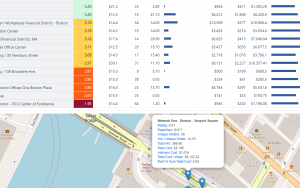
Template Facilities Management with Atlassian Jira Streamline facility operations, improve...
Read MoreBackoffice Support Template
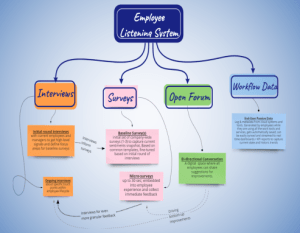
Template Backoffice Support Template for Atlassian Run office operations, travel...
Read MoreObjective and Key Results (OKR) Template
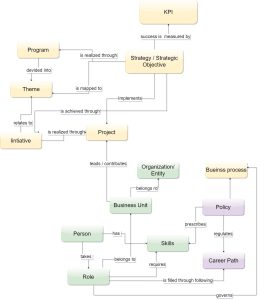
Template Objectives and Key Results (OKR) Set ambitious goals, align...
Read MoreNews and Social Feed Template
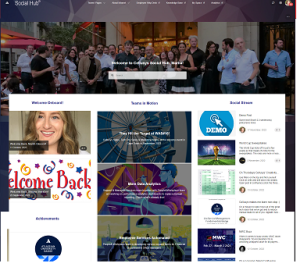
Template News and Social Feed Template for Confluence Enable employees...
Read MorePeople Directory Template
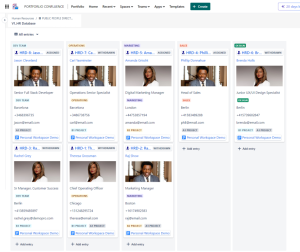
Template People Directory Template with Atlassian Build a secure, fully...
Read MoreKnowledge Hub Template with Confluence, Jira and Jira Service Management
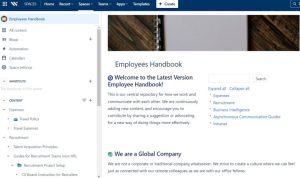
Centralize documentation and expertise with the Knowledge Hub Template using...
Read MoreEmployee Service Desk Template with Jira Service Management and Confluence
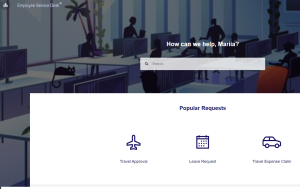
Template Employee Service Desk Template with Jira Service Management and...
Read More360 Employee Assessment Template with Atlassian Jira
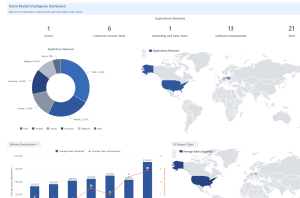
Run structured 360° employee assessments with Jira using automated workflows,...
Read MoreRecruitment Process Template with Jira and Confluence
Optimize hiring with the Recruitment Process Template using Jira workflows...
Read MoreFAQ about the New Hire Onboarding Template with Jira and Confluence

Yes. The template supports role-based or department-specific task bundles that generate automatically.
Managers receive structured prompts and templates to define expectations, share team information, and schedule check-ins.
Absolutely. Pre-boarding tasks—like equipment ordering or account setup—can be triggered as soon as HR initiates the workflow.
Jira workflows route tasks to each responsible team, ensuring no step is missed and deadlines are visible to all.
Yes. Permissions can restrict access to only the onboarding space and relevant pages.
Yes. Dashboards provide visibility into progress across individuals, teams, or start dates.