Developer Metrics and Report Template for Atlassian
Track engineering performance, delivery speed, quality, and productivity through interactive EazyBI dashboards built on Jira data.
The Developer Metrics and Report Template for Atlassian provides a complete framework for measuring team performance, code quality, throughput, and delivery outcomes. Built on Jira, Confluence, and EazyBI, the template consolidates engineering data into fully interactive dashboards with drill-down into Jira issues, daily updates, and insights that support continuous improvement.
Why you need a Developer Metrics and Report Template with Jira & EazyBI
Engineering Metrics in Real Time
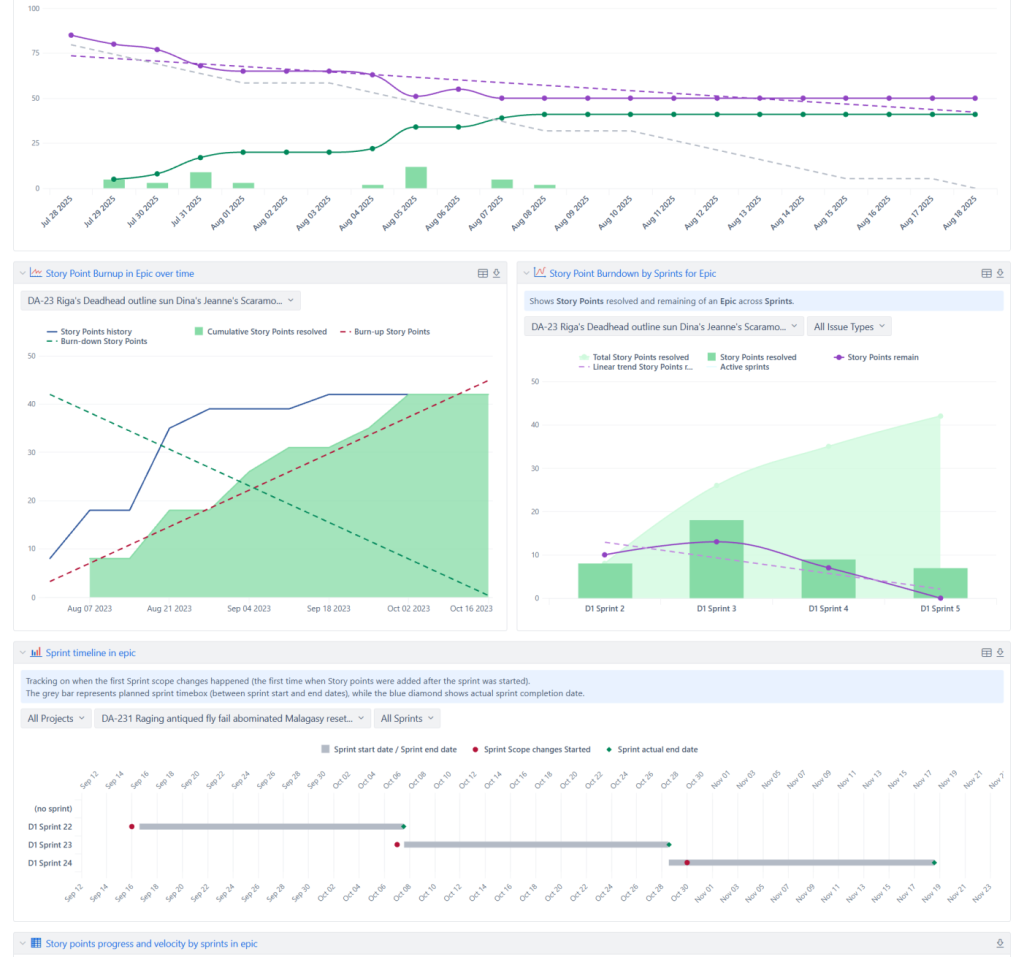
Dashboards update automatically every day, giving teams and leaders live insight into delivery performance.
Interactive Dashboards Linked to Jira Work Items
Click into any chart to view underlying stories, bugs, tasks, blockers, and cycle time contributors.
Clear View of Delivery Speed & Flow
Measure throughput, cycle time, lead time, WIP, velocity, and predictability for engineering teams of any size.
Quality & Stability Insights
Track defect rates, escaped defects, bug aging, reopen rates, and production incident impact on delivery.
Developer Workload & Balance
Understand how tasks, bugs, reviews, and support responsibilities are distributed across the team.
Team Health & Continuous Improvement
Identify patterns in bottlenecks, context switching, rework, and carryover to drive coaching and process changes.
Who will use a Developer Metrics and Report Template
- Engineering Managers – Monitor team performance, identify blockers, and coach developers effectively.
- Developers – View workload, cycle time, and improvement goals tied to their work.
- CTO & Technology Leadership – Track engineering ROI, delivery trends, and quality outcomes.
- Scrum Masters & Agile Coaches – Improve flow, reduce bottlenecks, and support continuous improvement.
- Product Managers – Understand delivery predictability, forecasting signals, and capacity.
- QA & DevOps Teams – Track defects, stability, release frequency, and deployment cycles.
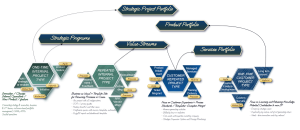
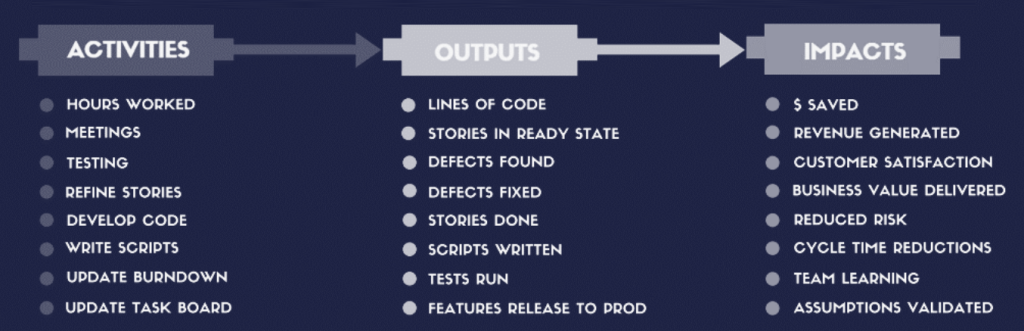
Examples of Developer Metrics Complexity and Insights Value for Business
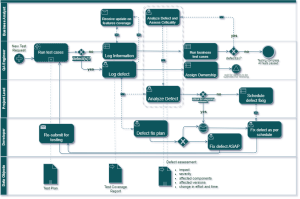
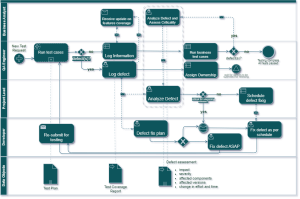
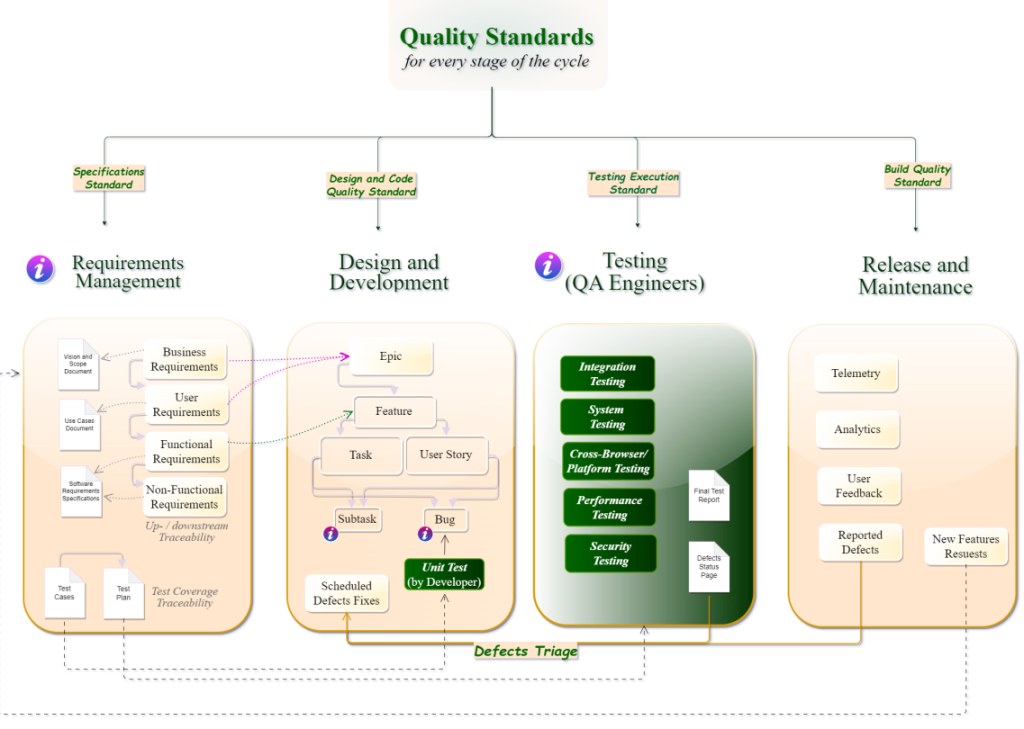
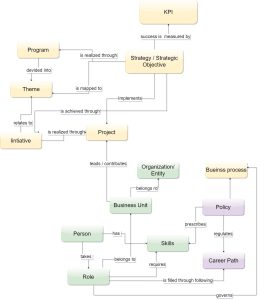
This graph shows workflow and all elements of Agile development project to drive quality metrics
What is included in the Developer Metrics and Report Template
- Developer Performance Chart - Throughput, cycle time, lead time, review time, flow efficiency, WIP, and delivery predictability.
- Quality & Defect Chart - Bug inflow/outflow, reopened issues, defect aging, escaped defects, severity distribution, and quality trends.
- Flow & Bottleneck Analysis - Identify slow stages, excessive context switching, rework, and handoff delays influencing velocity.
- Team Workload Overview - Task distribution across developers, time spent on bugs vs. features, and load balancing insights.
- Sprint & Delivery Metrics - Velocity trend charts, forecast accuracy, commitment vs. completion, and carried-over work.
- Release & Deployment Metrics - Deployment frequency, change failure rate, MTTR, stability impacts (integrated if DevOps data is available).
- Engineering Cost & Efficiency - Insights into engineering cost per feature, cost of bugs, developer workload vs. cost distribution (requires additional data sources).
This Template is an Integrated Part of Solution:
Project and Program Management in Jira, Confluence and EazyBI
Run hybrid, Agile, and classic projects in Jira. Combine Jira...
Read MoreTemplates that Integrate with Developer Metrics and Report Template
Vacation Balance Tracking
Template Vacation Balance Tracking Template Track vacation balances, approvals, and...
Read MoreTimesheet Template with Atlassian Jira
Track work hours, approvals, and project time allocation with the...
Read MoreResource and Capacity Management Template
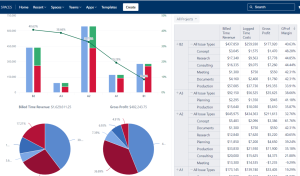
Template Resource and Capacity Management Template Plan, forecast, and track...
Read MoreAgile Accounting and Dev Time Capitalization Template
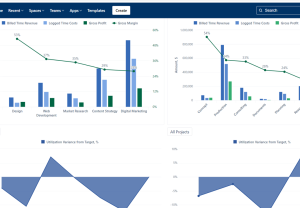
Template Agile Accounting and Dev Time Capitalization Template Track development...
Read MoreObjective and Key Results (OKR) Template
Template Objectives and Key Results (OKR) Set ambitious goals, align...
Read MorePortfolio Performance Report Template
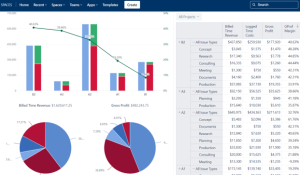
Template Portfolio Performance Report Template for Atlassian Track portfolio health,...
Read MoreJira Project Status Report Template
Create automated, real-time project status reports with the Jira and...
Read MoreFinancial Report Template
Monitor cost, margins, utilization, and profitability with Financial Report Template...
Read MoreConsulting Services Related to Developer Metrics and Report Template
Standard Operating Procedure (SOP) Development Services
Consulting Services SOP Development Services Standard Operating Procedures integrated into...
Read MoreProcess Modelling and Diagramming

Atlassian Solution Enterprise Architecture & CMDB with Jira Service Management...
Read MoreFAQ about the Developer Metrics and Report Template in Atlassian

Dashboards refresh automatically every 24 hours, keeping metrics accurate with no manual work.
Yes. All EazyBI charts are clickable and link directly to underlying Jira issues.
Absolutely. You can separate metrics by issue type, component, team, or sprint.
No, but integrating them enhances quality, review, and deployment metrics.
Yes. All KPIs, charts, filters, and reports can be fully customised in EazyBI.
Can access be restricted to engineering leadership only?