
Dedicated Customer Portal Template with Atlassian Confluence
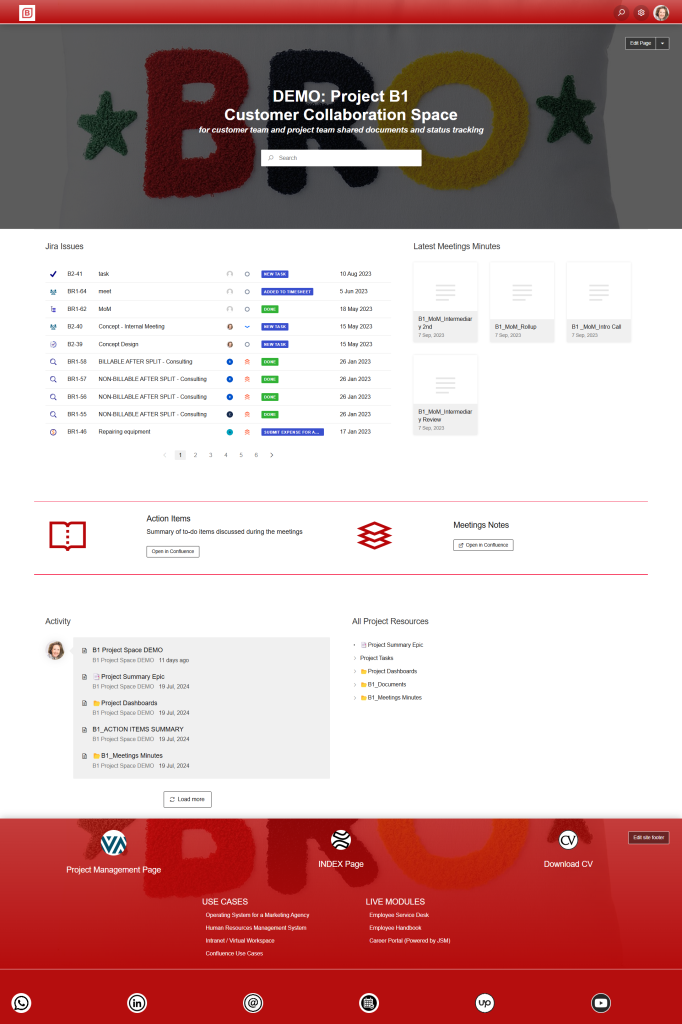
Create a branded, centralized customer-facing portal built entirely on Atlassian Confluence—designed to deliver documentation, onboarding, FAQs, release notes, and product resources in one structured experience.
The Dedicated Customer Portal Template transforms Confluence into a polished, self-service hub where customers can access knowledge, product updates, onboarding materials, and support resources. With a structured information architecture, branded layouts, and seamless navigation, customers can independently find what they need—reducing support volume and strengthening the customer experience.
This template helps organizations deliver professional, scalable, and always-up-to-date documentation without heavy development or CMS complexity.
Why you need a Customer Portal Template with Atlassian Confluence
Professional, Branded Customer Experience
With theme tools or Refined for Confluence, organizations can create a fully branded, polished portal without custom coding.
Improved Findability & Self-Service
Structured navigation, metadata, and page templates help customers quickly locate answers, reducing reliance on support teams.
Scalable Documentation Management
Confluence’s page hierarchy, templates, and version history support continuous updates across multiple products or services.
Enhanced Customer Trust & Transparency
Clear release notes, product changes, and status updates help customers stay informed and confident in your platform.
Reduced Support Volume
Customers can self-serve common troubleshooting steps or onboarding questions, decreasing repetitive ticket creation.
Ideal for SaaS, Product Teams, and Customer Success
The portal streamlines onboarding, adoption, and product education for all customer segments.
Consulting Service that Supports Customer Portal Template with Atlassian Confluence
Who will use a Customer Portal Template with Atlassian Confluence
- Customers & End Users – Access help articles, product guides, onboarding content, and release notes.
- Customer Success Teams – Manage customer documentation, onboarding journeys, and adoption resources.
- Support Teams – Reduce ticket loads by deflecting common inquiries through self-service content.
- Product & Engineering Teams – Publish release notes, product updates, and technical documentation.
- Marketing & Communications – Share announcements, product enablement material, and promotional resources.
- Implementation & Professional Services – Host project documentation, runbooks, and training materials for clients.
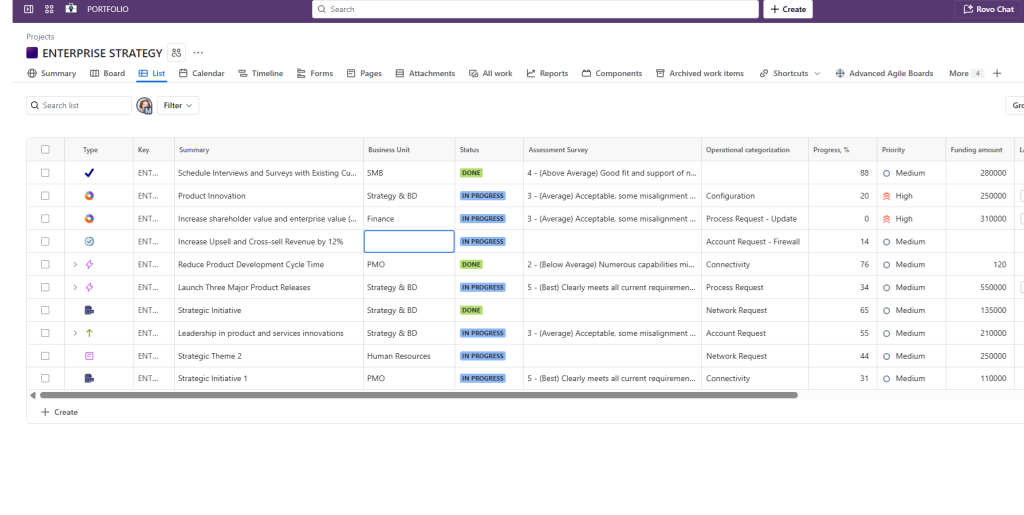
Jira project template that has KPI tracking function built in
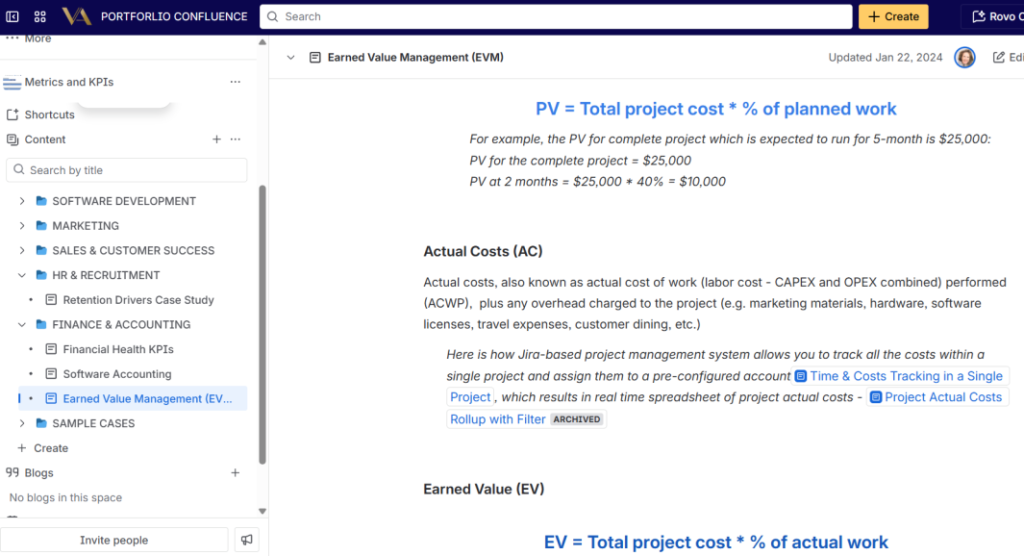
KPI Repository and SOP in Confluence
What is included in the Customer Portal Template with Atlassian Confluence
- Branded Confluence Customer Space – A structured, visually aligned space serving as the central hub for all customer-facing content.
- Information Architecture for Customer Resources – Hierarchical structure for onboarding, documentation, FAQs, release notes, and training materials.
- Customer-Focused Page Templates – Templates for product guides, troubleshooting steps, how-to articles, onboarding checklists, FAQs, and announcements.
- Refined Portal Experience (Optional) – Custom navigation menus, product landing pages, hero sections, and themed layouts for a polished UI.
- Search Optimization Framework – Labels, metadata, and page formatting to improve discoverability and reduce customer frustration.
- Release Notes & Update Log Templates – Consistent format for publishing product changes and version updates.
- Secure Access Controls – Permissions that allow private, public, or customer-specific access based on your business model.
- Multi-Product Structure Support – Separate documentation trees for different products, modules, or service tiers.
- Embedded Media & Integrations – Support for videos, screenshots, diagrams, and third-party embeds for richer learning experiences.
- Analytics & Insights (Optional) – Integration with analytics tools to track page views, content performance, and customer usage trends.
This Template is an Integrated Part of Solution:
Customer Experience Jira Service Management with Confluence (Branded Portal + Relevant Assets)
Atlassian Solution Customer Experience Jira Service Management with Confluence (Branded...
Read MoreTemplates that Integrate with Customer Portal Template with Atlassian Confluence
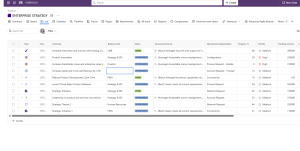
Key Performance Indications (KPI) Template
Template Key Performance Indicators (KPI) Template Define, measure, and track...
Read MoreBusiness Capabilities Management Template
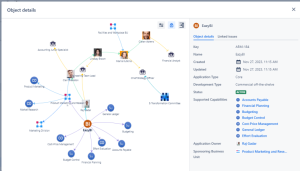
Template Business Capabilities Management Template Define, assess, and optimize the...
Read MoreSales and Marketing Report Template for Atlassian Jira and Confluence
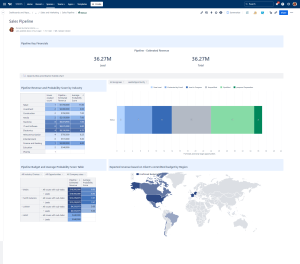
Track campaigns, leads, opportunities, and performance with the Sales and...
Read MoreNews and Social Feed Template
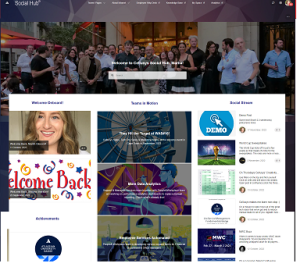
Template News and Social Feed Template for Confluence Enable employees...
Read MoreKnowledge Hub Template with Confluence, Jira and Jira Service Management
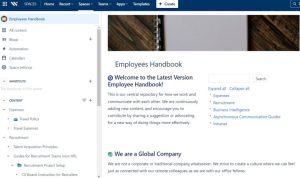
Centralize documentation and expertise with the Knowledge Hub Template using...
Read MoreInnovation Management Template
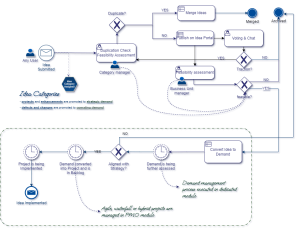
Innovation Management solution to capture ideas, manage innovation pipelines, and...
Read MoreCustomer Service Desk Template with Jira Service Management and Confluence

Customer Service Desk to manage requests, streamline support workflows, and...
Read MoreFAQ about the Customer Portal Template with Atlassian Confluence

Yes. You can publish content publicly, restrict it to authenticated users, or create customer-specific spaces.
Absolutely. The template supports separate documentation structures for each product line while maintaining consistent branding.
Yes. Analytics tools or marketplace apps can provide insights into page performance and customer behavior.
Not necessarily. You can configure public access or use SSO and customer identity management for controlled access.
Yes. The included release notes template allows you to create consistent update logs with filtering and navigation options.
Very easy. Confluence’s editor allows non-technical teams to publish updates instantly without requiring developers.