
Atlassian Solution
Project and Program Management in Jira, Confluence and EazyBI
Enterprise project delivery becomes scalable when execution, documentation, and reporting live in one connected system. This solution enables Project and Program Management in Jira across Agile, hybrid, and classic delivery styles by combining:
-
Jira Software for Agile product and development delivery (Scrum/Kanban, backlogs, team execution)
-
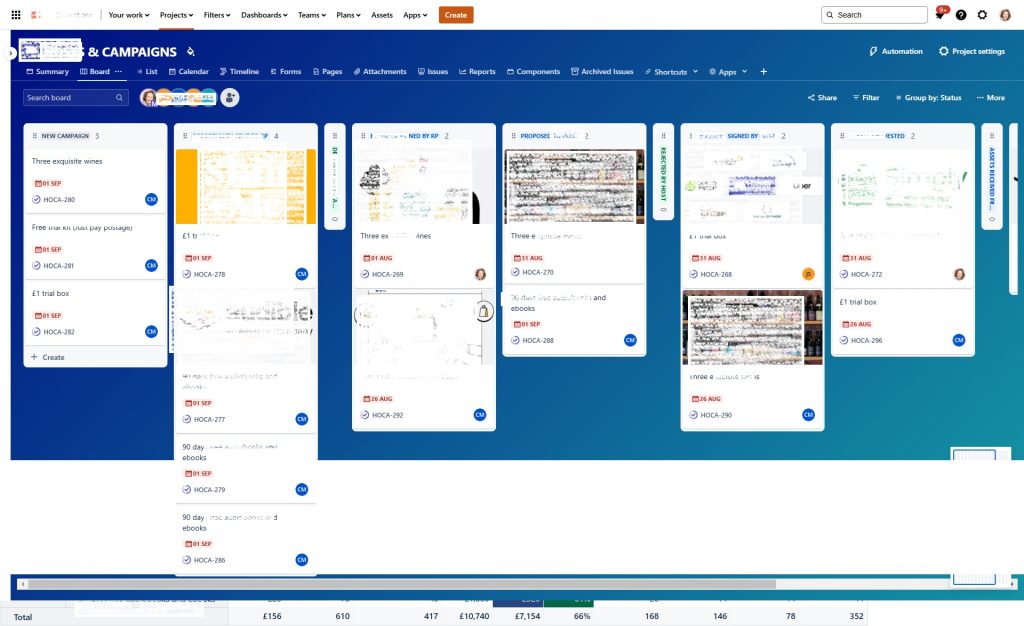
Jira Work Management for business and cross-functional project delivery using multiple planning views (list/board/timeline/calendar)
-
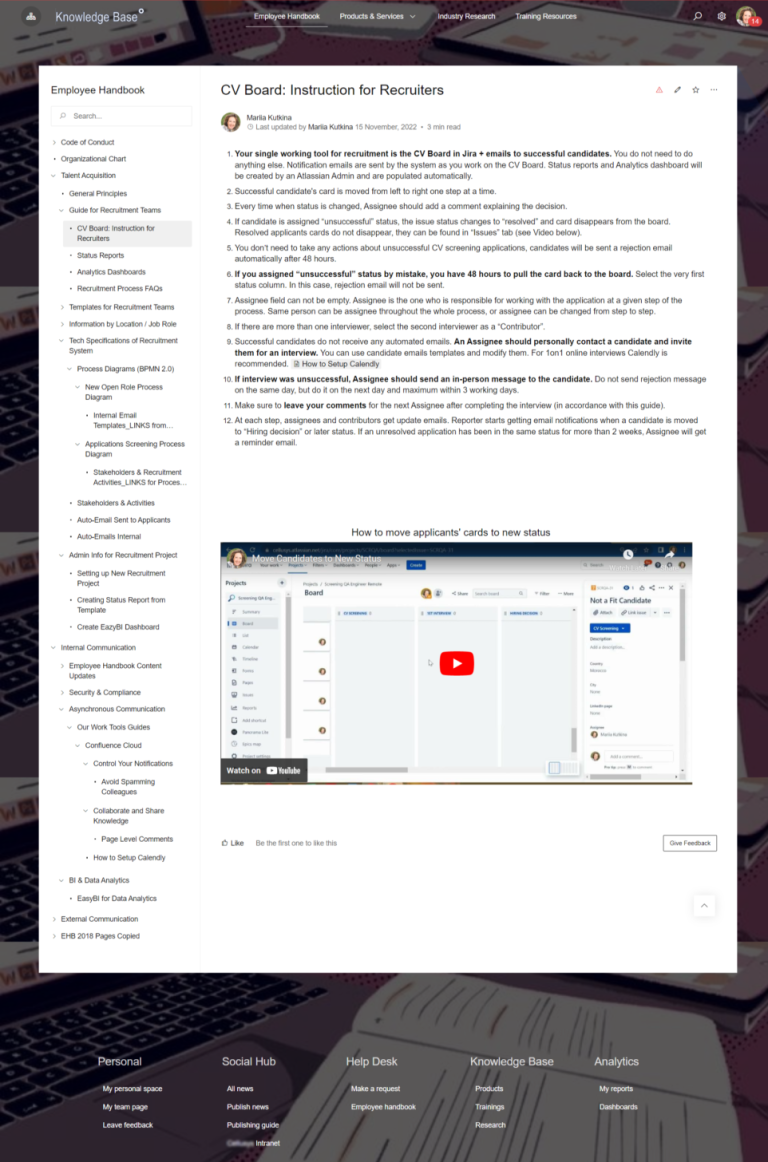
Confluence for documentation, governance, decision logs, and stakeholder communication
-
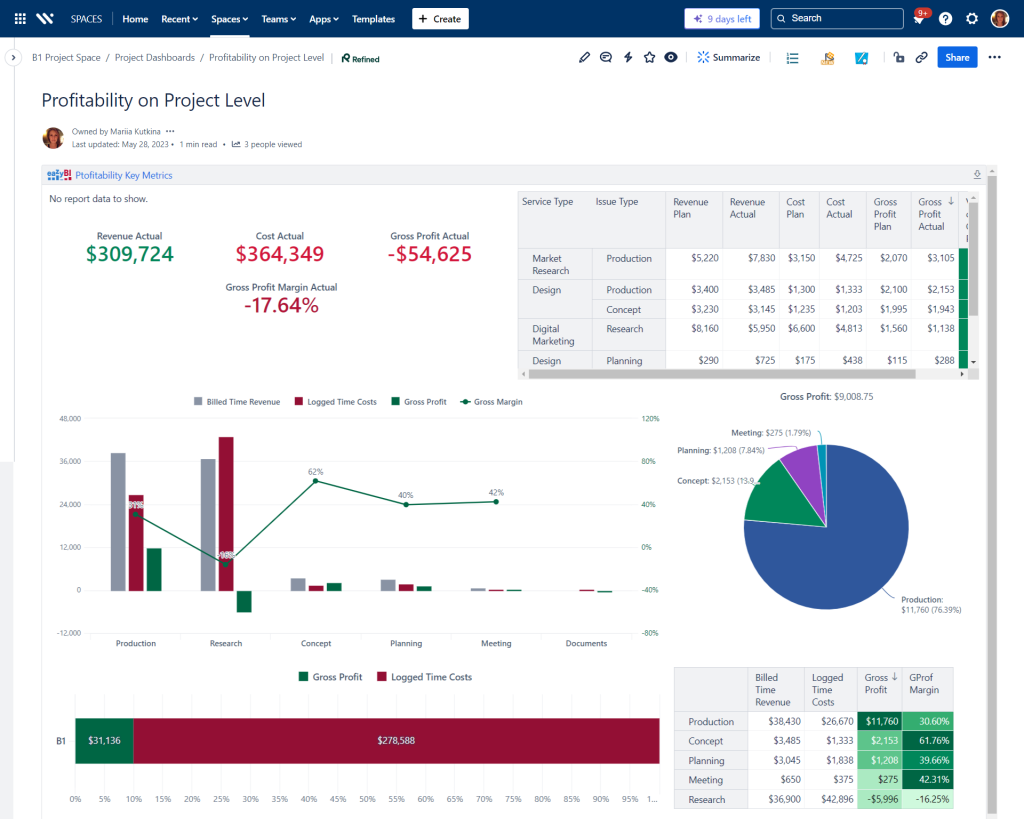
EazyBI for advanced reporting, analytics, and executive dashboards in Jira (and publishable to Confluence when required)
-
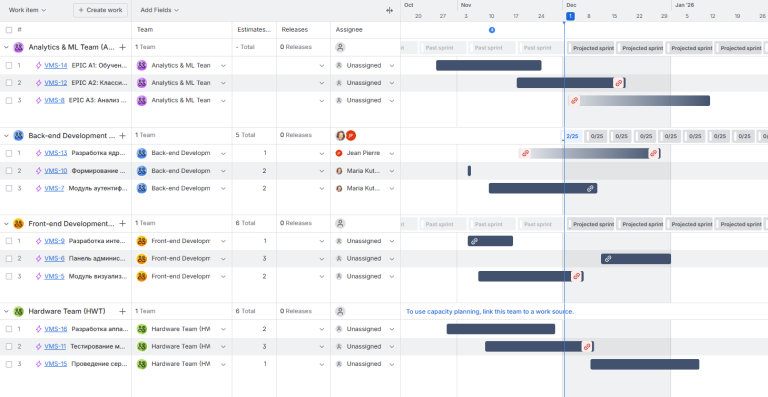
Optional for program management: Jira Plans / Advanced Roadmaps for multi-team program coordination and portfolio-style views
Read articles about Project and Program Management in Jira, Confluence and EazyBI
Why This Matters: Challenges We Solve
Enterprise organizations often struggle to run portfolio management at scale because the work is distributed across many teams and tools. Common challenges we address:
Agile and classic delivery are split across tools
Teams track work in different systems, creating duplicate reporting and inconsistent delivery signals.
Project visibility depends on manual status reporting
Leadership updates are built in slides/spreadsheets, reducing trust and increasing overhead.
Kanban workflows are inconsistent across teams
Boards exist, but columns, WIP discipline, and flow policies vary, making coordination hard.
Plans exist, but dates and dependencies are not connected to real work
Timelines drift when scheduling views are not tied to actual Jira work items and ownership.
Documentation is scattered and decisions are lost
Requirements, approvals, and meeting outcomes live in email, making audits and handovers painful.
Reporting can’t answer “what’s really happening?”
Native dashboards often aren’t enough for enterprise questions, leading to ad-hoc spreadsheets instead of consistent analytics.
Core Features of the Project and Program Management in Jira, Confluence and EazyBI
1) Delivery Operating Model for Agile, Hybrid, and Classic Projects
A single project model rarely fits every team. A scalable setup supports multiple delivery styles while keeping reporting consistent:
-
Agile execution (Scrum or Kanban) for product and engineering teams
-
Hybrid delivery for cross-functional initiatives (milestones + iterative work)
-
Classic delivery patterns where needed (phases, approvals, and controls)
2) Jira Software for Agile Project Delivery (Scrum + Kanban)
Jira Software supports Agile execution with team-level tools such as:
-
Scrum boards for sprint-based planning and delivery
-
Kanban boards for flow-based work and continuous delivery
-
Backlogs for structured prioritization and planning (Scrum and Kanban backlogs supported)
3) Jira Work Management for Business & Cross-Functional Projects
Business teams often need flexible planning and simple views. Jira supports multiple ways to visualize and schedule work, including:
-
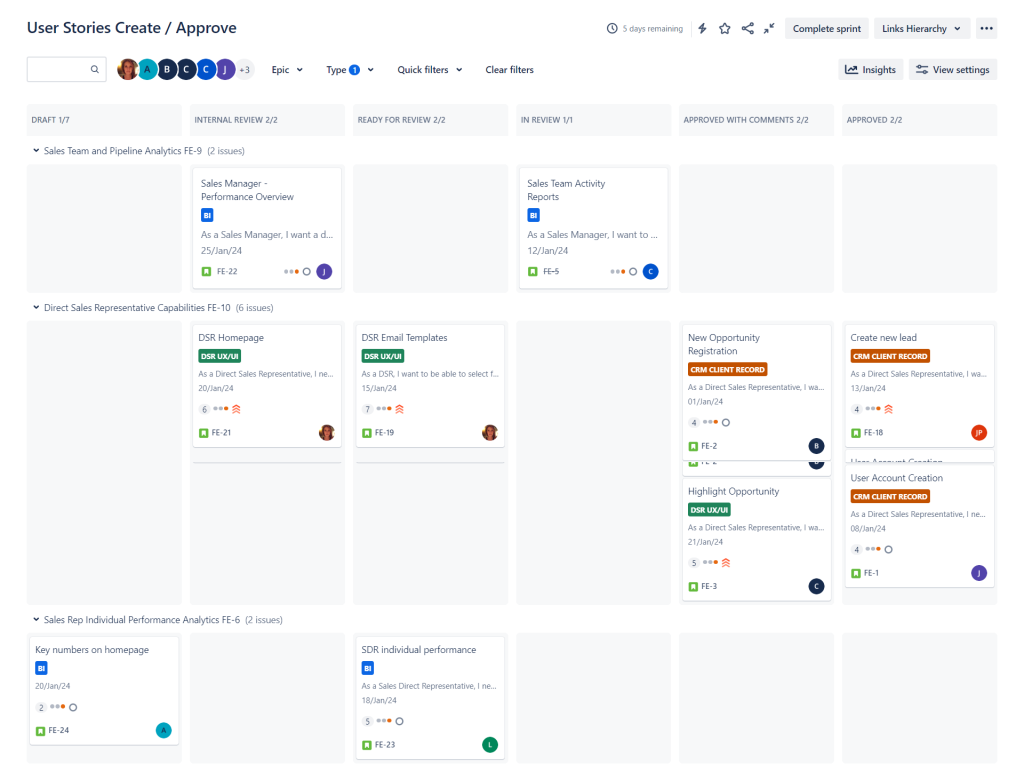
Board view for status tracking and collaboration
-
List view for structured planning and bulk updates
-
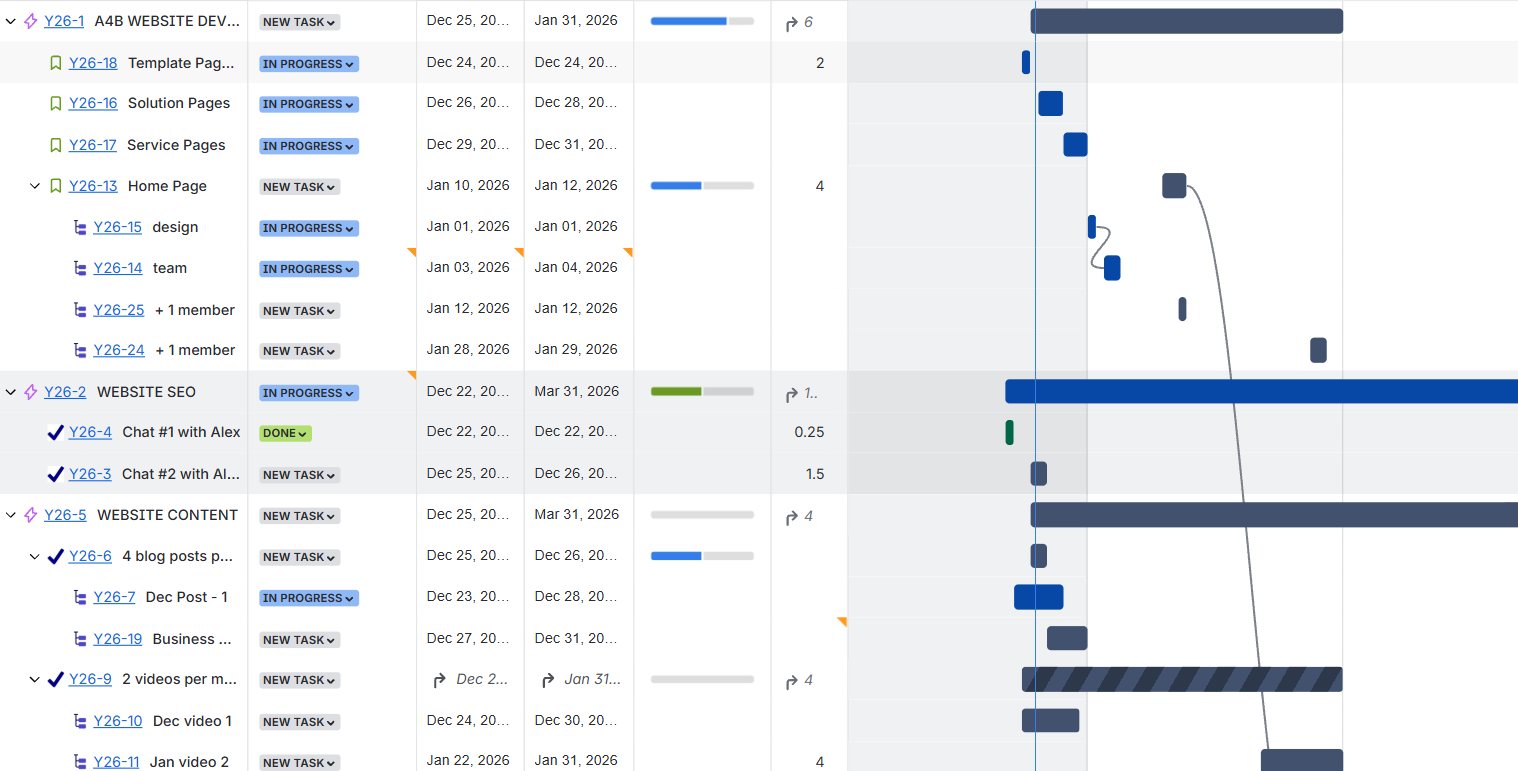
Timeline view for scheduling and dependency-aware planning
-
Calendar view for due-date driven tracking and release planning
These views help PMOs and delivery leads standardize execution without forcing one methodology everywhere.
4) Confluence for Documentation, Governance, and Stakeholder Communication
Project and program governance becomes lighter when evidence and communication are centralized:
-
Program/project charters and scope pages
-
Decision logs and meeting notes linked to Jira work
-
Status report pages that reference live Jira data
-
Runbooks, requirements, and release notes managed as living documentation
5) eazyBI Reporting for Executive Dashboards and PMO Analytics
Enterprise reporting often needs dimensions beyond basic Jira gadgets. EazyBI supports advanced analytics, charts, and dashboards inside Jira.
Typical outcomes include:
-
Standardized program/project KPI dashboards
-
Trend-based reporting (throughput, aging, cycle time, predictability)
-
Rollups across projects, teams, and business units
-
Publishing dashboards in Jira (and to Confluence when required)
6) Program Management Enablement (Optional): Jira Plans / Advanced Roadmaps
For programs spanning multiple teams and projects, Jira Plans can provide program-level coordination, roadmap visibility, and stakeholder-friendly planning views.
How It Works: Solution Architecture
Jira Software + Jira Work Management + Confluence + EazyBI (optional Plans for program coordination).
Connected Delivery Lifecycle
Jira Software + Jira Work Management + Confluence + EazyBI (optional Plans for program coordination).
Connected Delivery Lifecycle
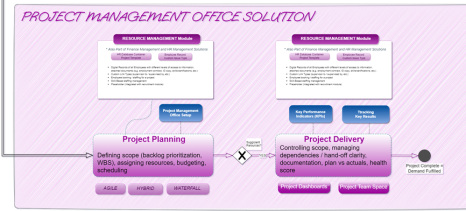
Intake / scope → planning views (boards/timelines/calendars) → execution tracking → documentation in Confluence → reporting via EazyBI dashboards.
Standardization Without Over-Control
Templates, shared fields, and reporting rules create comparability across teams while allowing different delivery styles.
Templates Included into Project and Program Management in Jira
Technical Debt Management Template
Template Technical Debt Management with Atlassian Jira Identify, track, prioritize,...
Read MoreTimesheet Template with Atlassian Jira
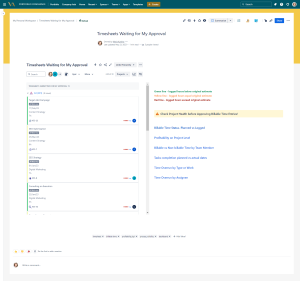
Track work hours, approvals, and project time allocation with the...
Read MoreResource and Capacity Management Template
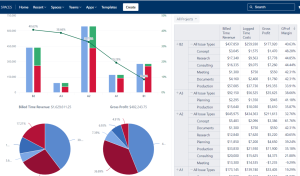
Template Resource and Capacity Management Template Plan, forecast, and track...
Read MoreShared Kanban Boards Template with Atlassian Jira
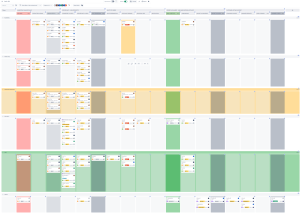
Template Shared Kanban Boards Template with Atlassian Jira Standardize how...
Read MoreAgile Accounting and Dev Time Capitalization Template
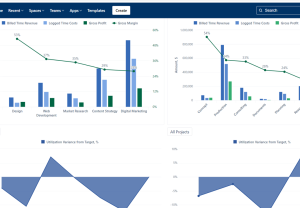
Template Agile Accounting and Dev Time Capitalization Template Track development...
Read MoreKey Performance Indications (KPI) Template
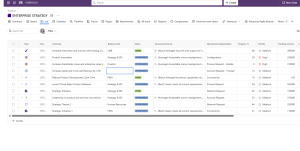
Template Key Performance Indicators (KPI) Template Define, measure, and track...
Read MoreObjective and Key Results (OKR) Template
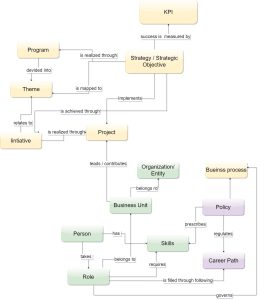
Template Objectives and Key Results (OKR) Set ambitious goals, align...
Read MorePortfolio Performance Report Template
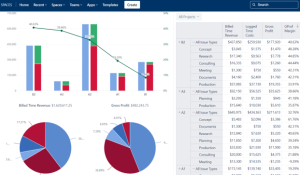
Template Portfolio Performance Report Template for Atlassian Track portfolio health,...
Read MoreSoftware Project Template with Jira and Confluence
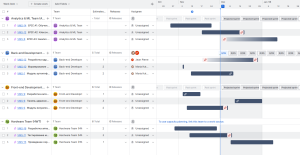
Template Software Project Template with Jira and Confluence Plan, execute,...
Read MoreJira Project Status Report Template
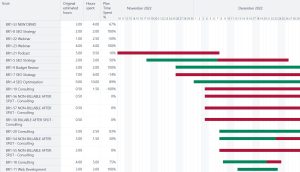
Create automated, real-time project status reports with the Jira and...
Read MoreConsulting Services Related to Project and Program Management in Jira
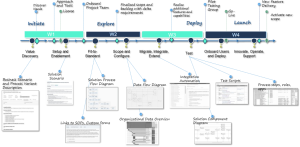
FAQ about Project and Program Management in Jira
A scalable pattern standardizes reporting fields, milestones, and governance checkpoints while allowing teams to execute work using Scrum, Kanban, or phased workflows—so leadership gets consistent signals without forcing a single methodology.
Business delivery scales when shared Kanban conventions exist (statuses, ownership, definitions of done) and when teams use views that match their work style—board for flow, list for structured planning, and calendar for deadline tracking.
A common enterprise approach is to use Confluence as the source for status updates, decisions, and program documentation—linked to Jira work—so meetings focus on exceptions and decisions rather than reporting.
Enterprise reporting typically needs standardized dimensions (program, product line, region, owner, cost center) and consistent definitions. EazyBI dashboards are often used to create repeatable, drillable reporting across many projects from a single analytics layer.
A practical model separates stakeholder views from delivery views: leadership consumes rollups and milestones, while teams manage epics/stories/tasks. Consistent linking between Jira and Confluence preserves traceability without overloading any single view.
Plans becomes most relevant when a program spans multiple teams/projects and requires coordinated timelines and shared visibility for stakeholders—especially where dependency-aware planning is needed at program level.