Atlassian Solution

Human Resources Management Jira (HR Workflows on Atlassian)

A human resources management Jira solution centralizes HR operations in one system of record—covering employee requests, onboarding/offboarding, approvals, and HR documentation.


human resources management jira

This implementation uses Atlassian Jira to standardize HR workflows, Confluence to manage policies and internal knowledge, and (when needed) Jira Service Management (JSM) to offer an employee self-service portal for HR services.

This solution typically combines:

Read articles about Human Resources Management Jira (enterprise-focused)

Why This Matters: Challenges We Solve

HR teams in large organizations handle high volumes of requests, sensitive data, and cross-department dependencies. Without a single system of record, delivery becomes inconsistent, slow to audit, and hard to scale.

HR requests arrive through too many channels

Email and chat-based intake leads to lost requests, unclear ownership, and inconsistent response times.

Onboarding and offboarding are not repeatable

Steps differ by team, region, and role—creating delays, compliance gaps, and poor employee experience.

Approvals are slow and hard to audit

Policy exceptions, contract changes, and HR validations are handled manually with limited traceability.

HR documentation is scattered and outdated

Policies, templates, and guides live in multiple locations, reducing trust and increasing rework.

Sensitive HR information needs controlled access

HR content requires careful permission handling without blocking collaboration and speed.

HR reporting is manual and inconsistent

Leadership visibility depends on spreadsheets rather than standardized dashboards and measurable service outcomes.

Core Components of Human Resources Management Jira (enterprise-focused)

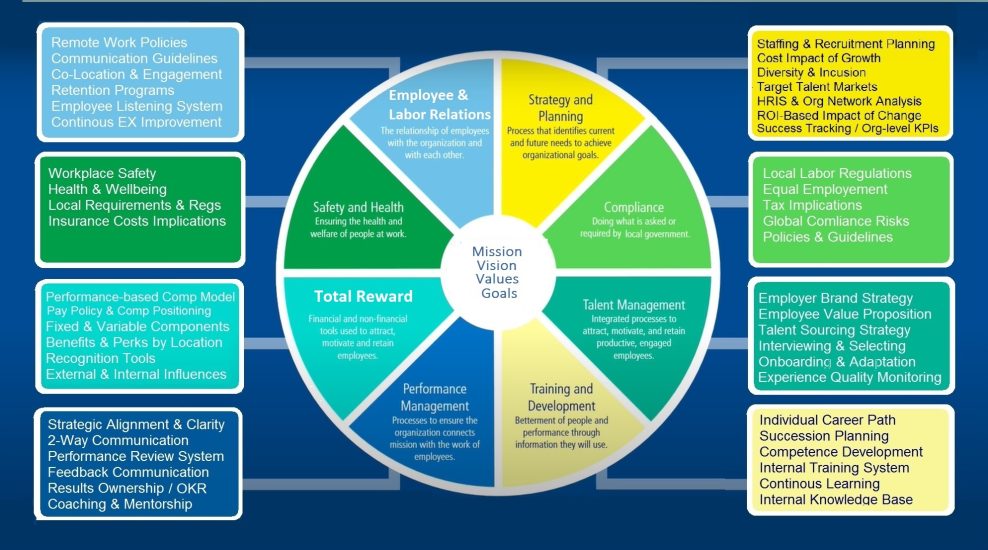
1) Human Resources Management Jira Operating Model (Requests, Cases, and Workflows)

A scalable human resources management Jira setup starts with a clear operating model:

  • HR request and case types aligned to services (benefits, contracts, payroll support, employee relations, onboarding / offboarding)

  • Standard fields (employee type, location, priority, due dates, confidentiality level)

  • Workflow states and rules that reflect how HR actually works (triage → in progress → waiting → completed)

  • Ownership model (HR ops, HRBP, managers, shared services) that avoids bottlenecks

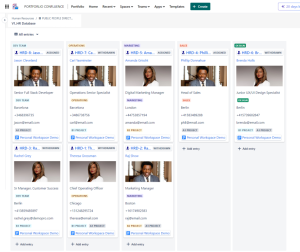
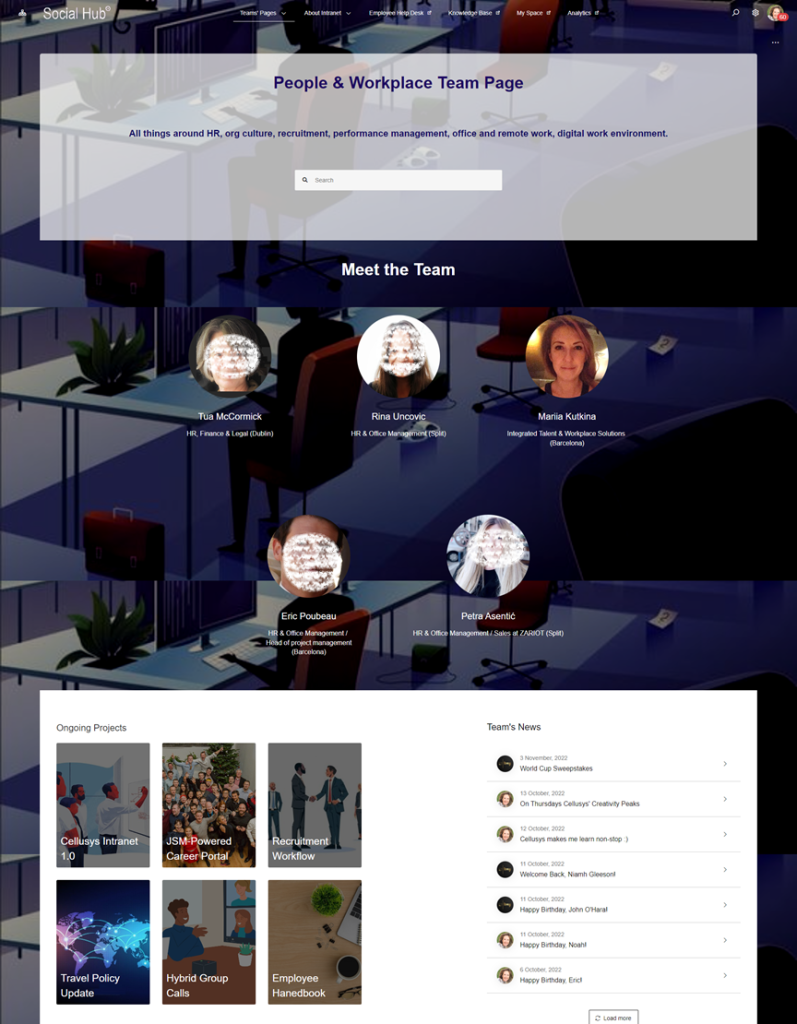
HR Ops Team Specific Page - Corporate Intranet Confluence

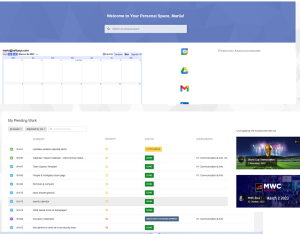
HR Ops Team Specific Page on corporate intranet Confluence
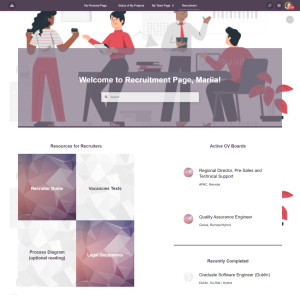
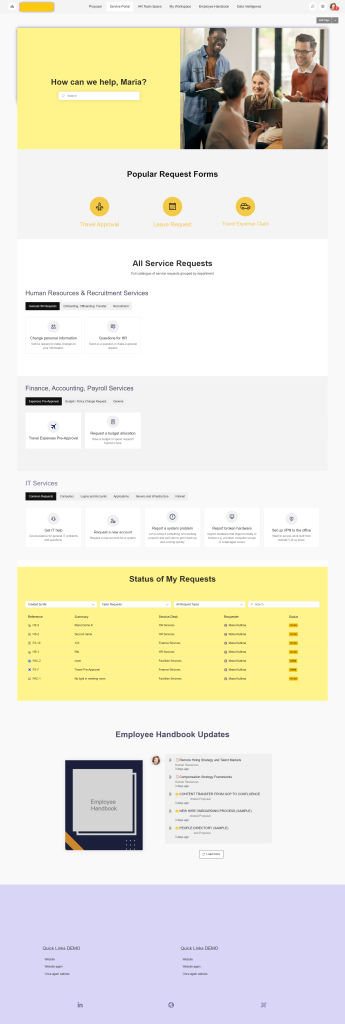
Employee Service Desk with JSM Atlassian Design Example

2) HR Request Intake and Triage (Forms, Routing, Queues)

HR work becomes predictable when intake is structured:

  • Request forms that capture the right information the first time

  • Categorization and routing rules for HR sub-teams and regions

  • Triage queues for shared services and HR operations

  • Templates for repeatable request types (employment verification, policy questions, contract updates)

Optional: a dedicated employee self-service portal in JSM can provide a friendly catalog experience for employees while keeping HR work managed in Jira/JSM behind the scenes.

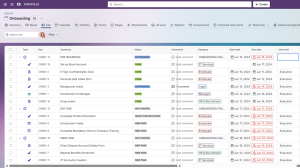
3) Employee Onboarding and Offboarding Workflows

Onboarding and offboarding succeed when they are standardized but flexible:

  • Role-based onboarding checklists (IT access, security training, workplace setup, manager tasks)

  • Regional/legal variations handled through workflow paths and required steps

  • Offboarding controls (access removal, device return, documentation, exit steps)

  • Automated reminders and due-date rules to prevent missed steps

4) Approvals, Compliance, and HR Controls (Audit-Friendly)

Enterprise HR workflows often require approvals without creating bureaucracy:

  • Approval steps for exceptions, policy changes, and sensitive actions

  • Evidence attachment patterns (documents, decision notes, approvals)

  • Clear audit trails: who approved what, when, and why

  • Separation of confidential cases with restricted visibility where required

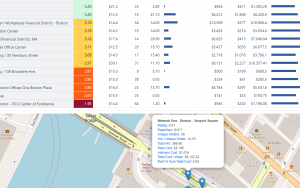
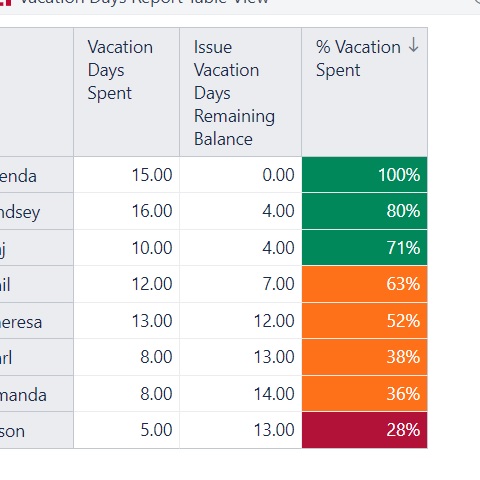
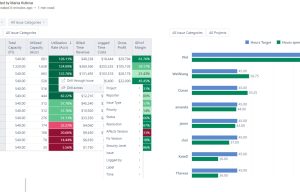
HR Vacation Balance Tracking Jira Atlassian

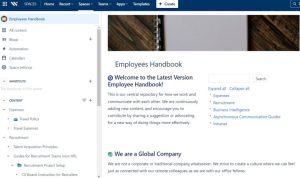
5) Confluence for HR Policies, Templates, and Knowledge

Confluence becomes the HR documentation hub:

  • Policies and procedures with owners, review dates, and version clarity

  • HR templates (letters, checklists, guides, onboarding packs)

  • Manager toolkits and “how-to” knowledge to reduce HR repetitive questions

  • Publishing structure that makes content easy to find and maintain

6) HR Reporting and Dashboards (Optional eazyBI)

Large organizations need HR visibility beyond basic lists:

  • Volume and workload by HR service line, region, and team

  • Time-to-first-response and time-to-complete by request type

  • Onboarding/offboarding cycle performance and SLA compliance (if used)

  • Bottleneck detection (waiting states, aging items, rework patterns)

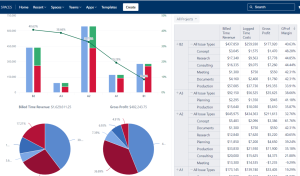
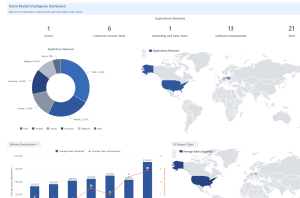
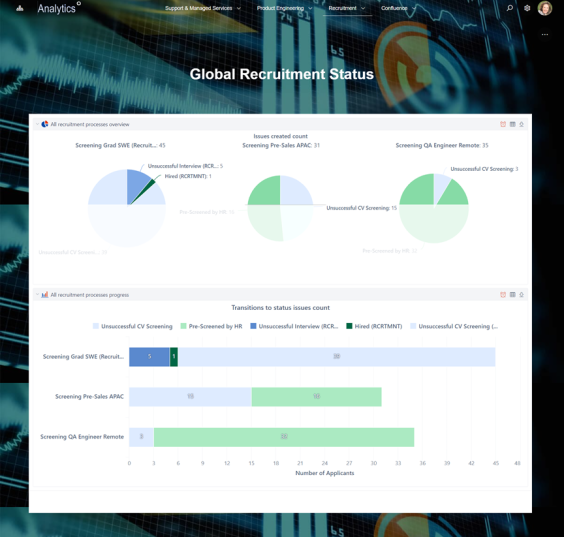
Jira EazyBI Recruitment Analytics Dashboard

How It Works: Solution Architecture

Atlassian Platform Foundation

Jira (HR workflows) + Confluence (HR documentation) + optional JSM (employee portal) + optional eazyBI (analytics).

Connected HR Journey

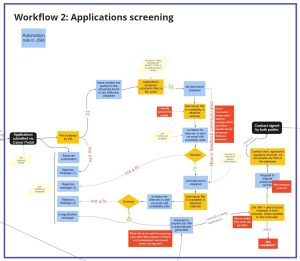
Employee/manager request → triage and assignment → workflow execution → approval and closure → documentation updates in Confluence → reporting and continuous improvement.

Adoption-Focused Rollout

Start with the highest-volume HR services (onboarding/offboarding + top request categories), then expand to additional HR service lines and regions.

Templates Included in the Human Resources Management Jira Solution

Consulting Services Related to the Human Resources Management Jira Solution

FAQ about the Human Resources Management Jira Solution

A scalable pattern standardizes the global “service catalog + workflow backbone” and uses regional paths, required fields, and conditional steps for local rules—keeping reporting consistent without forcing identical execution everywhere.

Manager steps work best when they are lightweight and time-boxed: clear tasks, automated reminders, and a defined escalation path if approvals or inputs are delayed.

Confidentiality is supported by controlled visibility models and restricted access patterns for specific request types, combined with standardized metadata so reporting remains meaningful without exposing sensitive details.

Cross-functional onboarding becomes reliable when responsibilities are mapped into a single workflow with ownership per step, dependencies, and due-date automation—reducing handoffs and missed actions.

A practical approach is “knowledge-first”: publish manager/employee guidance in Confluence, link it from request entry points, and continuously improve articles based on recurring request themes.


Common KPIs include request volume by service line, completion time by request type, aging and backlog trends, onboarding and offboarding cycle time, and service performance by region/team—used to drive continuous improvement rather than manual reporting.

Contact me for a free consultation!