
Atlassian Solution
Data Analytics eazyBI (Advanced Reporting for Atlassian Jira)
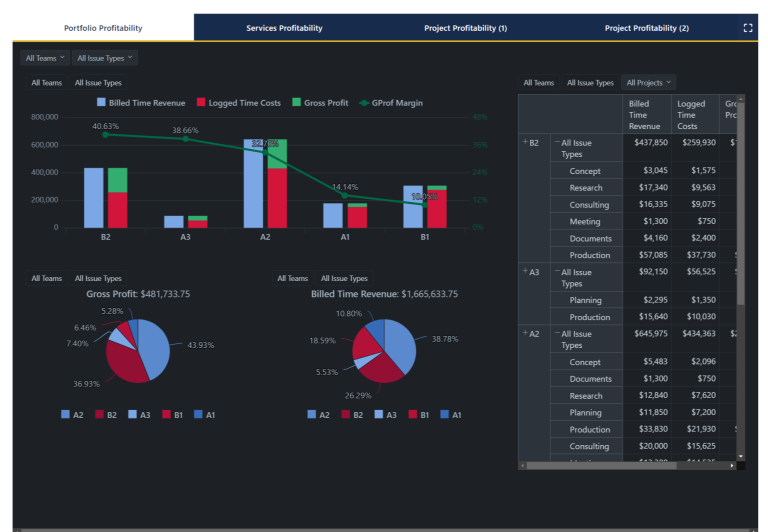
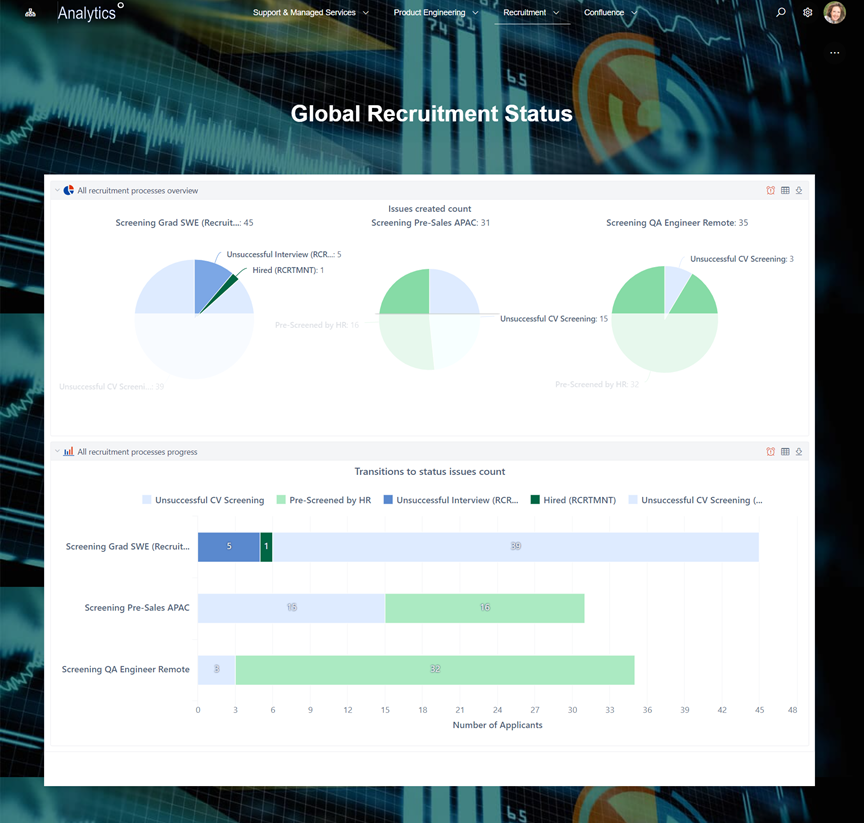
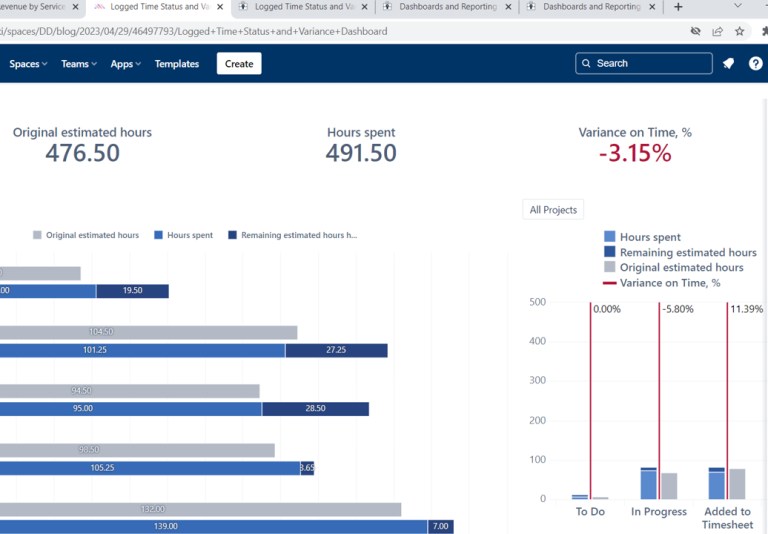
A data analytics EazyBI solution turns Jira data into decision-ready dashboards and KPIs—without manual spreadsheets.
EazyBI is a BI and analytics app integrated into Jira (Cloud and Data Center) and available for Confluence, supporting custom reports, charts, and dashboards at enterprise scale.
This solution typically combines:
EazyBI for Jira for advanced reports, charts, and dashboards inside Jira
Optional: EazyBI for Confluence for analytics embedded into Confluence pages and spaces
Jira Software / Jira Service Management as primary data sources (issues, workflows, SLAs, worklogs, etc.)
Optional: additional data sources (SQL/REST/CSV/Sheets) for multi-source analytics
Read articles about Data Analytics EazyBI (Advanced Reporting for Atlassian Jira)
Why This Matters: Challenges We Solve
Enterprise reporting breaks down when teams rely on inconsistent fields, manual exports, and dashboards that can’t answer real leadership questions. Data analytics EazyBI needs a scalable model that works across projects, teams, and departments.
Leadership dashboards depend on manual spreadsheet consolidation
Reporting cycles consume time and still produce low-trust results.
Teams can’t see trends, only snapshots
Without historical analytics, metrics like throughput, aging, or predictability are hard to prove and improve.
Different teams report the same KPI in different ways
Inconsistent definitions (Done, blocked, reopened, SLA met) destroy comparability across departments.
Standard Jira gadgets can’t cover enterprise questions
Complex breakdowns (multi-dimensional analysis, custom calculations, cross-project rollups) require a stronger analytics layer.
Metrics become “vanity charts” without governance
If data quality and metric definitions aren’t controlled, dashboards drive the wrong decisions.
Organizations need unified analytics across delivery, service management, and connected tools.
Core Features of the Data Analytics EazyBI Solution
1) Data Analytics EazyBI Strategy and KPI Library
Define a data analytics EazyBI KPI library for EazyBI Jira reporting (delivery, service performance, workload, predictability)
Standardize KPI definitions for custom Jira reports EazyBI (Done logic, exclusions, time windows, shared filters) to prevent metric drift
Deliver role-based templates for EazyBI dashboards Jira (executive, PMO, service leadership, team leads)
Set KPI ownership and change control so EazyBI Jira reporting remains consistent across teams and over time
2) EazyBI Data Model Setup (Dimensions, Measures, History)
Configure import scope and refresh rules for EazyBI Jira reporting across projects, issue types, and key fields
Structure analytics using EazyBI dimensions and measures for scalable data analytics EazyBI reporting
Enable historical analysis to support trends for EazyBI dashboards Jira (cycle time, aging, throughput, status history)
Align field mapping and naming conventions so cross-project rollups stay accurate in custom Jira reports EazyBI
3) Custom Metrics with Calculated Measures (MDX)
Build advanced KPIs using MDX calculated measures EazyBI for enterprise-grade reporting
Implement custom service metrics (SLA logic variants, exclusions, business hours) for data analytics EazyBI
Create weighted rollups and normalized metrics (priority/value/effort) for executive-ready EazyBI dashboards Jira
Maintain a reusable MDX library to accelerate new custom Jira reports EazyBI and reduce maintenance
4) Executive Dashboards and Self-Service Reporting in Jira
Deliver EazyBI dashboards Jira with drill-down to underlying Jira issues for actionability
Provide standard dashboard packs for EazyBI Jira reporting (backlog, WIP, blockers, SLA performance, delivery predictability)
Enable program/portfolio rollups (where needed) using shared dimensions for consistent data analytics EazyBI
Support self-service analytics with reusable templates to scale custom Jira reports EazyBI across teams
5) Publish and Share Analytics (Jira Dashboards + Confluence Pages)
Publish EazyBI dashboards Jira into Jira dashboards for operational and leadership visibility
Surface EazyBI Confluence reporting by embedding dashboards in Confluence pages for governance and recurring reporting
Keep narrative and decisions next to live dashboards to maintain a single source of truth for data analytics EazyBI
Apply access controls and curated stakeholder views so EazyBI Jira reporting is shareable without exposing sensitive data
6) Multi-Source Analytics (Optional): Jira + External Data
Extend data analytics EazyBI by importing external datasets (SQL/REST/files) for joined reporting
Combine EazyBI Jira reporting with finance, staffing, CMDB, or operational data for unified dashboards
Create shared dimensions (region, product line, cost center) to standardize cross-system rollups in EazyBI dashboards Jira
Govern the data pipeline so multi-source custom Jira reports EazyBI remain reliable over time
How It Works: Solution Architecture
Atlassian Platform Foundation
Jira (delivery + service) → EazyBI data import/model → dashboards and reports → publication to Jira dashboards and optionally Confluence pages with EazyBI for Confluence.
Reporting Lifecycle
Define KPIs → map fields and data quality rules → build dashboards → validate with stakeholders → operationalize refresh, ownership, and change control.
Governance that Prevents Metric Drift
Controlled KPI definitions, shared filters, and dashboard templates keep metrics consistent across teams and time.
Templates Included into Data Analytics eazyBI (Advanced Reporting for Atlassian Jira)
Key Performance Indications (KPI) Template
Template Key Performance Indicators (KPI) Template Define, measure, and track...
Read MoreObjective and Key Results (OKR) Template
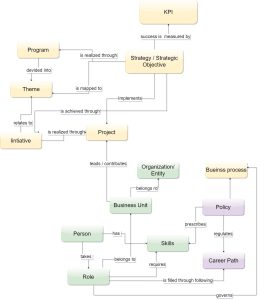
Template Objectives and Key Results (OKR) Set ambitious goals, align...
Read MorePortfolio Performance Report Template
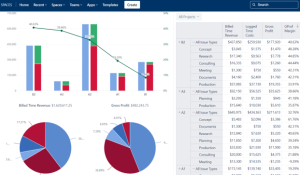
Template Portfolio Performance Report Template for Atlassian Track portfolio health,...
Read MoreDeveloper Metrics and Report Template
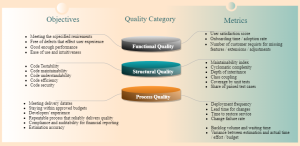
Template Developer Metrics and Report Template for Atlassian Track engineering...
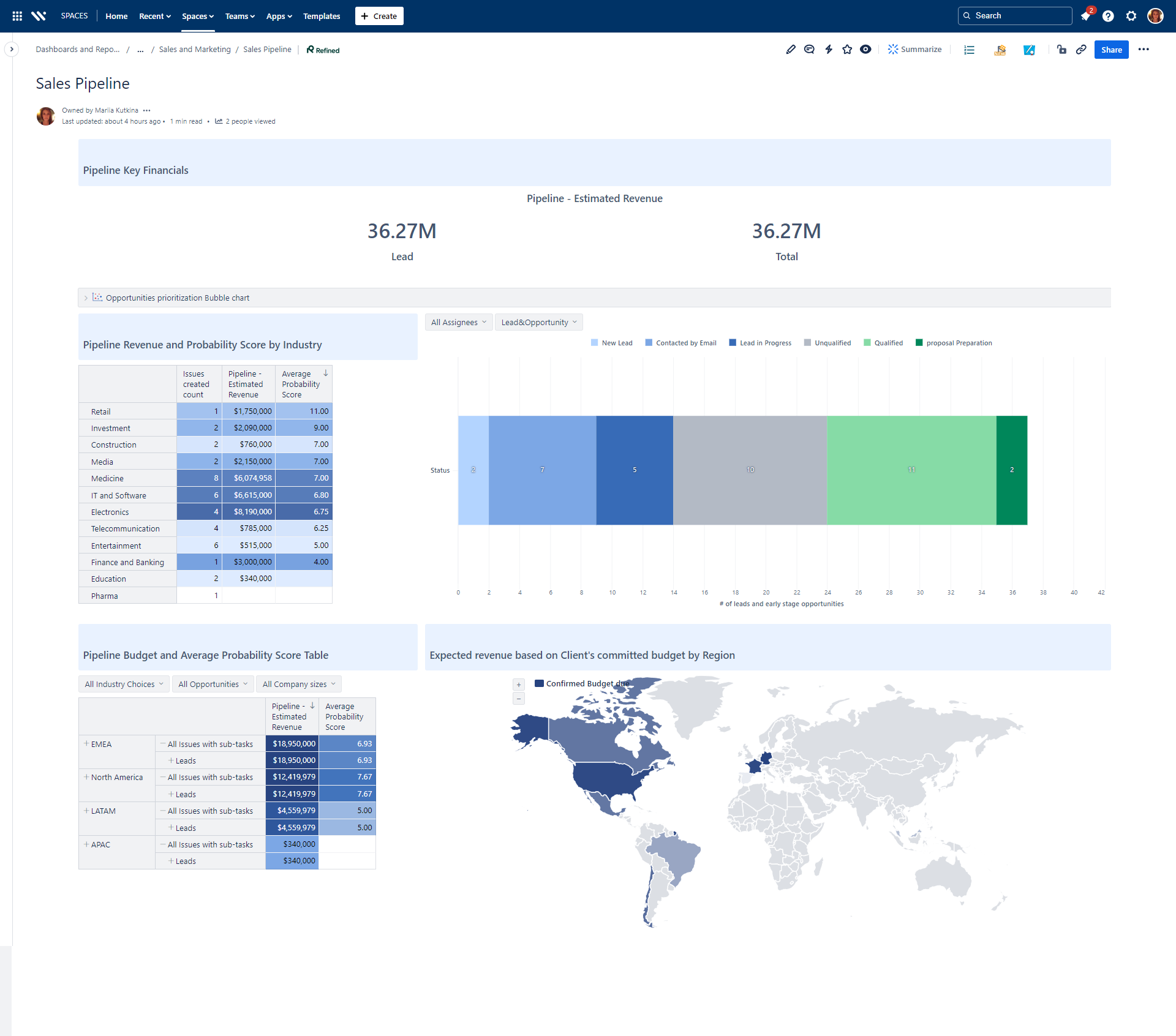
Read MoreSales and Marketing Report Template for Atlassian Jira and Confluence
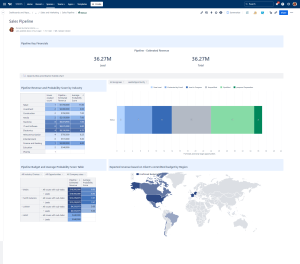
Track campaigns, leads, opportunities, and performance with the Sales and...
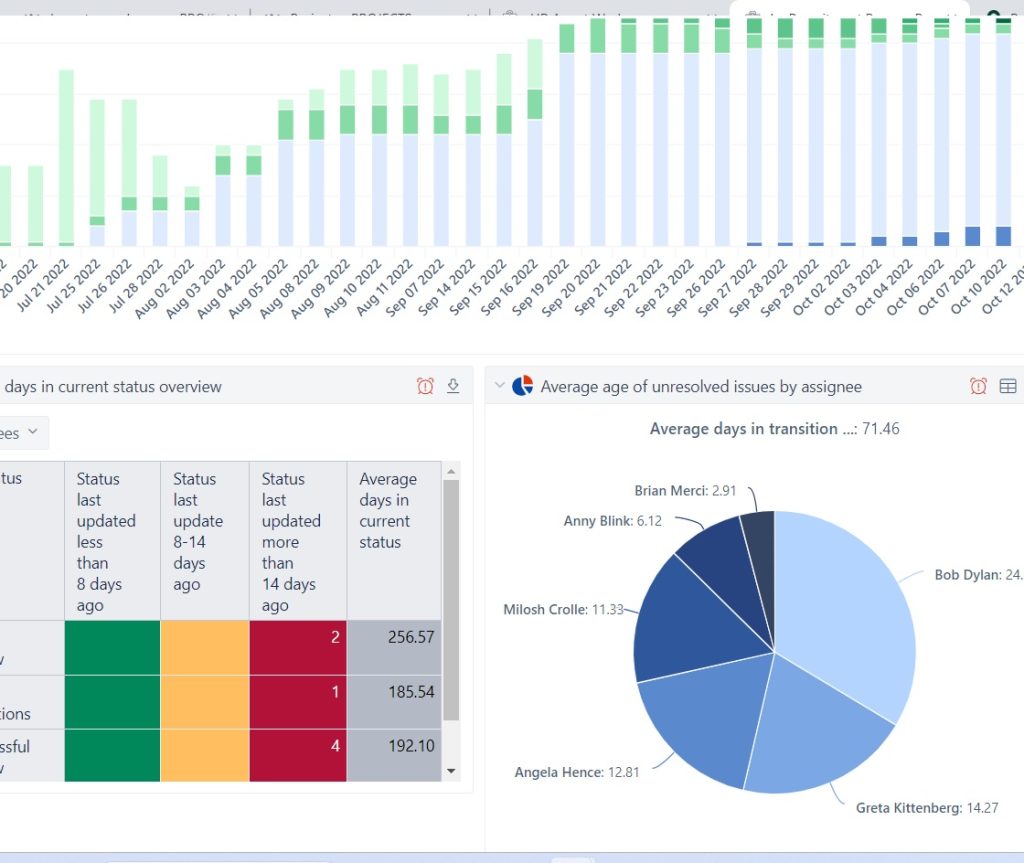
Read MoreJira Project Status Report Template
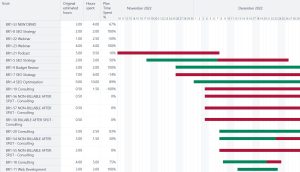
Create automated, real-time project status reports with the Jira and...
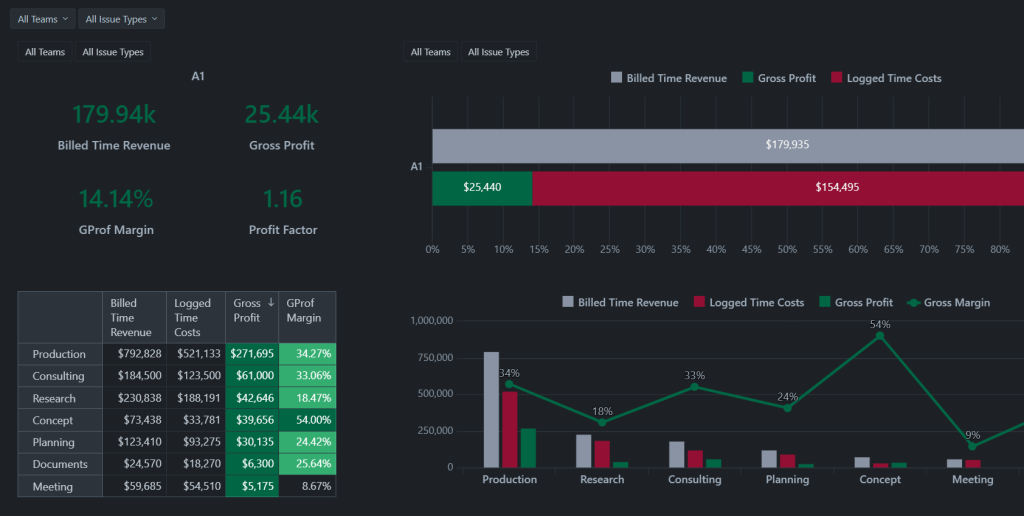
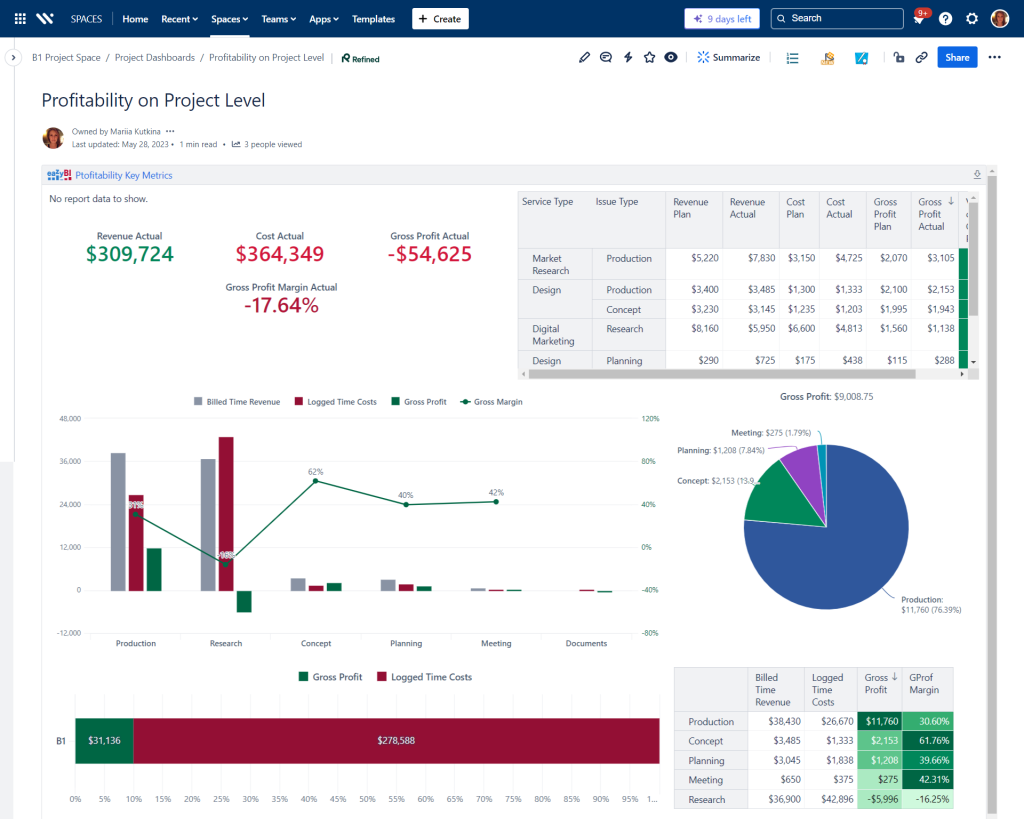
Read MoreFinancial Report Template
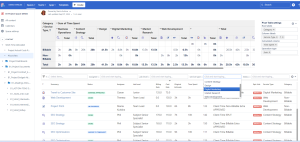
Monitor cost, margins, utilization, and profitability with Financial Report Template...
Read MoreHuman Capital Report Template with Jira and EazyBI
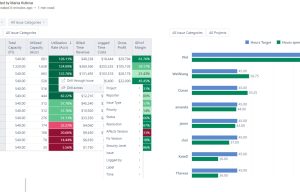
Track skills, performance, utilization, learning, and workforce health with the...
Read MoreConsulting Services Related to Data Analytics eazyBI (Advanced Reporting for Atlassian Jira)
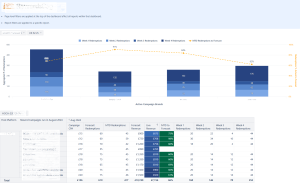
Data Analytics and Business Intelligence Services
Consulting Services Data Analytics and Business Intelligence Services Data analytics...
Read MoreFAQ about Data Analytics EazyBI (enterprise-focused)

Consistency typically comes from a shared KPI catalogue and standardized mapping rules (global definitions with controlled variants), combined with data quality checks on required fields.
Actionable dashboards include drill-down paths to the underlying issues, clear ownership signals, and operational thresholds (e.g., aging limits, breach risk), so charts drive decisions and next actions.
Enterprise rollouts usually apply role-based access, separated reporting accounts/spaces, and curated dashboards so leaders see rollups while teams control detailed visibility.
A controlled change model keeps versioned metric definitions and documents formula changes so historical trends remain interpretable and comparable.
A common model provides separate dashboard packs (delivery vs service) with a shared executive layer that rolls up outcomes and performance across both domains.
Scaling typically relies on templates, a shared MDX library, enablement sessions for report builders, and governance that prevents metric drift while enabling self-service.