
Atlassian Solution
Customer Experience Jira Service Management with Confluence (Branded Portal + Relevant Assets)
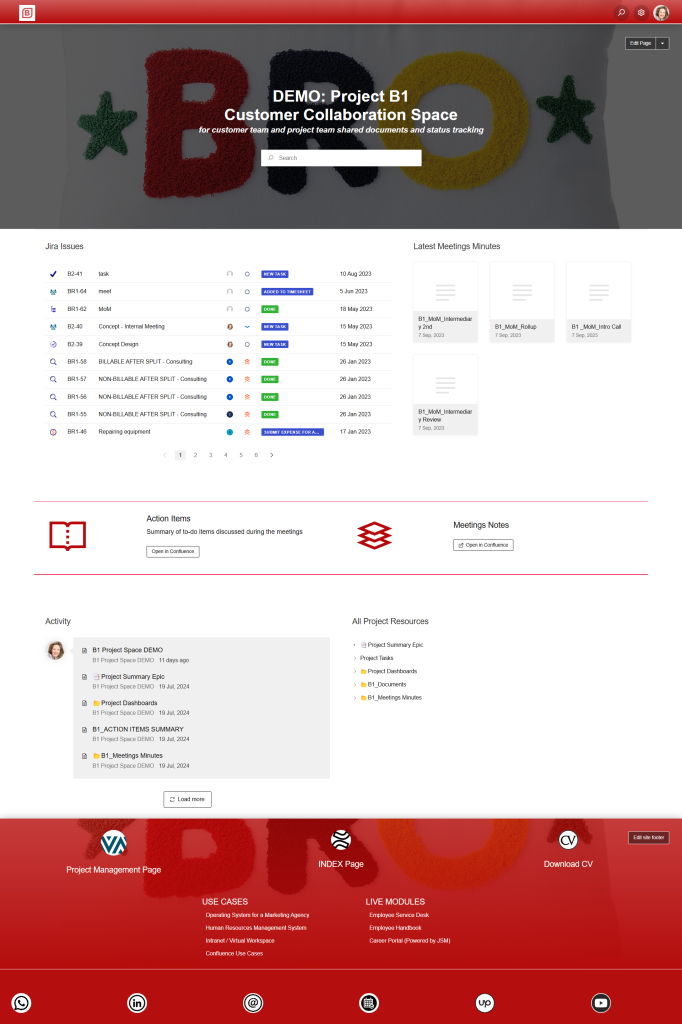
A customer experience Jira Service Management solution creates a consistent, professional front door for customers: a branded portal for requests and updates, and a self-service knowledge base for fast answers.
This implementation combines Jira Service Management (JSM) for the customer portal and service desk workflows with Confluence for customer-facing documentation—so the experience feels unified, scalable, and easy to use.
This solution typically combines:
Jira Service Management (JSM) for a branded help center/portal, request types, queues, SLAs, and customer access settings
Confluence as a knowledge base connected to the portal for customer self-service articles
Assets in JSM to link customers to the right products/services and filter portal selections so customers see only relevant items
Read articles about Customer Experience Jira Service Management with Confluence
Why This Matters: Challenges We Solve
Customer experience breaks down when the portal feels generic, customers can’t find answers, and requests lack context. A customer-facing Jira Service Management setup solves this with branding, self-service, and relevance-based forms.
The portal doesn’t feel like the brand
A generic service desk experience reduces trust and makes adoption harder—especially for external customers.
Customers can’t find answers, so ticket volume stays high
Without a strong knowledge base experience, common questions turn into repetitive requests.
Wrong routing and incomplete requests slow response times
If request forms don’t collect the right data, agents spend time clarifying instead of resolving.
Customers see too many options or irrelevant items
When forms show every product/service, customers select the wrong items and the experience feels confusing.
Access control is unclear across customers and organizations
In B2B scenarios, visibility must be controlled so customers only see what they should.
Status updates require manual communication
Without structured workflows and portal visibility, teams rely on email updates that don’t scale.
Core Features of Customer Experience Jira Service Management with Confluence (Branded Portal + Relevant Assets)
1) Branded Customer Experience Portal (Help Center + Portal Look & Feel)
Configure branded help center and portal experience (colors, layout, and portal presentation) to match customer expectations
Structure the request catalog into clear service categories (support, onboarding, changes, access, billing, etc.)
Optional: support multiple help centers/portals where different brands, products, or regions need distinct experiences
Optional: apply a custom domain strategy for a more recognizable customer-facing URL (where applicable)
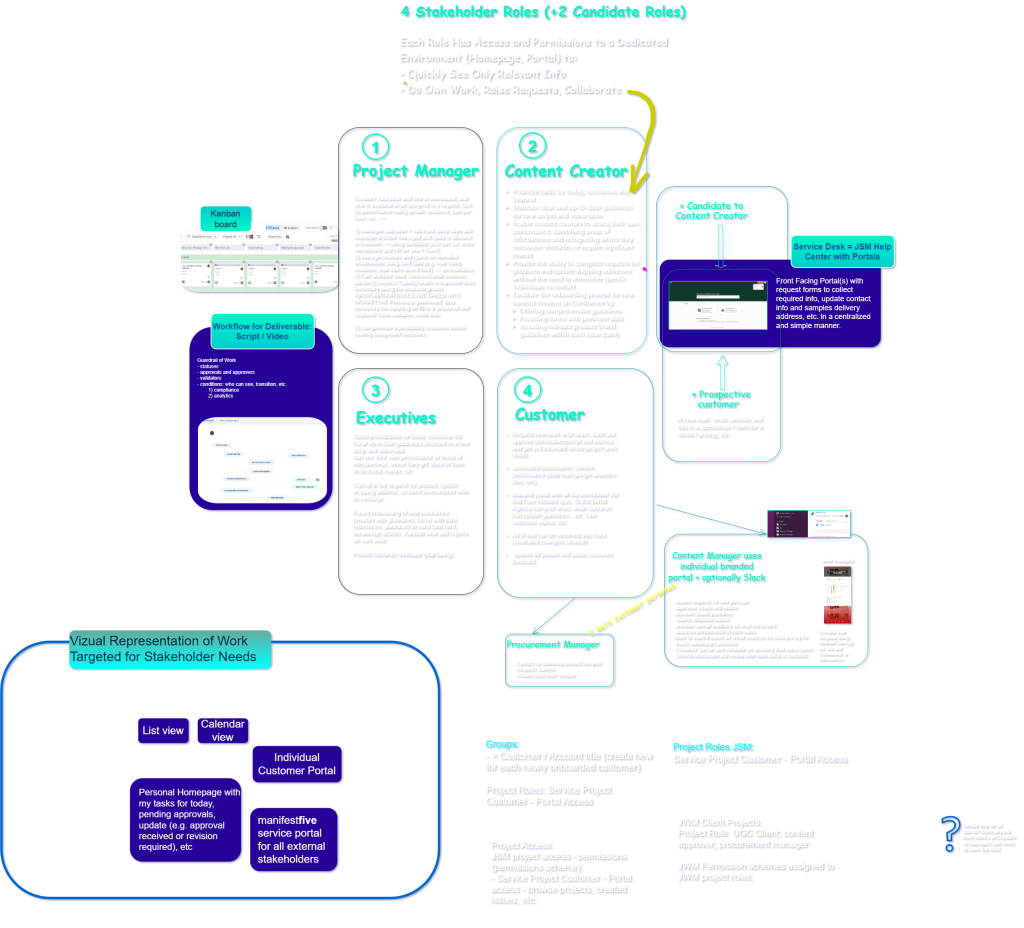
2) Customer Experience Jira Service Management Access Model (Customers + Organizations)
Set portal access to match the business model (open, limited to specific groups, or restricted to invited customers)
Use customer organizations to align B2B customers with the right service channels and visibility patterns
Define sharing rules and collaboration patterns using request participants (for customer-side stakeholders)
3) Service Desk Workflows for a Consistent Customer Experience
Implement request types and workflows that match customer-facing scenarios (support requests, incidents, onboarding, changes)
Configure queues and ownership rules to reduce “lost” requests and speed up triage
Apply SLAs where response/resolution targets are part of the customer promise
Standardize customer updates and notifications so communication stays consistent
4) Assets-Based Relevance: Customers See Only Relevant Items in Forms
Use Assets in JSM to model products, subscriptions, sites, environments, devices, or services linked to customers
Configure Assets object custom fields with AQL-based filtering so portal pickers show only the right objects for the context (and support cascading selections)
Apply schema roles/permissions so assets data is governed and maintained safely
Outcome: fewer incorrect submissions, better context for agents, and a cleaner customer experience
5) Confluence Knowledge Base for Customer Self-Service
Connect Confluence as the knowledge base so customers can search articles from the help center and resolve issues faster
Use article categorization to mirror the portal catalog (help customers navigate by topic)
Maintain customer-facing documentation (setup guides, FAQs, troubleshooting, release notes) with ownership and review cadence
6) Customer Experience Reporting and Continuous Improvement (Optional)
Track request volumes, top contact reasons, deflection opportunities (knowledge usage), and service performance trends
Identify friction in the portal: incorrect selections, re-open patterns, missing information fields
Use insights to refine request types, Assets filters, and knowledge content over time
How It Works: Solution Architecture
Atlassian Platform Foundation
Jira Service Management (portal + workflows) + Confluence (knowledge base) + Assets in JSM (relevant item selection + context).
Connected Customer Journey
Customer enters branded portal → searches knowledge → selects relevant product/service via Assets-filtered fields → submits request → tracks status and communications → knowledge improves based on recurring demand.
Governance That Scales
Access controls, standardized request types, Assets schema ownership, and knowledge publishing rules prevent drift as customers and services grow.
Templates Included into Customer Experience Jira Service Management with Confluence (Branded Portal + Relevant Assets)
Key Performance Indications (KPI) Template
Template Key Performance Indicators (KPI) Template Define, measure, and track...
Read MoreNews and Social Feed Template
Template News and Social Feed Template for Confluence Enable employees...
Read MoreKnowledge Hub Template with Confluence, Jira and Jira Service Management
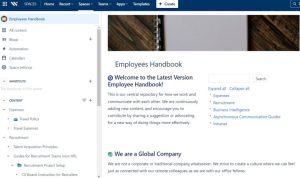
Centralize documentation and expertise with the Knowledge Hub Template using...
Read MoreInnovation Management Template
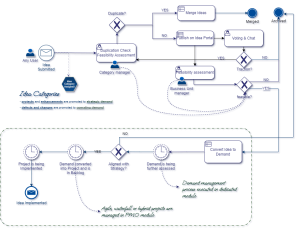
Innovation Management solution to capture ideas, manage innovation pipelines, and...
Read MoreCustomer Service Desk Template with Jira Service Management and Confluence

Customer Service Desk to manage requests, streamline support workflows, and...
Read MoreDedicated Customer Portal Template with Atlassian Confluence
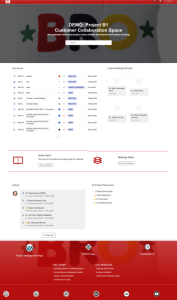
Build a branded customer portal using Confluence to deliver documentation,...
Read MoreConsulting Services Related to Customer Experience Jira Service Management with Confluence (Branded Portal + Relevant Assets)
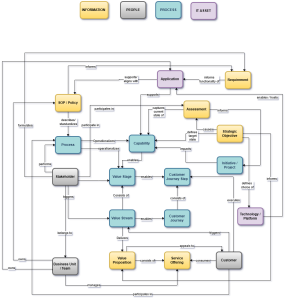
FAQ about Customer Experience Jira Service Management with Confluence (Branded Portal + Relevant Assets)
Branding can be applied through help center and portal look-and-feel customization, aligning the customer portal to your visual identity.
Portal access settings can be configured to allow broad access or restrict to invited customers; organizations can be used to manage customers at scale.
Assets object fields can be configured with AQL filters (including context-based filtering) so only the correct objects are selectable, reducing wrong submissions.
Knowledge base articles can be created and categorized so customers can search and browse answers directly from the help center experience.
Request participants allow a request to be shared so others can view/comment and receive notifications.
A common pattern is to structure separate portals / help centers when audiences and service catalogs differ, while keeping consistent governance and reporting.