Atlassian Solution

Corporate Intranet Confluence with Jira Service Management (JSM)

A corporate intranet Confluence solution brings internal communication, trusted documentation, and employee self-service into one place.


Corporate Intranet Confluence with Jira Service Management (JSM)

This implementation combines Atlassian Confluence as the intranet and documentation hub with Jira Service Management (JSM) as an employee portal for HR/IT/Facilities requests—so employees can find answers fast, submit requests consistently, and follow a clear internal process.

This solution typically combines:

  • Confluence for intranet spaces, page templates, navigation, and secured content

  • Jira Service Management (JSM) for an employee help center (request catalog, forms, queues, routing, and SLAs if needed)

  • A connected knowledge base so help-center users can self-serve using Confluence articles

  • Optional: structured directories and indexes (policies catalog, onboarding checklist library, tool directory) using structured content patterns

Read articles about Corporate Intranet Confluence with Jira Service Management (JSM)

Why This Matters: Challenges We Solve

Information is scattered and outdated

Policies and “how-to” content exists in too many places, creating duplicates and low trust.

Employees don’t know where to ask for help

HR/IT/Facilities requests arrive via email and chat, slowing response and losing accountability.

Internal communications are inconsistent

Announcements and updates get missed without a reliable intranet publishing pattern.

Onboarding is slow and depends on tribal knowledge

New hires can’t find role-based guidance, tools, and processes in one structured hub.

Permissions and confidentiality are hard to control

Sensitive content (HR/Finance) must be secured without making the intranet unusable.

Low self-service creates avoidable workload

Repetitive questions become repetitive tickets when knowledge isn’t searchable from the portal.

Core Features of the Corporate Intranet Confluence with Jira Service Management (JSM)

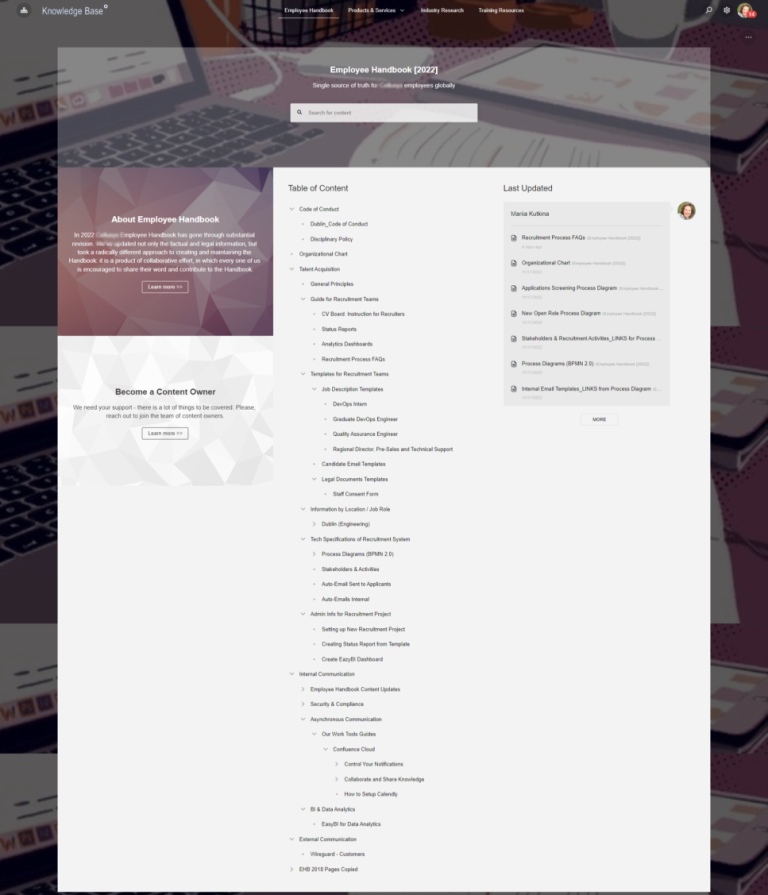
1) Corporate Intranet Confluence Architecture (Spaces, Navigation, Ownership)

A scalable Corporate intranet Confluence setup starts with a clear information architecture:

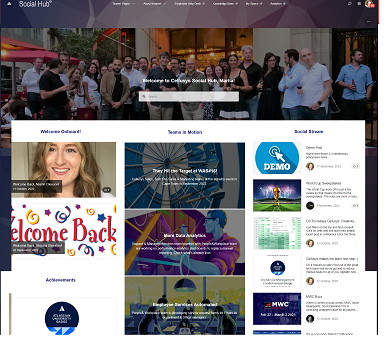
  • Company home and department hubs (HR, IT, Security, Finance, Operations)

  • Consistent space structure using templates (so teams publish content the same way)

  • Defined ownership (space admins, content owners, reviewers)

  • Content lifecycle rules (draft → published → reviewed → archived)

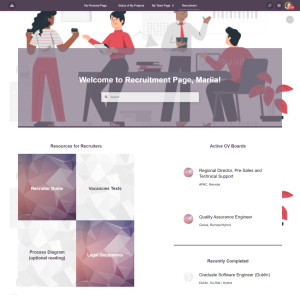
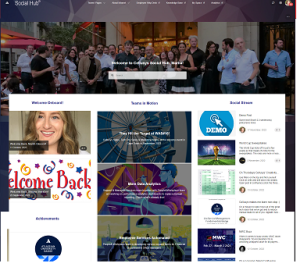
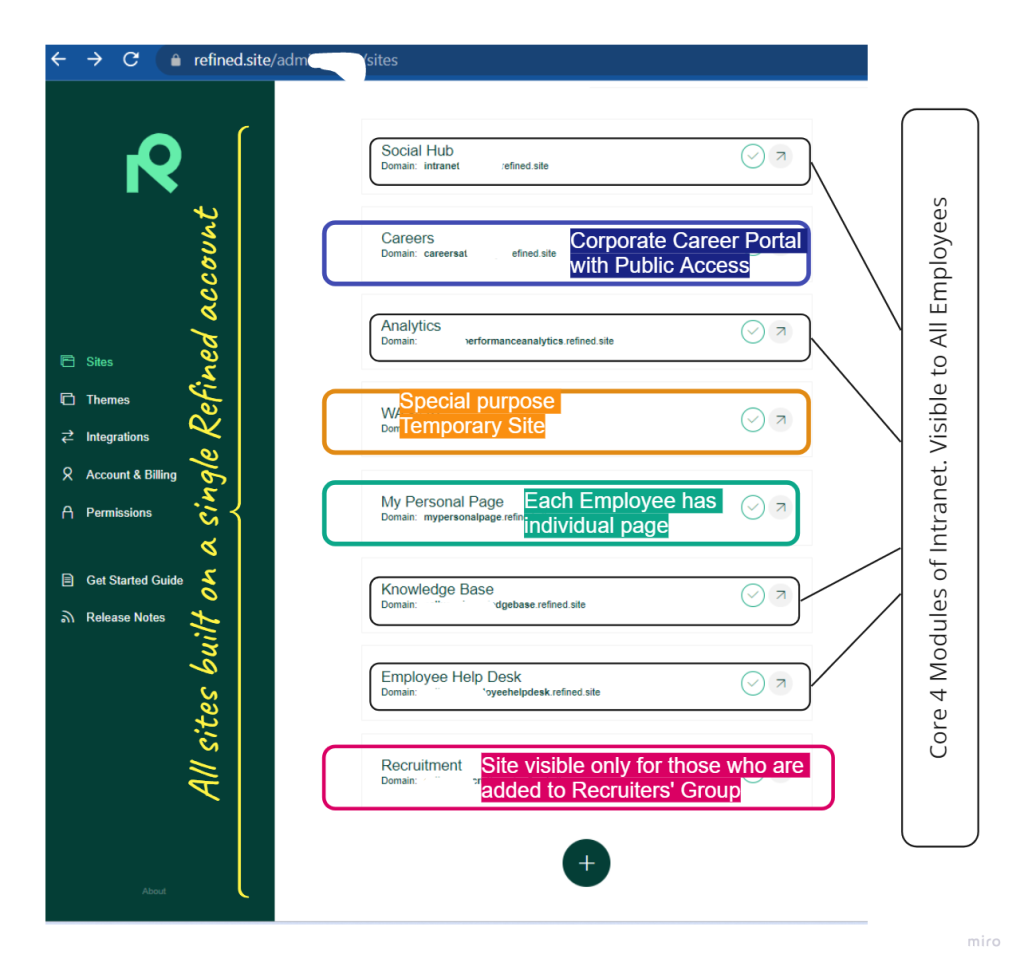
Corporate Intranet Confluence and Refined Site App

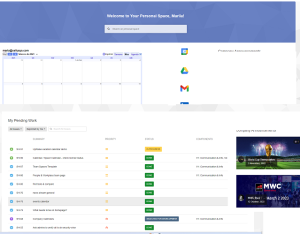
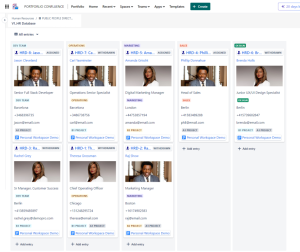
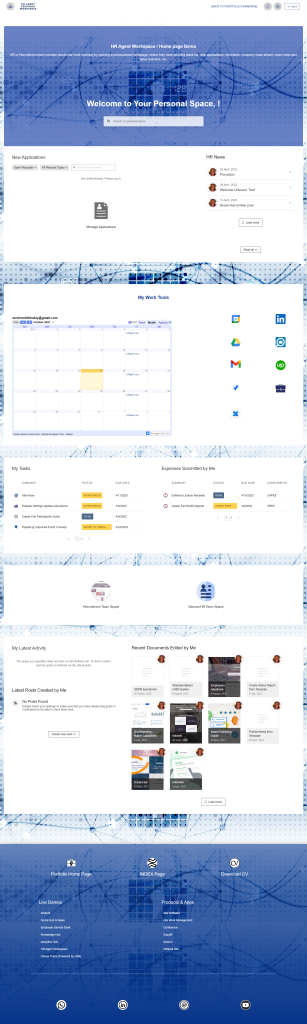
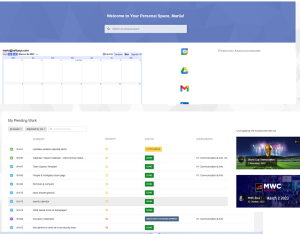
Corporate intranet Confluence - Personal workspace

2) Governance and Access Control (Permissions and Content Rules)

Advanced Roadmaps (Plans) supports cross-team roadmap planning and visibility across multiple Jira projects and teams.
Configuration typically includes:

  • Multi-project / multi-team roadmap views

  • Timeline views for initiatives, programs, and epics

  • Dependency mapping and schedule-risk visibility

  • Scenario planning for quarter shifts and prioritization changes

  • Stakeholder-friendly roadmap views connected to real Jira work

Advanced Roadmaps (Plans) is available in Jira Premium / Enterprise.

3) Internal Communications (Announcements, Updates, and Living Pages)

A corporate intranet only works if it’s actively used:

  • A structured “Company Updates” area for news and changes

  • Department communication pages with consistent update formats

  • Guidance for what belongs in evergreen pages (policies/processes) vs time-based updates

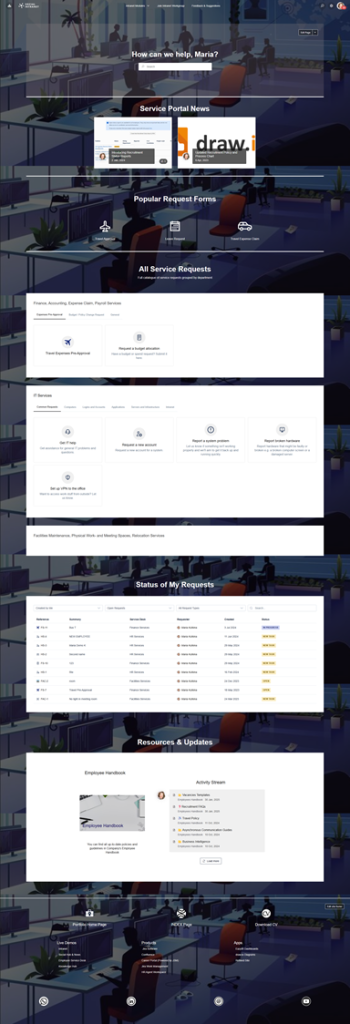
4) Employee Self-Service Portal in Jira Service Management (JSM)

JSM provides a single employee portal for internal services:

  • Request catalog for HR/IT/Facilities/Operations (access, equipment, onboarding/offboarding, procurement, workplace requests)

  • Request forms that capture the right information from the start

  • Queues and routing rules that ensure ownership and fast triage

  • Optional SLAs for measurable response/turnaround targets

5) Connected Knowledge Base (Confluence + JSM)

Self-service improves when the portal offers answers before a request is raised:

  • Knowledge articles mapped to common request topics (access, VPN, onboarding steps, policies)

  • Consistent article templates to keep documentation easy to read and maintain

  • Escalation path: if an article doesn’t solve the issue, the portal request captures context and routes correctly

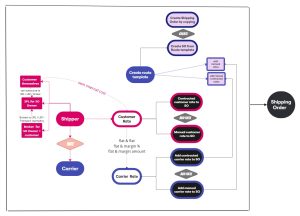
Employee Self-Service Portal in Jira Service Management (JSM)

6) Onboarding, Policies, and Department Hubs (Structured Content)

A corporate intranet Confluence solution typically includes:

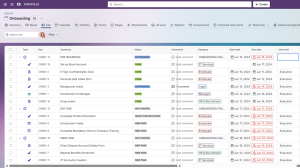
  • Onboarding hub (role-based checklists, tool access guides, first-week plan)

  • Policies and procedures library with owners, review dates, and change history

  • Team and department hubs for processes, SOPs, and working agreements

  • Directories and indexes (tools, templates, key contacts) maintained in a consistent structure

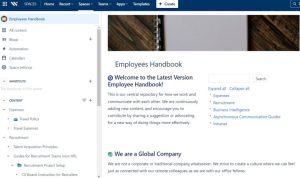
Knowledge Hub Template with Confluence, Jira, and Jira Service Management

How It Works: Solution Architecture

Atlassian Platform Foundation

Confluence (intranet + knowledge) + Jira Service Management (employee portal + request routing)

Connected Employee Journey

Search intranet → read knowledge article → submit request via portal if needed → track progress → close the loop with improved articles and templates.

Adoption-Focused Rollout

A typical rollout starts with the highest-impact departments (HR/IT/Security) and a small, clear request catalog, then expands to additional services and hubs.

Templates Included into Corporate Intranet Confluence with Jira Service Management (JSM)

Consulting Services Related to Corporate Intranet Confluence with Jira Service Management (JSM)

FAQ about Corporate Intranet Confluence and JSM (enterprise-focused)

A scalable approach uses department hubs with templates, minimal required metadata, and clear content ownership so publishing stays consistent without central bottlenecks, including team news publishing

A well-designed portal uses simple language, a small request catalog, and smart forms—plus knowledge articles that resolve common issues without creating requests.

Space-level permissions and page restrictions protect sensitive content while keeping the broader intranet searchable and usable for everyday needs.

Governance includes owners, review dates, and an archive pattern—so outdated content is removed and trusted content is easy to find.


Role-based onboarding hubs combine checklists, tool access guides, team norms, and links to service requests (access, equipment, accounts) so onboarding is repeatable.

Typical measures include self-service adoption (fewer repeat requests), portal deflection via knowledge, content freshness (review compliance), and time-to-answer/time-to-resolution trends.

Contact me for a free consultation!