Software Project Template with Jira and Confluence
Plan, execute, and document software projcts with a unified workflow that connects Jira delivery, Confluence documentation, and automated reporting.
The Software Project Template provides a standardized framework for managing software development from idea to release. Work items, sprints, roadmaps, requirements, technical documentation, risks, technical debt and testing are all connected across Jira and Confluence. Teams gain full visibility into progress, scope, quality, and dependencies while leadership benefits from consistent reporting and predictable delivery.
Why you need a Software Project Template with Jira and Confluence
Unified Delivery Framework for All Software Teams
A standardized structure for issues, workflows, and documentation ensures consistent execution across products and teams.
Embedded Agile Best Practices
Ceremonies, refinement patterns, definition of done, and continuous-improvement loops are built into workflows, helping teams mature their Agile practices without reinventing processes.
Clear Connection Between Requirements and Work
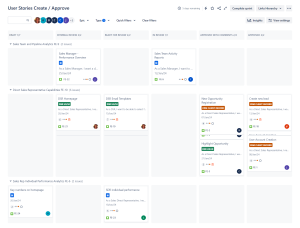
Epics, user stories, and acceptance criteria link directly to Confluence specs and technical documentation.
Aligned Planning and Execution
Roadmaps, sprint planning, and backlog refinement follow a consistent model, reducing confusion and avoiding process drift.
Built-in Quality and Release Readiness
Testing tasks, QA workflows, and release checklists ensure that work meets quality standards before deployment.
Right Level of Detail for Each Role
Developers see actionable work, managers get progress and risk insights, and executives see high-level milestones without noise.
Who will use Software Project Template with Jira and Confluence
- Developers – Work from clearly defined issues and technical documentation.
- Product Owners – Manage backlog prioritization, acceptance criteria, and release goals.
- Scrum Masters / Agile Coaches – Support sprint ceremonies, workflows, and team effectiveness.
- Architects – Document system designs, decisions, and component relationships in Confluence.
- QA & Testers – Track testing tasks, link defects to stories, and validate readiness.
- Project & Program Managers – Monitor progress, risks, milestones, and cross-team coordination.
- Executives – Review high-level program status and roadmap alignment.
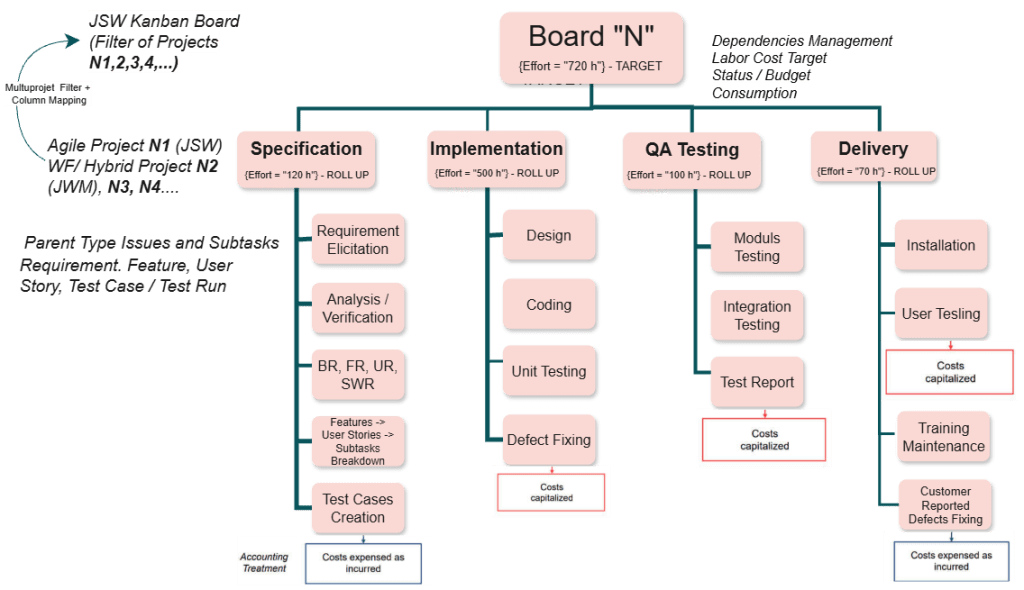
Software project in Jira + Agile accounting (Capex / Opex)
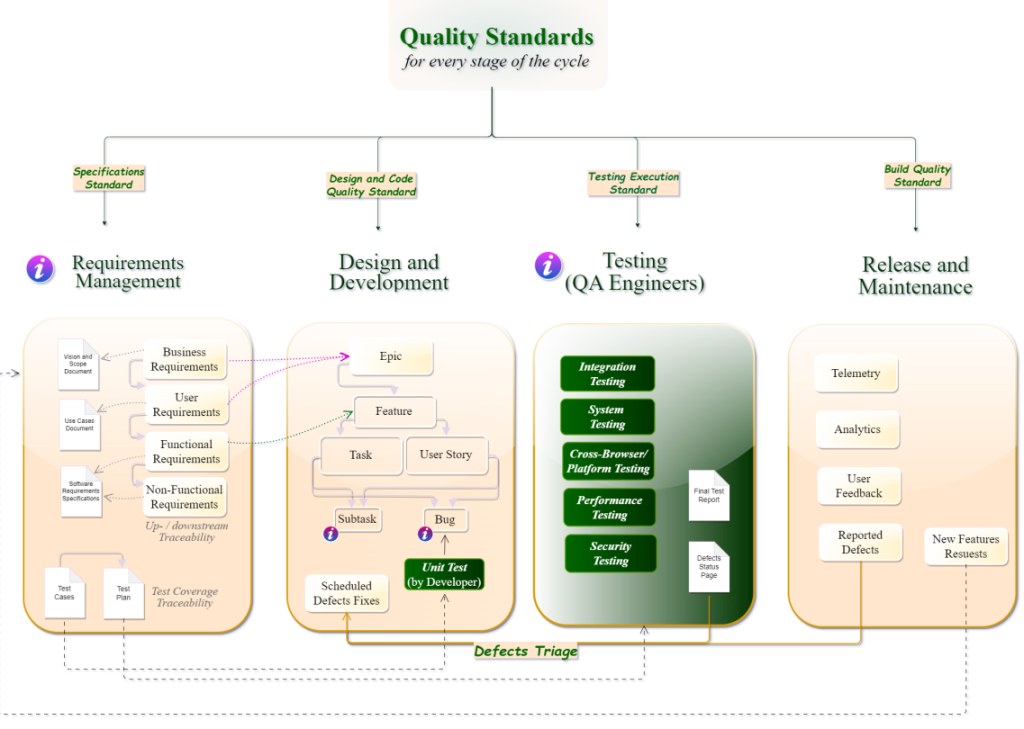
Agile delivery and software project management - best practices
What is included in the Software Project Template with Jira and Confluence
- Standard Jira Project Structure – Epics, stories, tasks, bugs, spikes, and technical tasks.
- Pre-Configured Workflows – States for development, review, testing, and deployment with built-in quality gates.
- Backlog & Prioritization Models – Templates for sizing, prioritizing, and structuring work.
- Roadmap View (Advanced Roadmaps optional) – High-level timeline for features, dependencies, and releases.
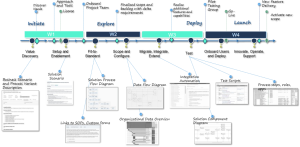
- Documentation Hub in Confluence – Requirements, functional specs, architecture diagrams, API docs, and decision logs.
- Sprint & Kanban Boards – Configured to support Scrum or Kanban execution.
- Release Management Pages – Checklists, release notes templates, and deployment readiness assessments.
- Risk & Issue Logs – Jira issue types for risks with probability/impact scoring and mitigation plans.
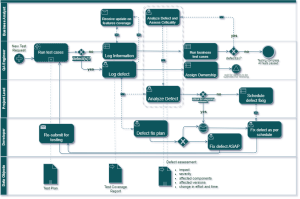
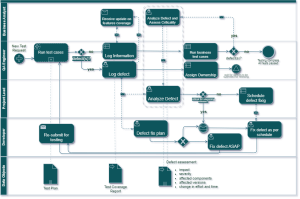
- QA & Testing Workflow – Test execution tasks, test plans, defect tracking, and traceability.
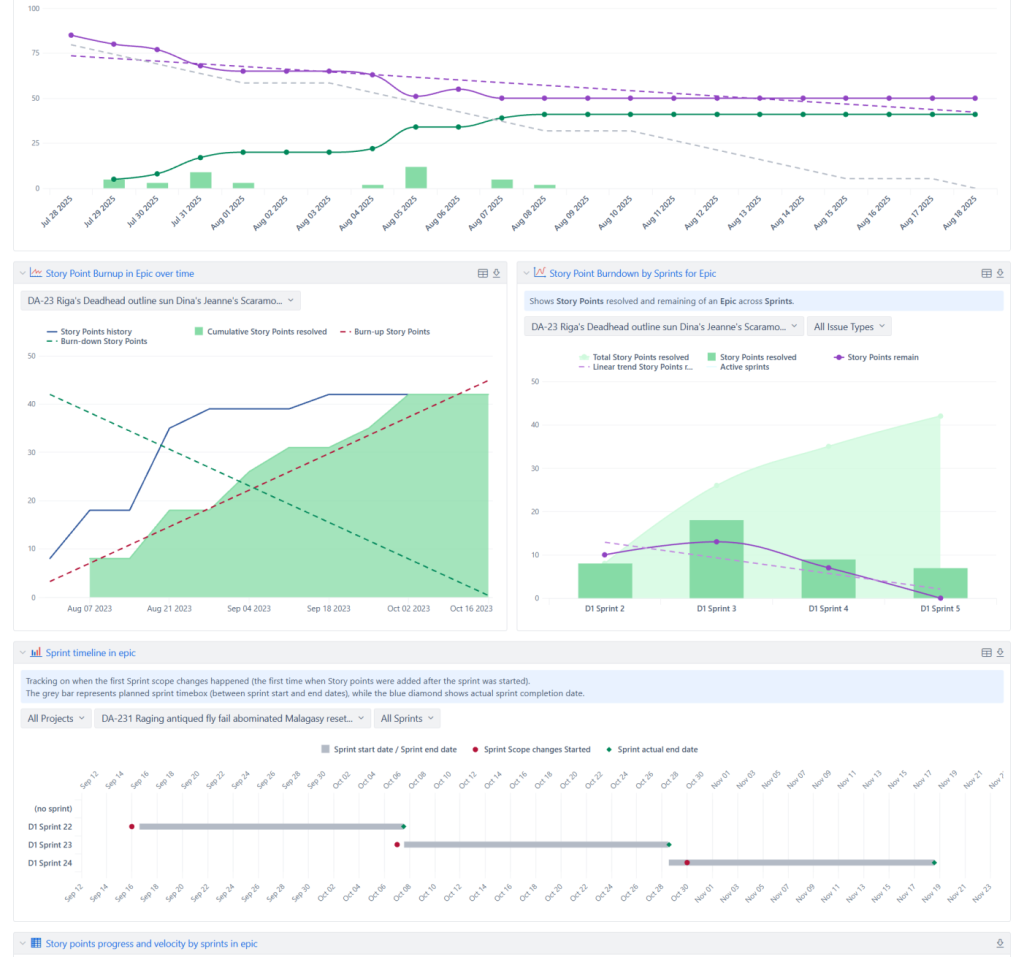
- EazyBI Dashboards – Velocity, burndown, lead time, cycle time, scope changes, and release predictability.
- Automation Rules – Auto-assignments, notifications, transitions, and quality checks.
- Template Repository – Confluence templates for meetings, refinements, retrospectives, and technical notes.
This Template is an Integrated Part of Solution:
Project and Program Management in Jira, Confluence and EazyBI
Run hybrid, Agile, and classic projects in Jira. Combine Jira...
Read MoreTemplates that Integrate with Software Project Template with Jira and Confluence Template
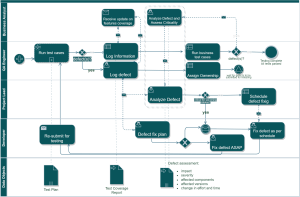
Technical Debt Management Template
Template Technical Debt Management with Atlassian Jira Identify, track, prioritize,...
Read MoreTimesheet Template with Atlassian Jira
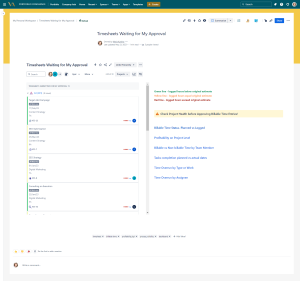
Track work hours, approvals, and project time allocation with the...
Read MoreShared Kanban Boards Template with Atlassian Jira
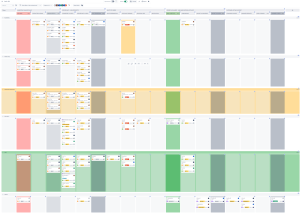
Template Shared Kanban Boards Template with Atlassian Jira Standardize how...
Read MoreDeveloper Metrics and Report Template
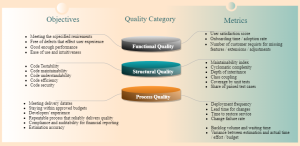
Template Developer Metrics and Report Template for Atlassian Track engineering...
Read MoreJira Project Status Report Template
Create automated, real-time project status reports with the Jira and...
Read MoreConsulting Services Related to Software Project Template with Jira and Confluence
Standard Operating Procedure (SOP) Development Services
Consulting Services SOP Development Services Standard Operating Procedures integrated into...
Read MoreProcess Modelling and Diagramming

Atlassian Solution Enterprise Architecture & CMDB with Jira Service Management...
Read MoreFAQ about the Software Project Template with Jira and Confluence

Yes. The template includes board configurations for Scrum, Kanban, or hybrid workflows.
Yes. Confluence pages containing Documentation link directly to Jira issues, ensuring specs and decisions remain connected to work items.
Yes. The structure is reusable and scalable, allowing many teams to work consistently while staying aligned.
Yes. Release notes can be generated from completed Jira issues and published to Confluence.
Yes. Metrics like defect trends, failed tests, and rework can be viewed in dashboards.
Yes. Git, CI/CD, testing tools, and design tools can all be linked to Jira or Confluence.