Financial Report Template with Jira and EazyBI
Track financial performance, cost variance, project profitability, and portfolio spending—fully automated using Jira data and EazyBI dashboards.
The Financial Report Template with Jira and EazyBI provides a complete framework for financial visibility across projects, services, teams, and portfolios. It uses time logs, hourly rates, expense records, budgets, forecasts, and work item data to generate real-time financial insights.
Dashboards update automatically, enabling finance teams, managers, and executives to monitor margins, cost trends, and performance without spreadsheets or manual consolidation.
Why you need a Financial Report Template with Jira and EazyBI
Real-Time Financial Visibility
Costs, hours, burn rate, and margins update automatically based on logged time, vacation, and project activity in Jira.
Unified Cost and Effort Model
Rates, work logs, expenses, and project scope all follow a single data model—no external reconciliation required.
Accurate Margin and Profitability Tracking
Gross margin, cost of delivery, billable utilization, and profitability are computed directly from Jira and EazyBI.
Forecasting and Budget Control
Compare planned vs. actual costs, adjust forecasts, and detect financial risk early.
Cross-Portfolio Financial Comparisons
View financial performance by team, customer, service type, or project category.
Executive-Ready Financial Dashboards
Visual summaries of cost trends, profitability, burn rate, and variance designed for leadership decision-making.
Who will use a Financial Report Template with Jira and EazyBI
- Finance & Controlling Teams – Monitor costs, margins, utilization, and budget adherence.
- Project Managers – Track budget burn, planned vs. actual effort, and financial risks.
- Executives – Review profitability and cost performance across teams and portfolios.
- Delivery Leads & Engineering Managers – Understand financial impact of work allocation and team utilization.
- HR & Workforce Planning Teams – Monitor cost trends tied to capacity, rates, and vacation usage.
- Sales Teams – Validate deal profitability and monitor cost-to-deliver once work begins.
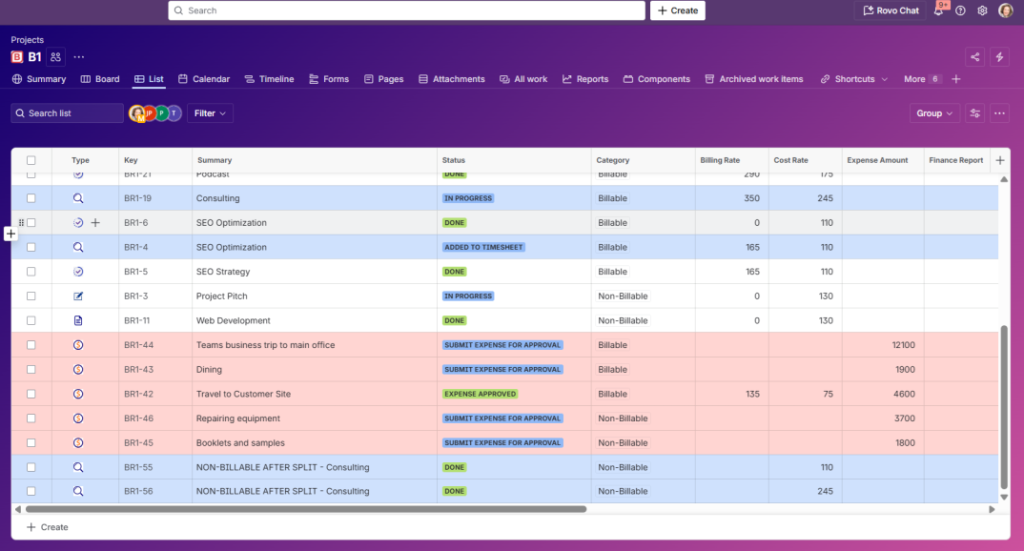
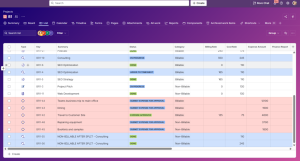
Jira Work Management project that includes costs submission and approval workflow
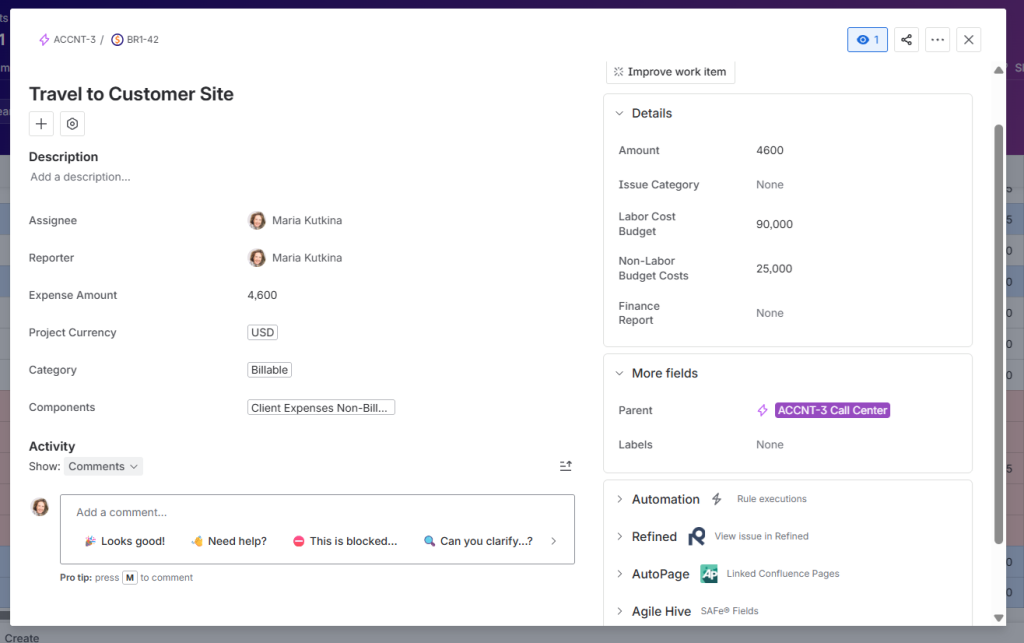
Jira work item with custom fields for expense / cost submission
What is included into a Financial Report Template with Jira and EazyBI
- Cost Calculation Model – Combine hourly rates, time logs, and work types into accurate cost calculations.
- Budget & Forecast Fields – Planned cost, estimated effort, revenue targets, and forecasted margins.
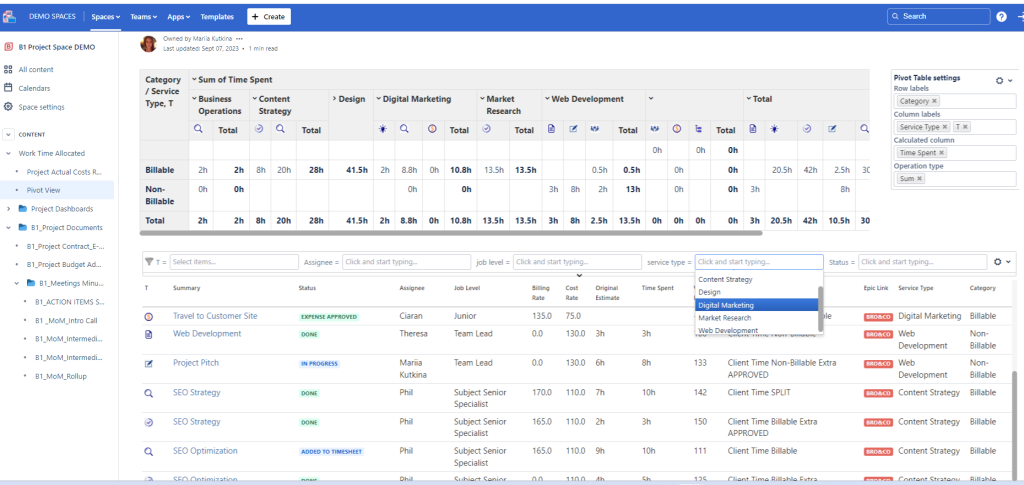
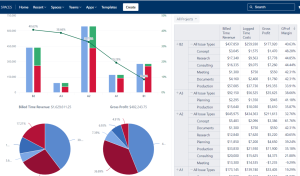
- Project Financial Dashboard – Cost burn, planned vs. actual, margin trends, risk indicators.
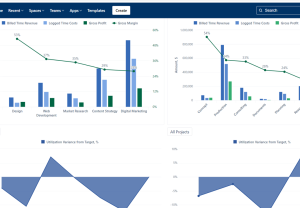
- Portfolio Financial Dashboard – Compare cost performance and profitability across projects or service lines.
- Utilization Dashboard – Billable utilization, productive vs. non-productive time, capacity impact.
- Work Type Cost Allocation – Track cost by categories (billable, internal, training, maintenance, support).
- Expense & Operational Cost Tracking – Optional fields for non-labor expenses and overhead contribution.
- Variance Reports – Deviations in cost, scope, and timeline translated into financial impact.
- Revenue Modeling (Optional) – Pull planned or actual revenue data for profitability analysis.
- Automated Timesheet Integration – Logged time flows directly into cost calculations with no manual work.
- Vacation & Leave Cost Impact – Time off is included in labor cost models and utilization calculations.
- Labor Rate & Cost Center Mapping – Track financials by team, region, seniority, or cost unit.
This Template is an Integrated Part of Solution:
Finance ERP Jira (Finance Operations on Atlassian Jira)
Finance ERP on Atlassian Jira to streamline financial workflows, manage...
Read MoreTemplates that Integrate with Financial Report Template with Jira and EazyBI
Timesheet Template with Atlassian Jira
Track work hours, approvals, and project time allocation with the...
Read MoreResource and Capacity Management Template
Template Resource and Capacity Management Template Plan, forecast, and track...
Read MoreExpenses Submission and Approval Process Template
Template Expenses Submission and Approval Process Streamline expense management with...
Read MoreAgile Accounting and Dev Time Capitalization Template
Template Agile Accounting and Dev Time Capitalization Template Track development...
Read MoreObjective and Key Results (OKR) Template
Template Objectives and Key Results (OKR) Set ambitious goals, align...
Read MorePortfolio Performance Report Template
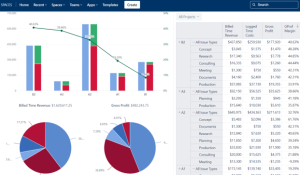
Template Portfolio Performance Report Template for Atlassian Track portfolio health,...
Read MoreSales and Marketing Report Template for Atlassian Jira and Confluence
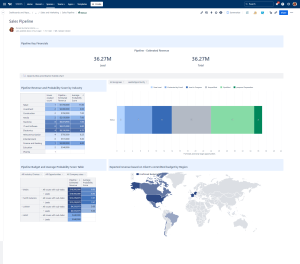
Track campaigns, leads, opportunities, and performance with the Sales and...
Read MoreJira Project Status Report Template
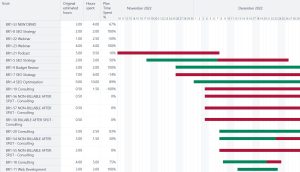
Create automated, real-time project status reports with the Jira and...
Read MoreHuman Capital Report Template with Jira and EazyBI
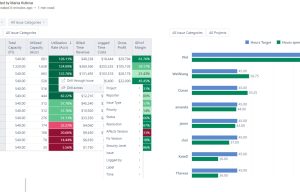
Track skills, performance, utilization, learning, and workforce health with the...
Read MoreConsulting Services Related to a Financial Report Template with Jira and EazyBI
Standard Operating Procedure (SOP) Development Services
Consulting Services SOP Development Services Standard Operating Procedures integrated into...
Read MoreFrequently Asked Questions about Financial Report Template with Jira and EazyBI

Yes. Financial fields and dashboards can be permission-restricted so only authorized users can access cost or rate information.
Dashboards typically refresh daily, but update frequency can be adjusted depending on your EazyBI setup.
Yes. Service delivery work can be grouped into profitability dashboards by category or service line.
Yes. Cost center and team fields allow comparisons across any organizational dimension.
Yes. Reports can be exported as PDFs, Excel files, or embedded in Confluence pages.