Timesheet Template with Atlassian Jira
Track work hours, approvals, project cost, and utilization directly inside Jira—with automated workflows, dashboards, and integrations.
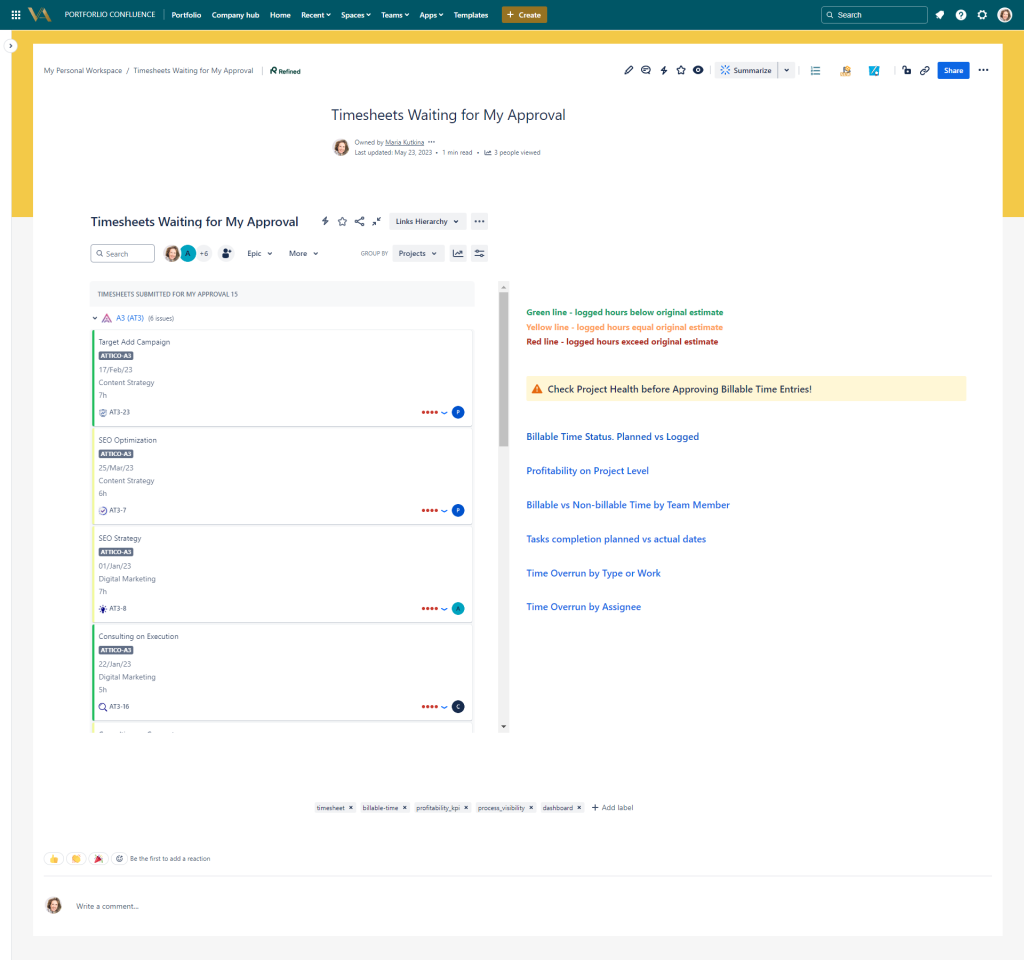
The Timesheet Template with Atlassian Jira provides a unified and automated way to record work hours, route approvals, calculate project costs, and support billing or internal reporting. Timesheets pull work logs directly from Jira issues, apply hourly rate models, and link to capacity planning, vacation tracking, and financial dashboards. Approvers receive a clear Kanban-style view of pending timesheets, ensuring smooth review cycles and accurate cost allocation.
Why you need a Timesheet Template with Atlassian Jira
Single Data Model for Time Tracking
All time logs, approvals, project hours, and costs live in Jira, eliminating manual consolidation or external trackers.
Automated Approval Workflow
Timesheets are routed to managers automatically, reducing delays and ensuring compliance.
Accurate Cost and Budget Control
Hourly rate data is applied automatically, helping finance teams track burn rate and project profitability.
Support for Multiple Work Types
Billable, non-billable, overtime, maintenance, training, internal work, and more are captured consistently.
Connected to Capacity & Utilization
Logged hours feed directly into utilization dashboards and capacity models for better workload forecasting.
Real-Time Visibility for Managers
Managers see who logged what, how much, and which tasks are trending over or under planned effort.
Who will use a Timesheet Template with Atlassian Jira
- Employees – Log daily or weekly time quickly and accurately.
- Managers – Review timesheets, validate hours, and monitor team allocation.
- Finance & Controlling – Track labor costs, budget consumption, and profitability.
- Project Managers – Compare planned vs. actual hours and detect early deviations.
- Executives – Monitor overall workforce allocation and cost efficiency.
- HR Teams – Analyse overtime, sick leave, and time allocation patterns.
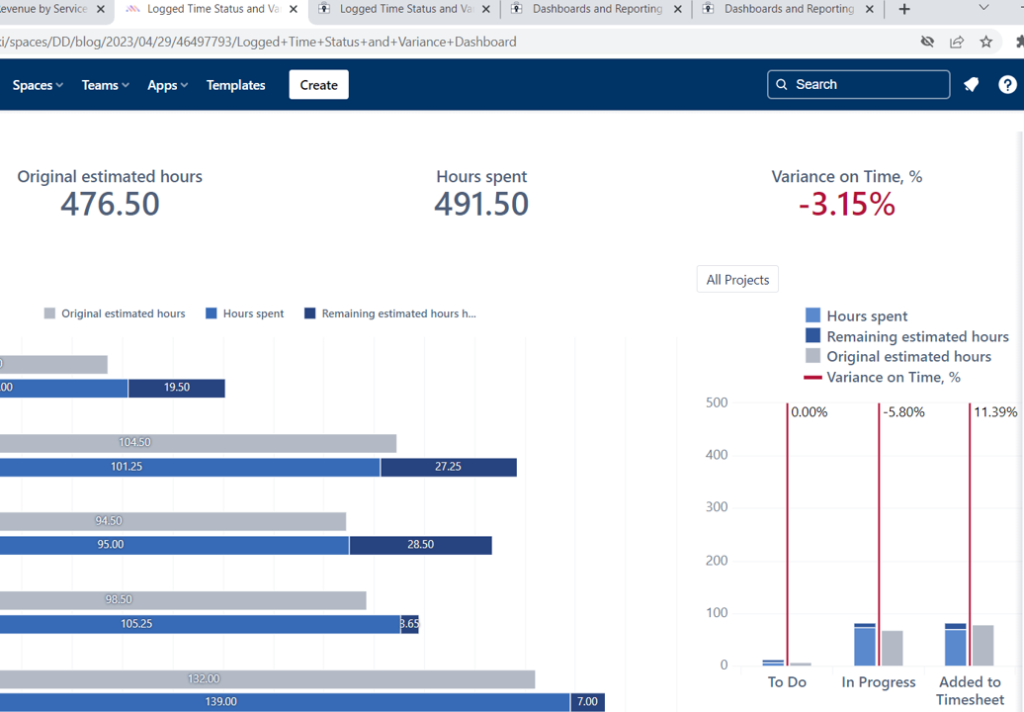
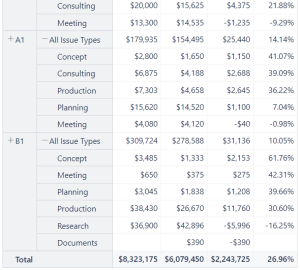
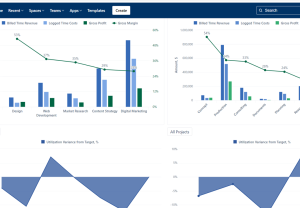
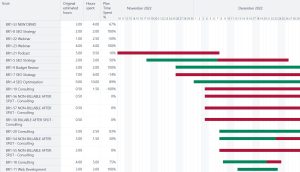
Time logged in Jira: original estimate vs actual time spent analysis on project / team level
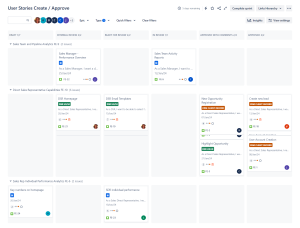
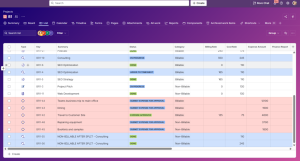
Timesheets approval Kanban in Manager's personal workspace
What is included in the Timesheet Template with Jira
- Timesheet Worklog Structure – A unified system for logging hours across all Jira issue types.
- Approval Workflow – Automated routing of timesheets to reviewers, with Kanban-style status tracking.
- Hourly Rate Cost Model – Automatic calculation of cost per project or team based on employee rate fields.
- Billable & Non-Billable Categories – Clear distinction for customer billing or internal reporting.
- Weekly & Monthly Timesheet Views – Structured overviews for employees and managers.
- Vacation Integration – Approved leave automatically generates timesheet entries to ensure complete reporting.
- Reminder Automations – Notifications for unsubmitted or overdue timesheets.
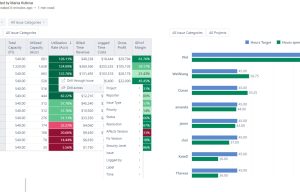
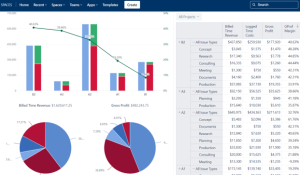
- Utilization & Capacity Dashboards – EazyBI dashboards showing total hours, allocation, workload, and team balance.
- Approval Kanban Board – Managers review pending approvals visually for faster cycle times.
- Audit Trail – Full history of submissions, edits, approvals, and rejections.
- Support for Overtime, Training & Internal Work – Dedicated categories and reporting fields.
This Template is an Integrated Part of Solution:
Finance ERP Jira (Finance Operations on Atlassian Jira)
Finance ERP on Atlassian Jira to streamline financial workflows, manage...
Read MoreTemplates that Integrate with the Atlassian Jira Timesheet Template
Vacation Balance Tracking
Template Vacation Balance Tracking Template Track vacation balances, approvals, and...
Read MoreResource and Capacity Management Template
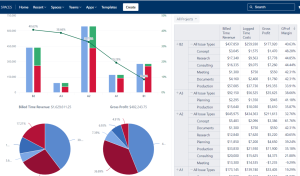
Template Resource and Capacity Management Template Plan, forecast, and track...
Read MoreExpenses Submission and Approval Process Template
Template Expenses Submission and Approval Process Streamline expense management with...
Read MoreAgile Accounting and Dev Time Capitalization Template
Template Agile Accounting and Dev Time Capitalization Template Track development...
Read MorePortfolio Performance Report Template
Template Portfolio Performance Report Template for Atlassian Track portfolio health,...
Read MoreJira Project Status Report Template
Create automated, real-time project status reports with the Jira and...
Read MoreFinancial Report Template
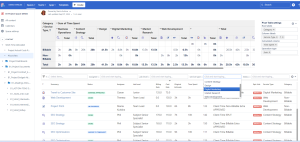
Monitor cost, margins, utilization, and profitability with Financial Report Template...
Read MoreConsulting Services Related to Atlassian Jira Timesheet Template
Standard Operating Procedure (SOP) Development Services
Consulting Services SOP Development Services Standard Operating Procedures integrated into...
Read MoreProcess Modelling and Diagramming
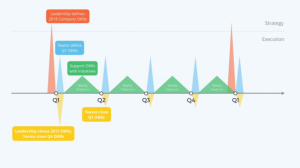
Atlassian Solution Enterprise Architecture & CMDB with Jira Service Management...
Read MoreHuman Resources Strategy Services
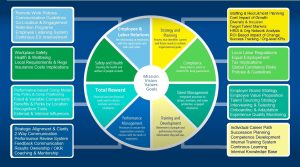
Unlock workforce insights with Human Capital Analytics services. Optimize talent...
Read MoreFrequently Asked Questions about the Timesheet Template with Atlassian Jira

Yes. The process can be configured to match organizational structures and internal policies.
Yes. Recurring tasks can automatically populate suggested hours, reducing manual entry for routine work.
Yes. Contractors can be granted limited access to submit work logs while keeping financial or internal data hidden from them.
Yes. Employees can submit correction requests through a dedicated JSM form, and managers can approve changes without disrupting reporting.
Yes. Time logging can be disabled for specific projects or issue types when tracking is not needed or permitted.
Yes. Dedicated categories for unplanned, support, or emergency work allow accurate reporting without cluttering project structures.
Yes. Validation rules can enforce daily or weekly hour limits to comply with policy or labour regulations.
Yes. Aggregated or anonymised reports can be created for research, compliance, or organisational insights.