

Shared Kanban Boards Template with Atlassian Jira
Standardize how work flows across teams with shared Kanban boards in Jira—one way of working, many teams, full transparency.
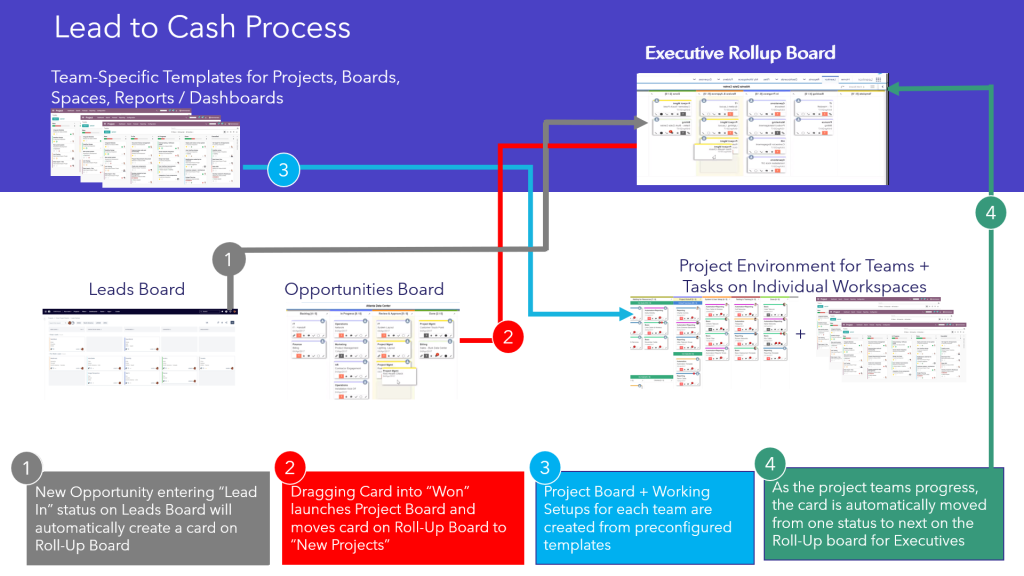
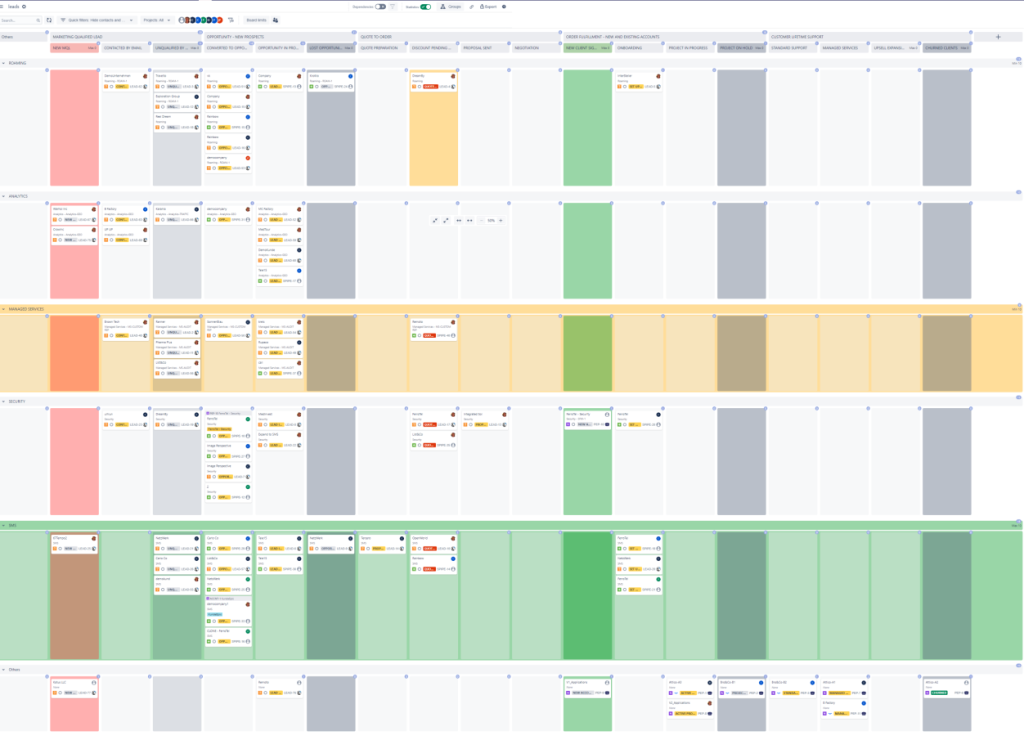
The Shared Kanban Boards Template with Atlassian Jira provides a repeatable setup for Kanban boards that can be reused across multiple teams, projects, and services. Each board follows the same structure—columns, swimlanes, WIP limits, card fields, and SLAs—so everyone works in a consistent way while still being able to filter, slice, and personalize views. This template is ideal for organizations that want alignment across delivery, support, operations, and business teams while keeping all work logged as Jira issues.
Why you need a Shared Kanban Boards Template with Jira
One Way of Working Across Teams
Standardized columns, workflow states, and policies make it easier to collaborate, move between teams, and scale best practices.
End-to-End Visibility of Work in Progress
All tasks, requests, and improvements are visible on shared boards, making bottlenecks and blockers immediately clear.
Easier Cross-Team Collaboration
Common Kanban patterns allow teams to see dependencies, handoffs, and shared work items without jumping between tools.
Support for Multiple Work Types
Feature delivery, incidents, service requests, improvements, and operational tasks can all be visualised on the same or related boards.
Scalable Template for New Teams
New teams inherit proven Kanban configurations from day one, reducing setup time and onboarding effort.
Different Levels of Detail for Different Viewers
Team members can see granular task details, while managers and executives can switch to higher-level summaries or filtered views—ensuring each viewer sees the right level of detail without clutter.
Consulting Service that Supports KPI development and Implementation:
Who will use Shared Kanban Boards Template with Atlassian Jira
- Product & Development Teams – Manage feature flow, bugs, and tech tasks.
- Service & Support Teams – Track incoming requests, incidents, and service operations.
- Operations & Backoffice Teams – Visualize repetitive, ongoing work and internal requests.
- Marketing, Sales & Business Teams – Manage campaigns, pipelines, and internal deliverables.
- Project & Program Managers – Oversee work across multiple teams using common views.
- Leadership & Stakeholders – Get a consistent picture of flow, bottlenecks, and delivery health.
Shared Kanban Boards Template with Atlassian Jira
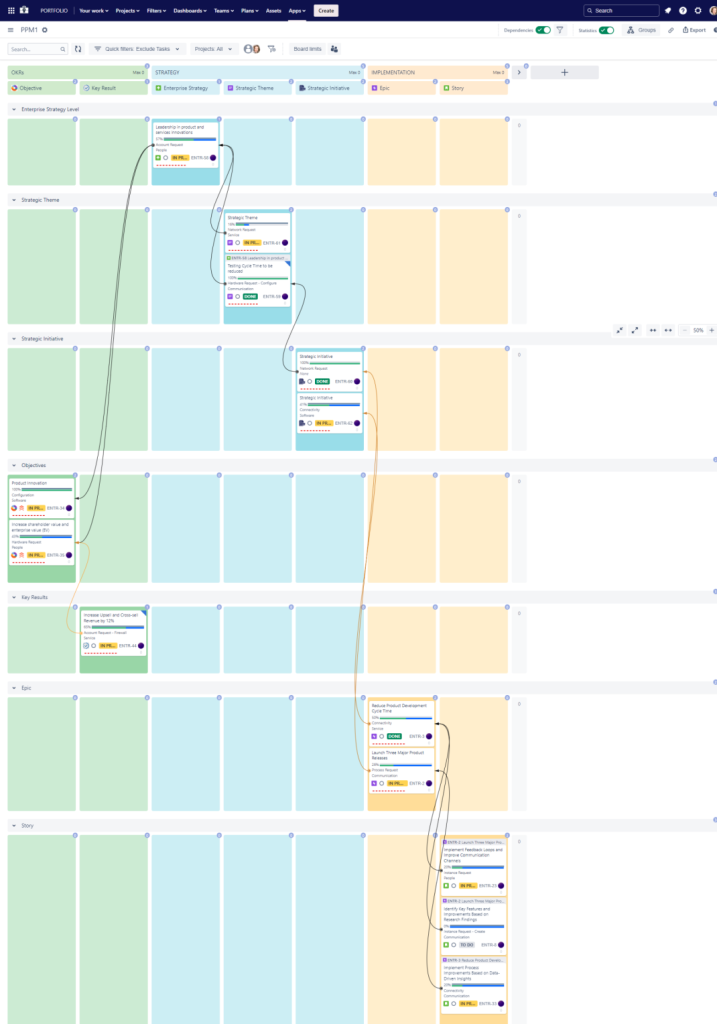
Atlassian Jira Kanban Board for OKR Tracking
What is included in Shared Kanban Boards Template with Atlassian Jira
- Standard Kanban Workflow – Configured Jira workflow with clear stages (e.g., To Do, In Progress, In Review, Waiting, Done).
- Shared Column & Swimlane Structure – Common board layout reused across teams for familiarity and consistency.
- Work-In-Progress (WIP) Limit Configuration – WIP limits at column or swimlane level to reduce overload and encourage flow.
- Card Configuration Template – Predefined fields on cards (priority, type, requester, assignee, due date, tags) for all boards.
- Filter-Based Board Definitions – Shared JQL queries to define which issues appear on each board by team, service, or portfolio.
- Dependency & Blocker Indicators – Visual cues on cards to highlight blocked items and upstream/downstream dependencies.
- Policies & Definition of Done – Confluence pages linked to boards that define working agreements, policies, and acceptance criteria.
- Service-Level Indicators (Optional) – SLAs and aging indicators displayed directly on Kanban cards.
- Metrics & Flow Dashboard – EazyBI or Jira reports on throughput, cycle time, WIP, blocked work, and lead time trends.
- Board Templates for Different Teams – Variants for delivery teams, service teams, and business teams—all sharing a core structure.
- Scaling Support – Option to roll shared boards up into portfolio-level or program-level summary views.
This Template is an Integrated Part of Solution:
Project and Program Management in Jira, Confluence and EazyBI
Run hybrid, Agile, and classic projects in Jira. Combine Jira...
Read MoreTemplates that Integrate with Shared Kanban Boards Template with Jira
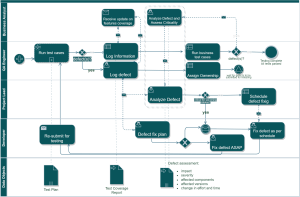
Technical Debt Management Template
Template Technical Debt Management with Atlassian Jira Identify, track, prioritize,...
Read MoreTimesheet Template with Atlassian Jira
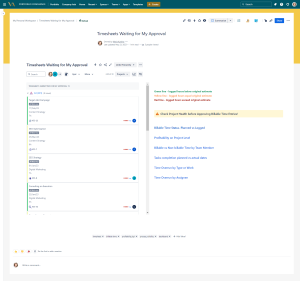
Track work hours, approvals, and project time allocation with the...
Read MoreExpenses Submission and Approval Process Template
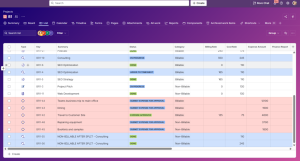
Template Expenses Submission and Approval Process Streamline expense management with...
Read MoreObjective and Key Results (OKR) Template
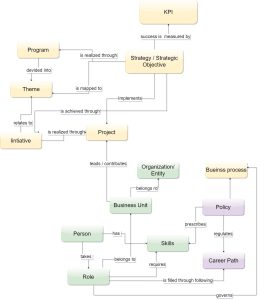
Template Objectives and Key Results (OKR) Set ambitious goals, align...
Read MorePortfolio Performance Report Template
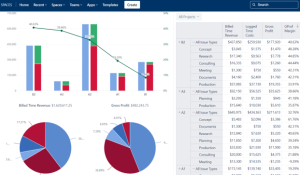
Template Portfolio Performance Report Template for Atlassian Track portfolio health,...
Read MoreDemand Management Template
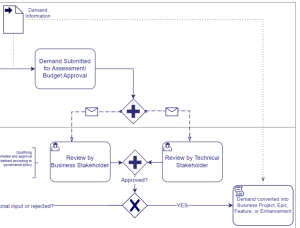
Template Demand Management Template Capture, evaluate, prioritize, and approve business...
Read MoreDeveloper Metrics and Report Template
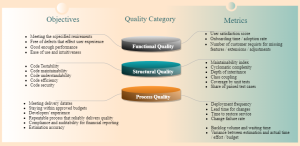
Template Developer Metrics and Report Template for Atlassian Track engineering...
Read MoreSoftware Project Template with Jira and Confluence
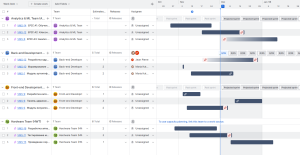
Template Software Project Template with Jira and Confluence Plan, execute,...
Read MoreFAQ about Shared Kanban Boards Template with Atlassian Jira

Yes. The core structure remains consistent, but teams can use filters, swimlanes, and quick filters to focus on their own scope while still following the shared model.
Yes. Boards can be driven by JQL filters that span multiple projects, making it easy to see cross-team work in one place.
Yes. The setup is work-type agnostic, so it can be used by technical, operational, and business teams project management with the same workflow concepts.
Yes. Board visibility and underlying project permissions can be adjusted so only appropriate users see sensitive work.